


Buddy Music is a music player with a genre picker. The interface is in Russian and dark. The first screen has a large play button, with a “Настроить” button under it, and a heart and a search icon in the top corners.
First steps
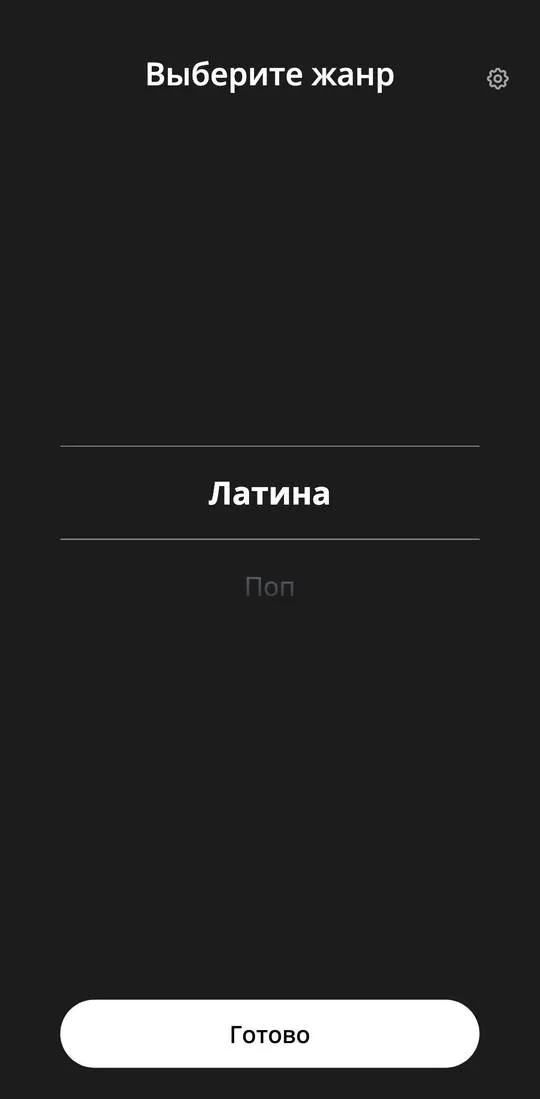
- Tap “Настроить” on the main screen. The “Выберите жанр” screen opens with a drum-style list and a “Готово” button at the bottom.
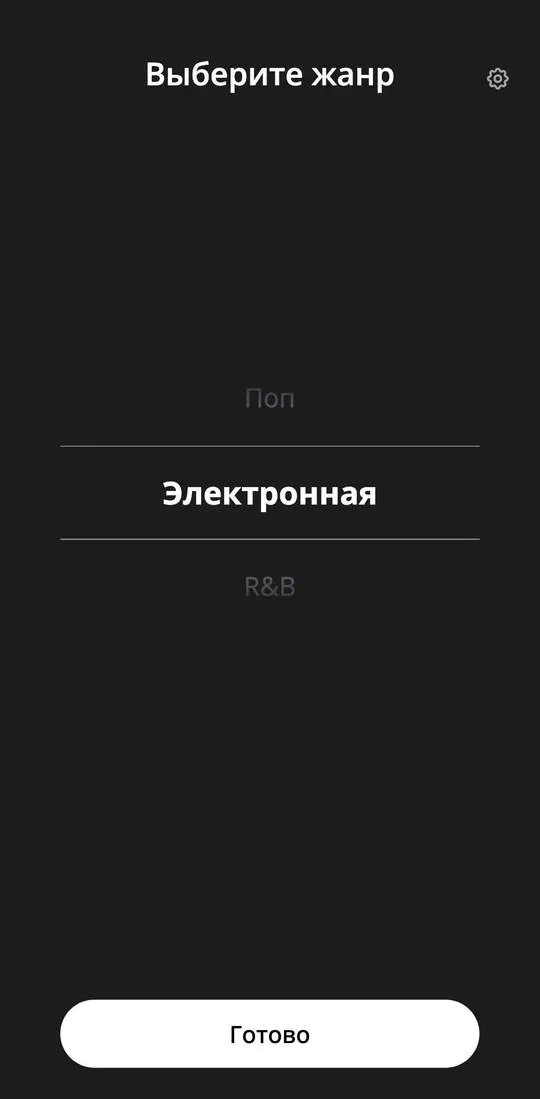
- Scroll the drum: the centre shows “Латина” first, then “Поп”, “Электронная”, “R&B”.
What costs money
The screens seen show no prices.
Where things are

- Main screen: the play button, “Настроить”, the heart, search.
- “Выберите жанр”: the drum with genres, “Готово”, a gear to the right of the heading.
- “Настройки”: two switches, “Тема” captioned “Темная тема” and “Анимации” captioned “Включить плавные анимации в приложении”.
Not checked
- The “Готово” button and what plays after a genre is chosen.
- The play button on the main screen.
- The heart and search.
- Whether the app has a subscription or payment.