


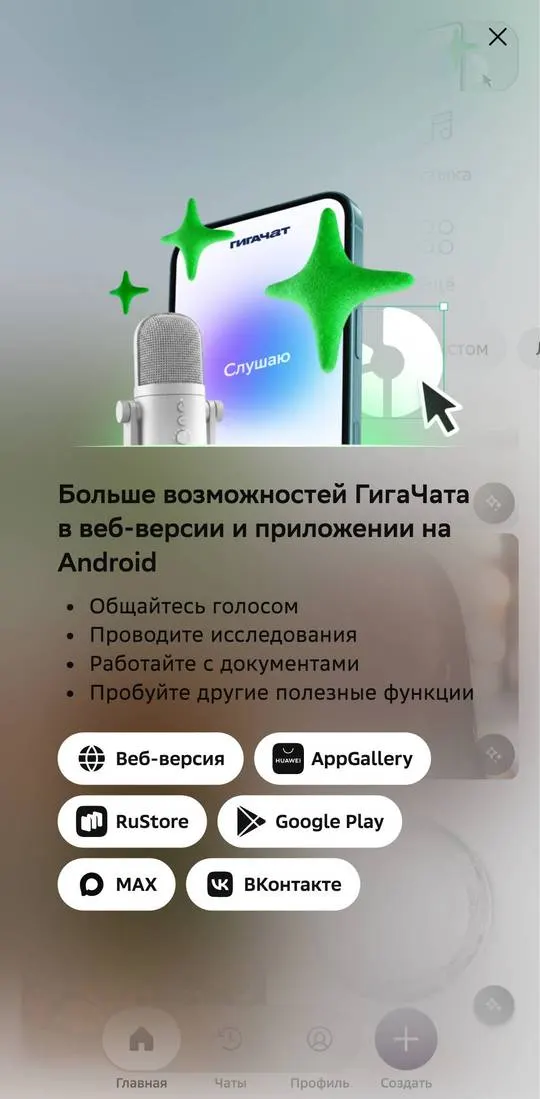
GigaChat is a Russian-language assistant for text, images, video and music. The interface is in Russian. Four tabs run along the bottom: «Главная», «Чаты», «Профиль» and a round «Создать» button.
First steps
At the top of «Главная» there are tiles «Изображения», «Видео», «Музыка», «Текст», «Открытки» and «Ещё». Below them are the filters «Все», «Избранное», «Животные», «С текстом» and a feed of ready-made pictures.
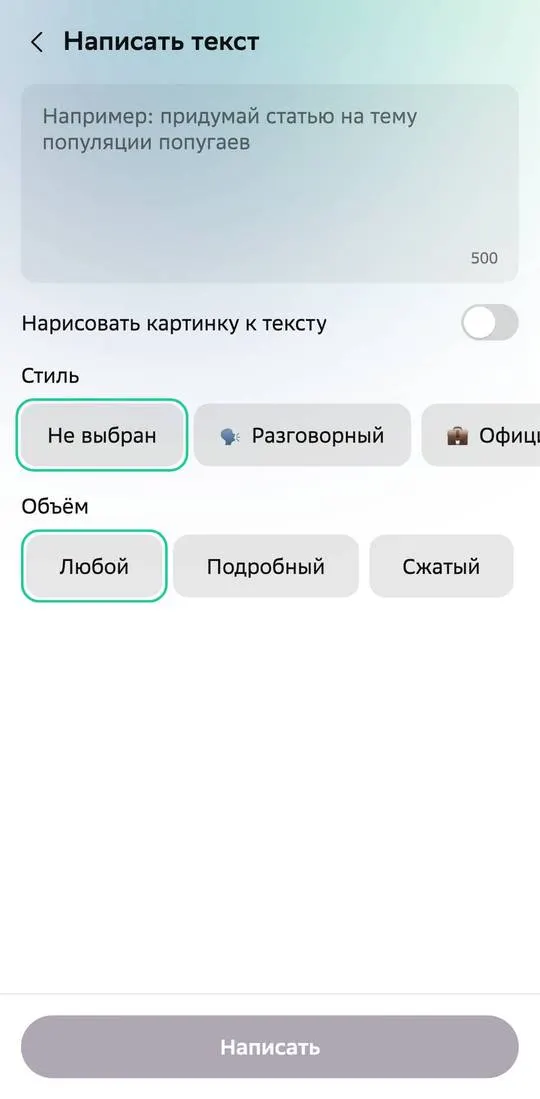
The «Создать» button opens a menu of six items: «Нарисовать изображение», «Редактировать изображение», «Создать видео», «Создать трек», «Написать текст», «Сочинить стих». The «Написать текст» screen has a prompt field limited to 500 characters with the example «придумай статью на тему популяции попугаев», a «Нарисовать картинку к тексту» switch, a choice of style and length («Любой», «Подробный», «Сжатый») and a «Написать» button.
What costs money
The screens seen show no prices, credits or plans.
Where things are
- «Чаты»: an empty list reading «У вас ещё нет чатов» with a «Новый чат» button; a caption suggests signing in by phone number to restore history.
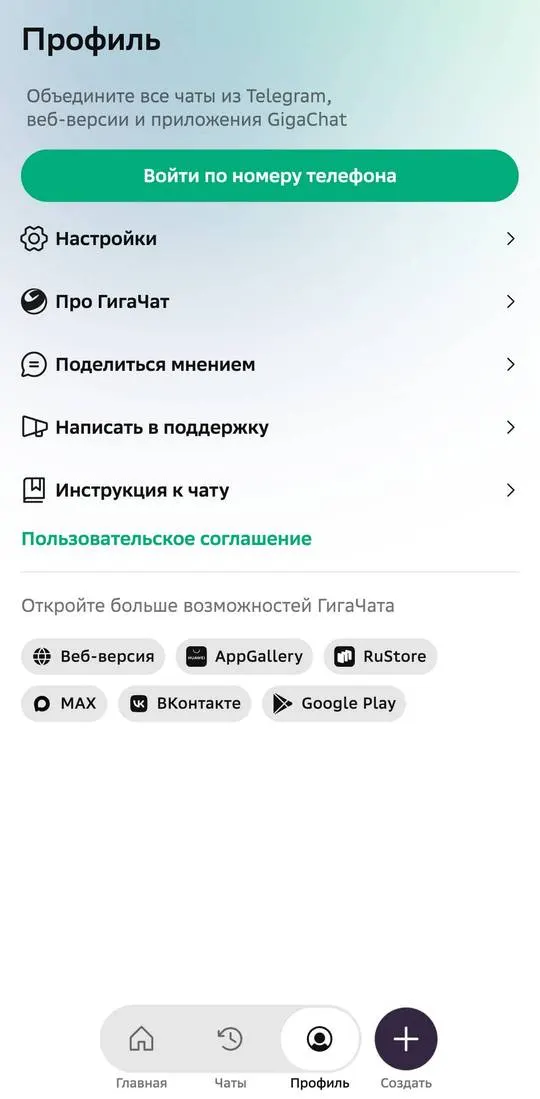
- «Профиль»: a «Войти по номеру телефона» button, explained as merging chats from Telegram, the web version and the app; items «Настройки», «Про ГигаЧат», «Поделиться мнением», «Написать в поддержку», «Инструкция к чату».
- «Настройки»: switches «Push-уведомления», «Подсказки для запросов», «Использование памяти» and a «Управлять» button next to the facts GigaChat has remembered.
Not checked
- Signing in by phone number.
- Generation results: text, image, video and track were not launched.
- Whether there are request limits and paid plans.
- The tabs «Видео», «Музыка», «Текст», «Открытки», «Ещё».