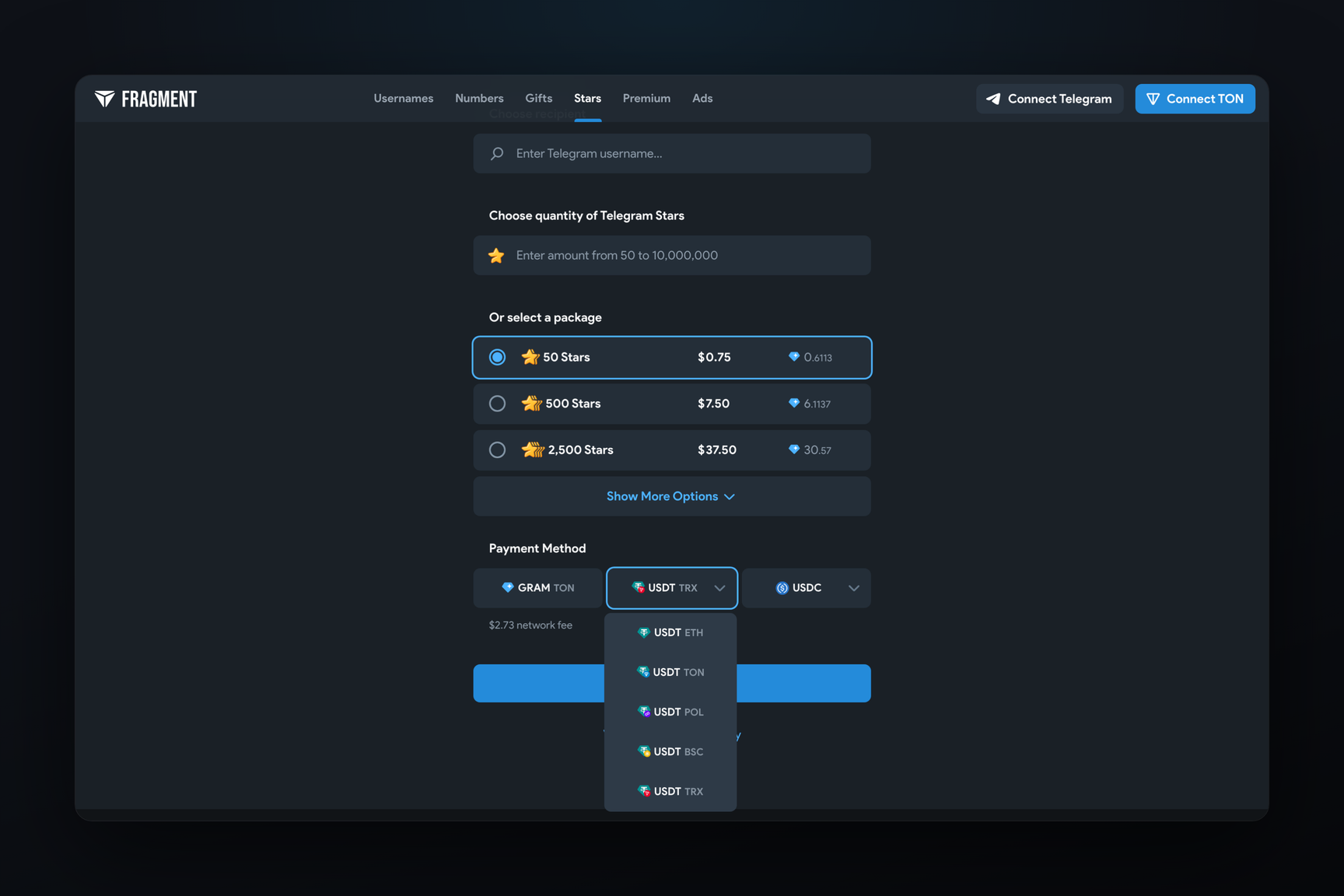
Fragment now accepts USDT on two more networks. On November 3, payments in TRON went live on the production site, a day after they were tested on staging servers, and on November 5 BNB Smart Chain followed (BSC, formerly Binance Smart Chain). Both networks are available on the Stars purchase page and on the Premium gift page. This matters to anyone holding USDT on TRON or BSC: there is no longer any need to bridge it to another network before paying.
Which networks Fragment accepts
The stablecoin tabs are now grouped into two dropdowns, USDT and USDC. As of November 12, the payment form offers:
| Currency | Networks |
|---|---|
| Gram (tab labelled "GRAM") | TON |
| USDT | Ethereum, TON, Polygon, BSC, TRON |
| USDC | Ethereum, Base, Polygon |
The price does not depend on the network: 50 Stars cost $0.75 on any tab. When TRON is selected, a line reading "$2.73 network fee" appears under the tabs: the network fee in dollars. Whether it is added to the invoice cannot be told from the page: the invoice amount is only shown after logging in with Telegram.
How it reached the production site
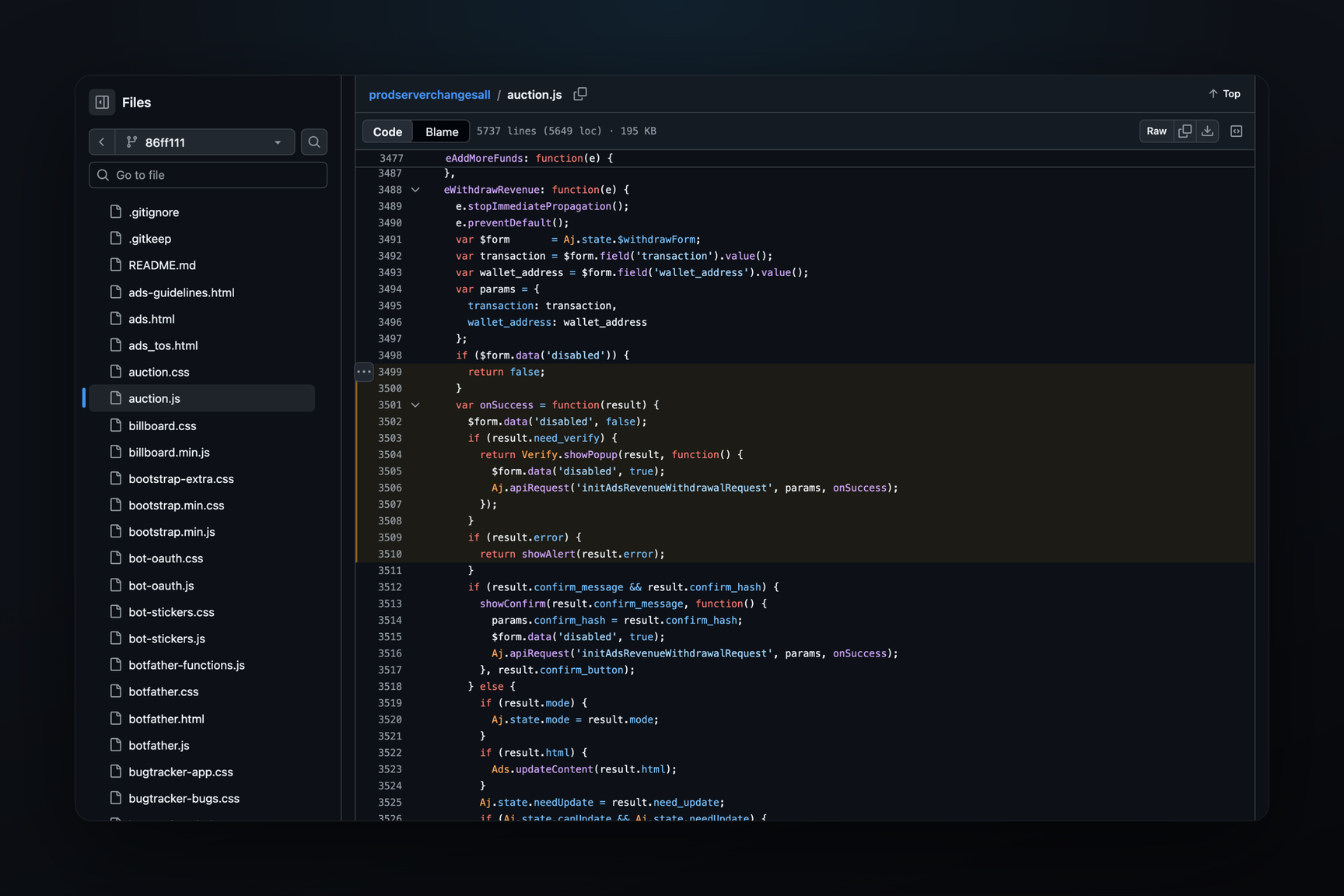
Fragment's script and stylesheet are saved to an archive of the production site on every change. It shows the sequence (times in UTC):
| Date and time | What changed |
|---|---|
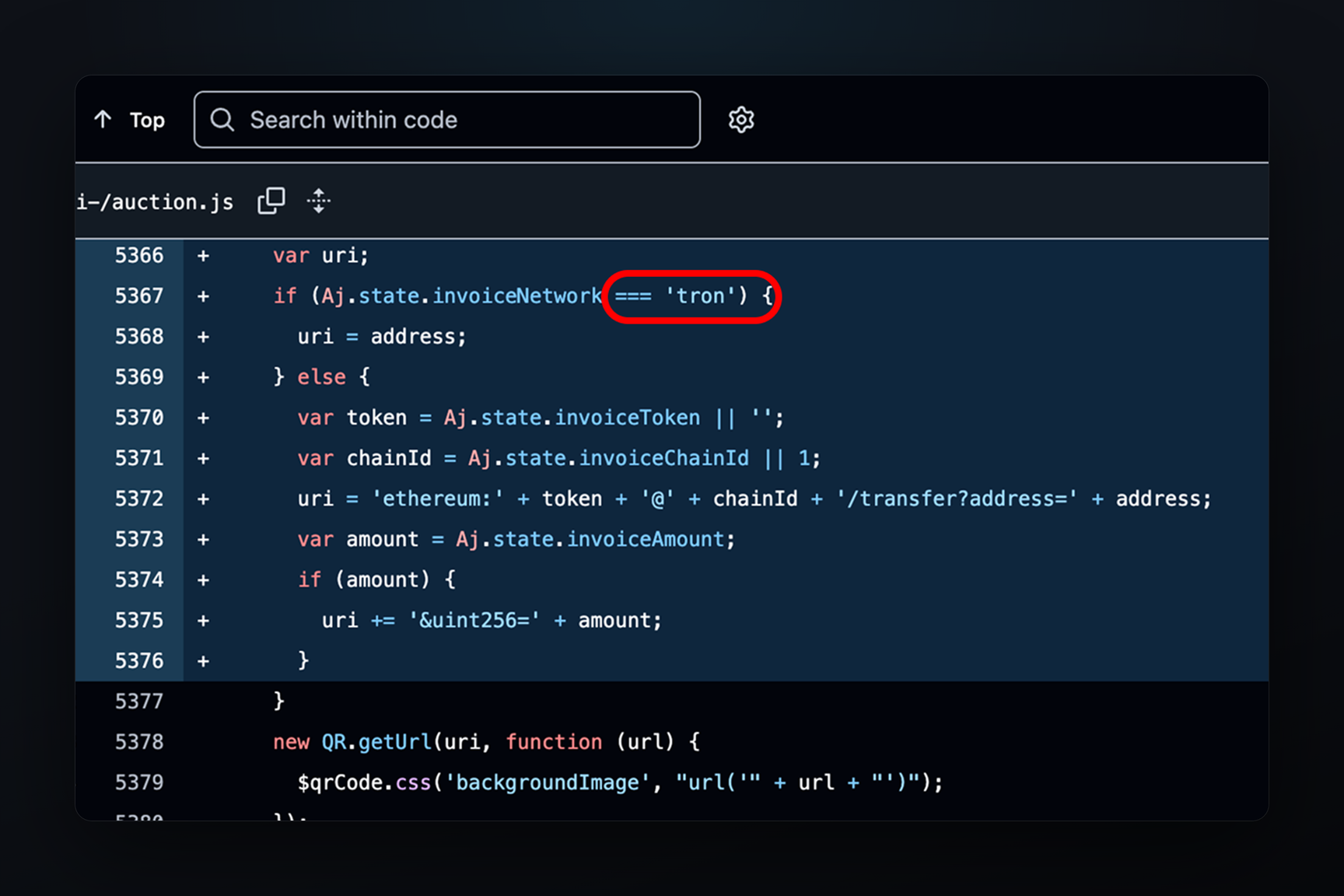
| November 3, 13:21 | a tron branch for the invoice QR code appeared in the script and was removed six minutes later |
| November 3, 20:16 | the branch returned together with styles for the USDT on TRON tab and the fee hint |
| November 5, 10:04 | the USDT on BSC icon and the BSC network (chain ID 56) in the wallet connection list were added |
The TRON code on the production site matches what appeared on the staging servers on November 2: the trip from staging to production took a little over a day.
How paying in BSC differs from TRON
BSC is Ethereum-compatible, so its invoices work the same way as in Ethereum, Polygon and Base. The QR code follows the Ethereum payment link standard (EIP-681) and carries the token contract, chain ID, recipient address and amount, so after scanning, a wallet opens a ready-made transfer. The other route is connecting a wallet through WalletConnect: the site asks it to switch to network 56 and sign the token transfer.
The main USDT on BSC is issued not by Tether but by Binance: it is a token pegged to USDT and backed by coins on the exchange's balance sheet. It has 18 decimal places rather than 6, as USDT on Ethereum and TRON does, but the payer never notices — the QR code or the site fills in the amount in the right units.
TRON has no wallet connection: the WalletConnect network list contains only Ethereum, Base, Polygon, Arbitrum and BSC. A TRON invoice QR code holds just the address, with no token or amount — those are picked and typed in the wallet by hand.
Fees in TRON are paid not in USDT but in a resource called energy, which is bought or burned in TRX. Sending USDT to an address that has never held the token uses roughly twice as much energy as sending it to an address with a balance. On EVM networks Fragment issues a new address for every invoice; if TRON works the same way, every payment falls into the expensive case — which is probably why the separate fee line appears only for TRON.
What to do
- Pick the network on the tab before paying. An invoice is issued on one network. On BSC, as on other EVM networks, an address looks the same on every network, and a wallet will happily send the token to the same address on Ethereum or Polygon, but that will not pay the invoice.
- On TRON the amount is entered by hand — to the cent and before the invoice timer runs out. The wallet needs enough TRX or energy to cover the fee.
- When transferring manually on BSC, check the token. The USDT contract is in the invoice QR code, and more than one token on that network is called USDT.