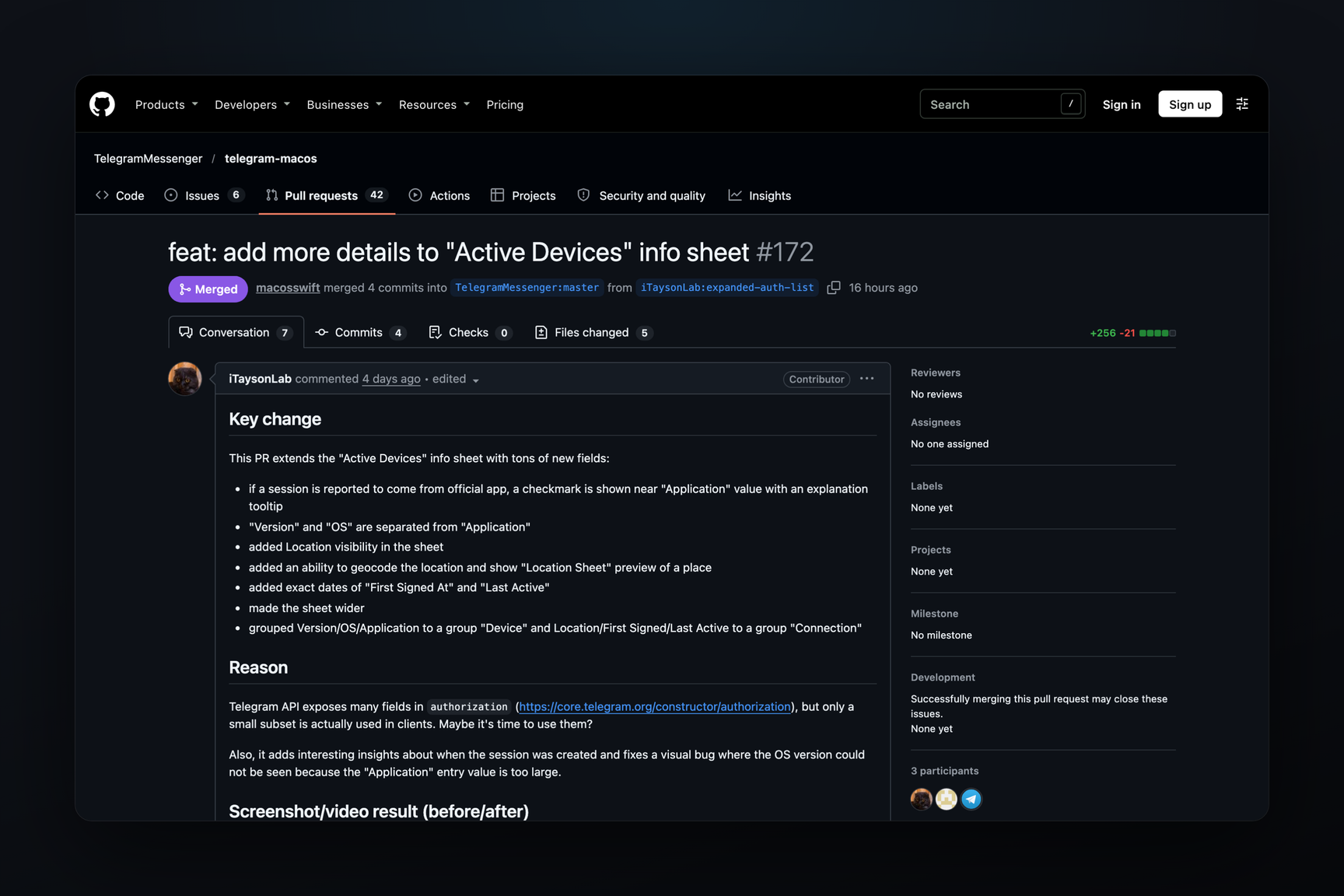
In Telegram for macOS beta 13.1.0.283429, released on November 1, the session details sheet in the list of active devices now indicates whether the account was logged into from an official Telegram application: a checkmark appears next to the application name with the tooltip «This session is from the official Telegram app». It also now displays the exact date and time of the first login and last activity, separate rows for the application version and OS, and a button that shows the login location on a map. This change originated from an outside contributor's pull request, which was merged on October 31. This affects anyone checking who else is logged into their account: the stable version 13.1.0 (283357) from October 20 does not yet include the new session details sheet.
What's Changed in the Session Details Sheet
The sheet opens by clicking on a session: Settings, 'Privacy and Security' section, Active Sessions list. Previously, it displayed the device model, an application string (with name and version separated by a comma), IP Address, Location, and toggles for secret chats and calls. The OS version was not shown in the sheet at all. Now, the rows are divided into two groups.
| Group | Row | What it shows |
|---|---|---|
| Device | Application | application name and a checkmark if the session is from an official client |
| Device | Version | application version, e.g., 13.1.0 (283402) BETA |
| Device | OS | OS, e.g., macOS 27.2 |
| Connection | IP Address and Location | address and country with region; button opens location on a map |
| Connection | First Signed At | date and time when the session logged into the account, accurate to the second |
| Connection | Last Active | date and time of the session's last activity |
The sheet itself has become wider — 440 points instead of 340 — because the long application string previously pushed the version off the edge. The checkmark is colored with the theme's accent color, not a unique one. The labels «First Signed At» and «Last Active» are currently hardcoded in English with a //TODOLANG marker: translation into other languages will be added separately.
The location on the map is searched by text, not by coordinates. The server provides the country and region it determined from the IP Address, and the application passes this string to the macOS geocoder (CLGeocoder, an Apple service) and opens a preview of the found point. If not found, «Couldn't find this location. Please try again.» is displayed. This does not increase accuracy: below the sheet, it still states that the location estimate is based on the IP Address and may be incorrect.
Where the Checkmark Comes From
The client draws the checkmark, but the server decides. The authorization object, which the API uses to describe each session, includes an official_app flag — "session from an official application". The same object also contains date_created, date_active, ip, country, region, and the application and OS versions — everything that is now displayed in the sheet. The API provided these fields before; the author of the change writes that clients use only a small portion of them.
Third-party clients connect to the API with their own application ID, which is issued on my.telegram.org, and such a login will likely not receive a checkmark, even if the client is legitimate: the documentation does not specify exactly how the server determines that an application is official. The absence of a checkmark is a reason to look closer at a session, not proof of a hack.
What to Do
- Check your sessions. In Telegram for macOS — Settings, 'Privacy and Security', Active Sessions. In beta builds starting from 283429, official applications have a checkmark next to their name; in the stable version, the sheet is old, but the IP Address and Location are present.
- Verify dates. The First Signed At row shows when the session appeared. The time is displayed in the time zone of this Mac. If you did not log into Telegram on a new device, in the web version, or after reinstalling on that day, and Last Active is recent, this is a reason to terminate the session.
- Terminate an unfamiliar session. The Terminate Session button at the bottom of an unfamiliar session's sheet logs the device out of the account. An unknown session without a checkmark, with an unfamiliar application or country, is the primary candidate. Old sessions cannot be terminated from a newly connected device: the application asks you to wait a few hours.
- Set a cloud password. Without two-step verification, a single login code is sufficient for a new login; with a password, it is also required.
The macOS beta is distributed via the update feed. The stable version 13.1.0 (283357) does not include the new sheet.
How the Change Made It to Beta
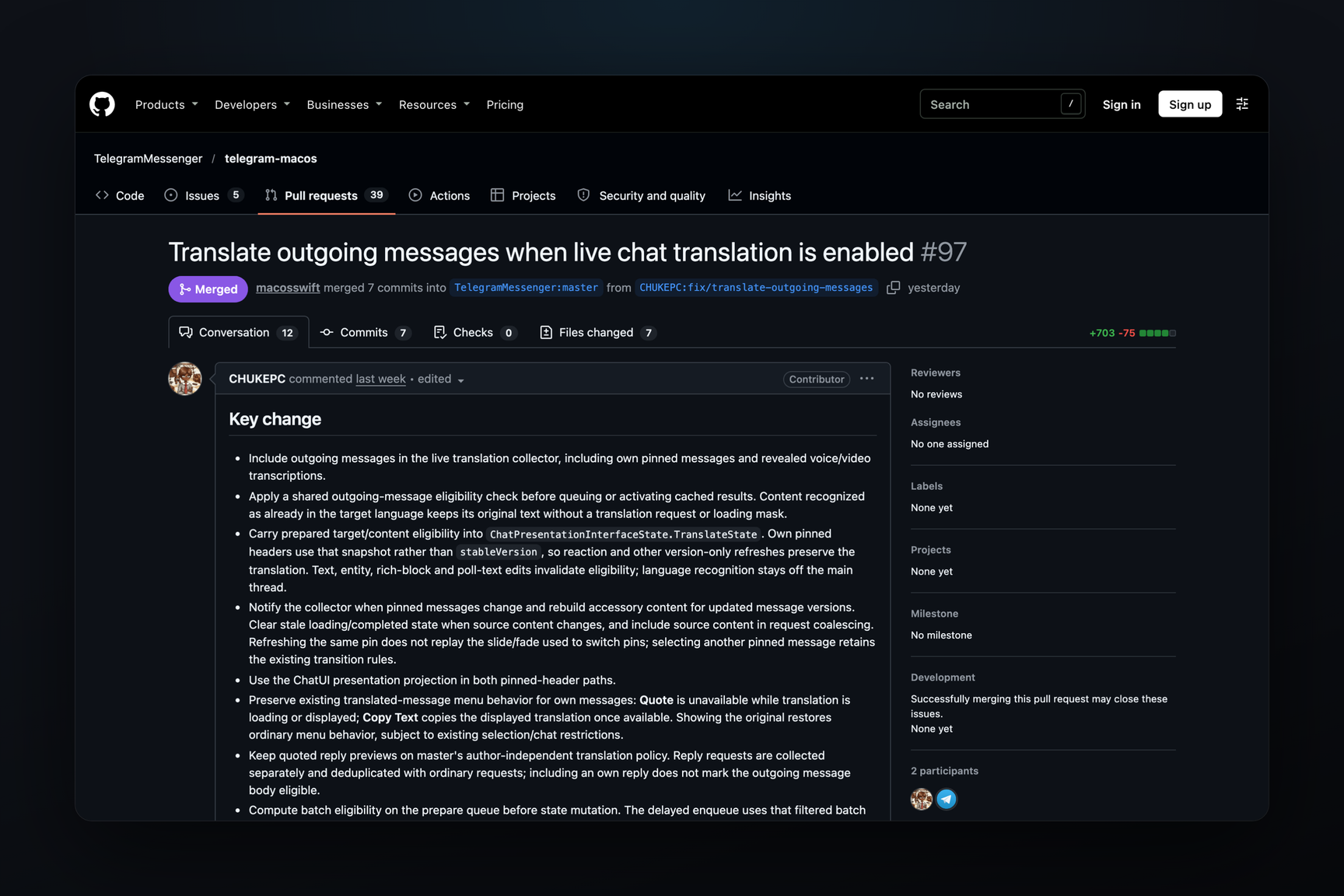
Pull request #172 was opened by an outside contributor on October 28, and the macOS team account merged it on October 31 at 20:52 UTC: four commits, 256 lines added, 21 removed, five files. During review, an error was found: the row was initially named «Last Signed At» but showed the time of last activity, not login — a session that logged in a year ago and was opened two minutes ago would appear as a fresh login. The row was renamed to «Last Active».
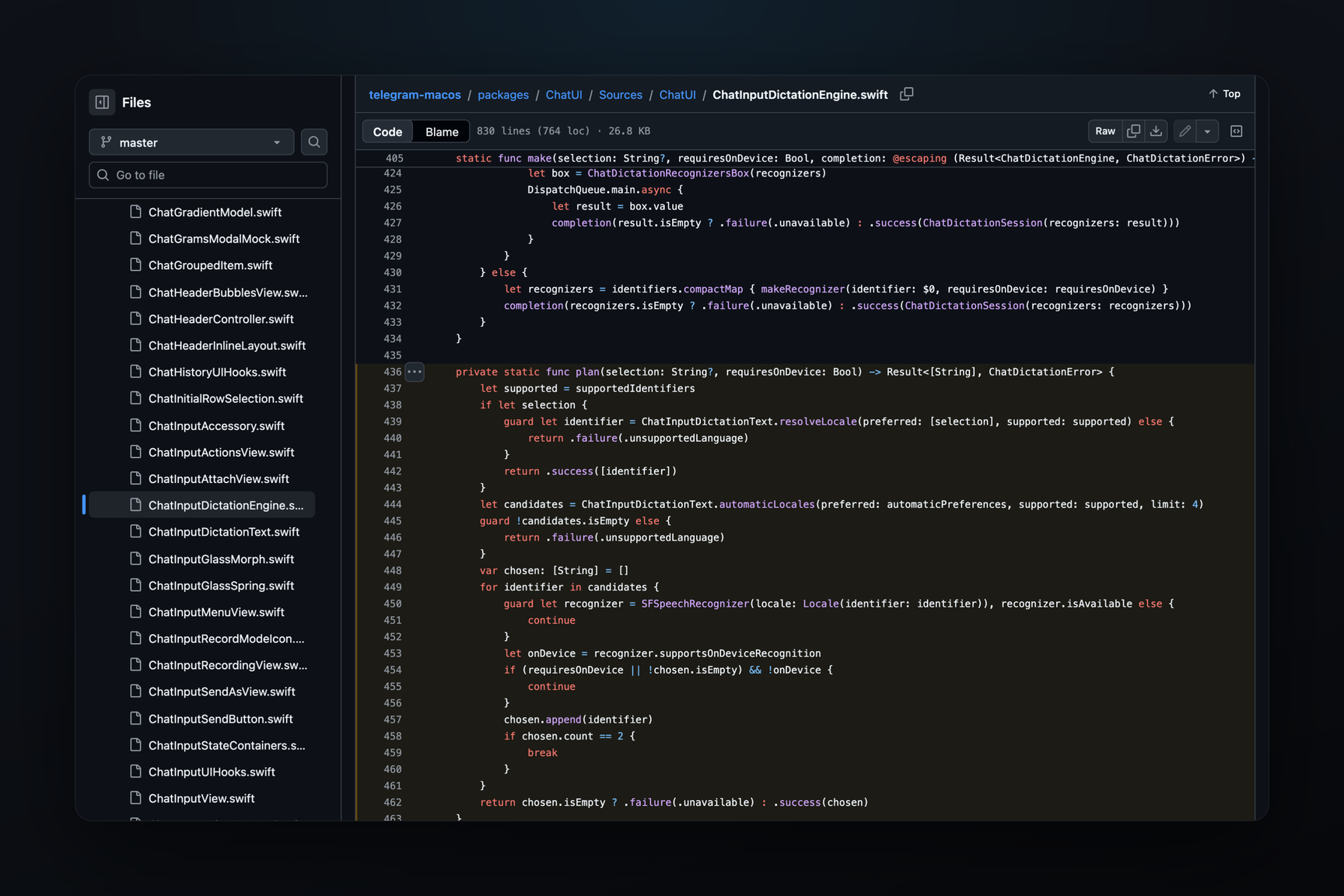
Build 283426 from October 31 does not contain the new sheet's rows. In 283429 from November 1, the binary includes both the tooltip about the official application, the location search error, and the SessionDetailRowItem class from the same pull request. Less than 24 hours passed from merging to beta. The macOS client has been accepting outside developer contributions since its source code was opened for external pull requests.
What Else Is in the Same Beta
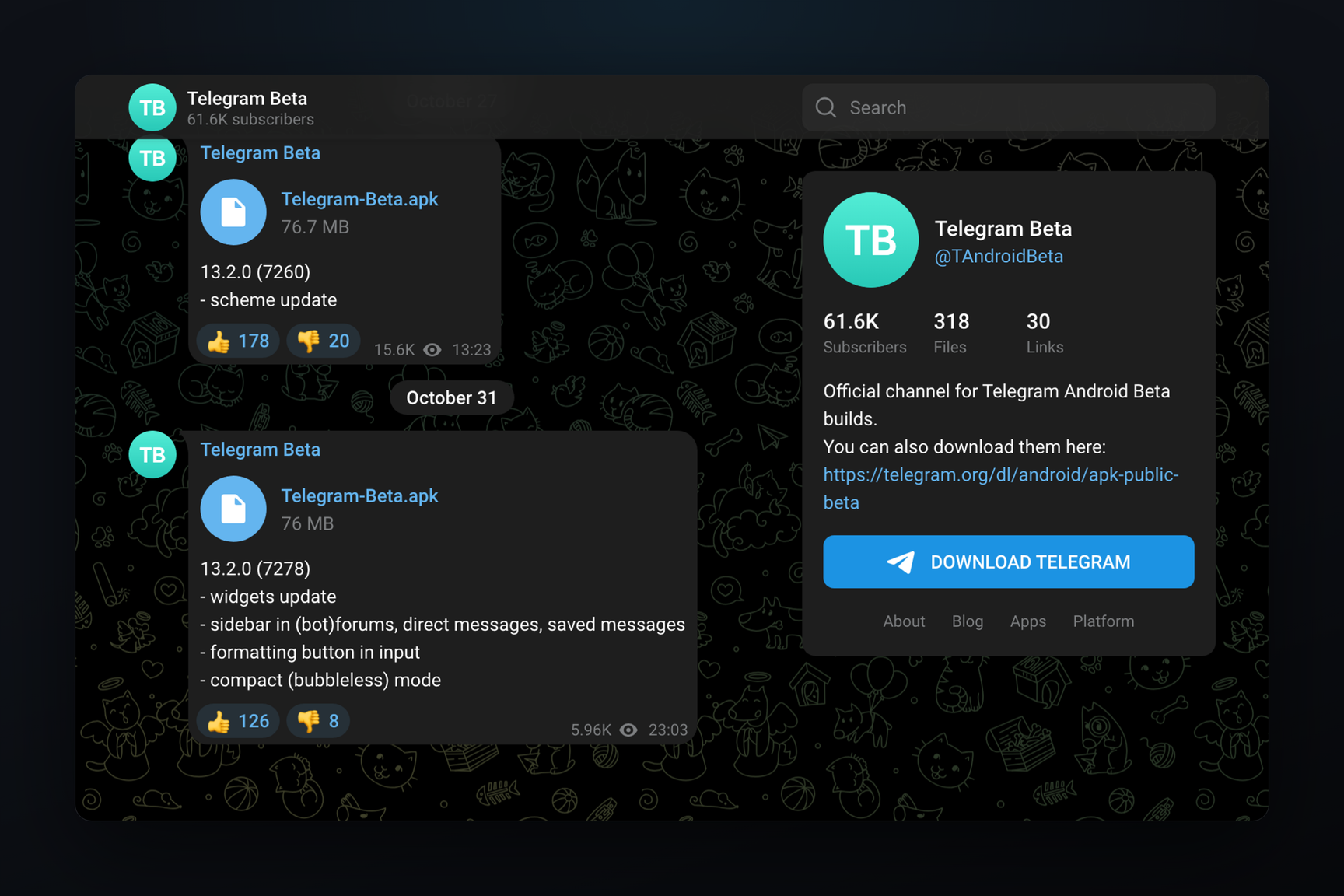
Build 283427, released 40 minutes before 283429, brought the topics sidebar for forums. The binary now includes ForumSidebarController, ForumSidebarView, ForumDisplayMode with view options, and the strings «All Messages» and «Show Chats». Telegram for Android beta 13.2.0 (7278) from October 31 announced the same — a sidebar in forums, including for bots, in channel direct messages, and in Saved Messages. As of November 1, the sidebar is not yet in the open-source code of the macOS client, and the screen with it is not visible in the build: its appearance is currently known only by class names.