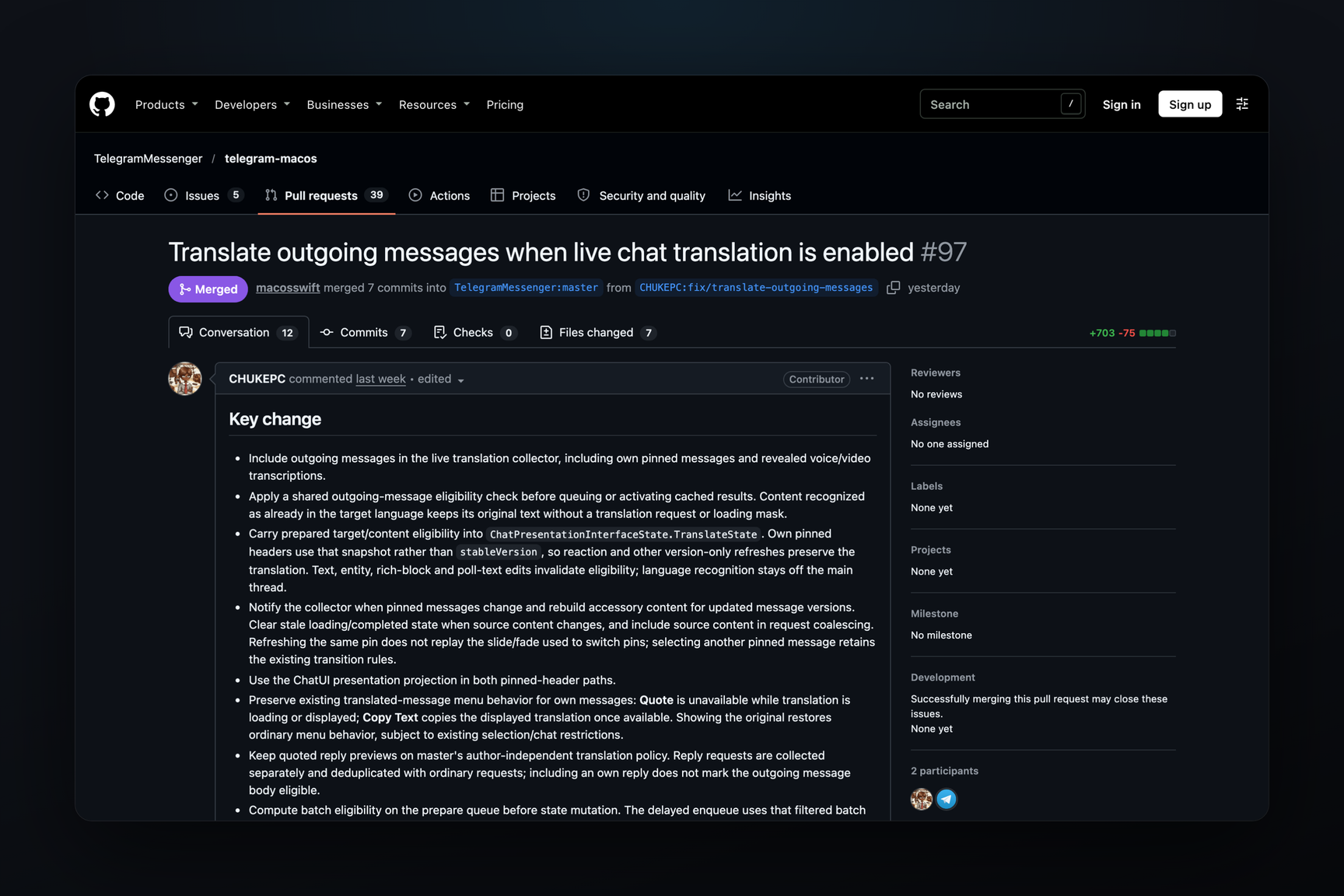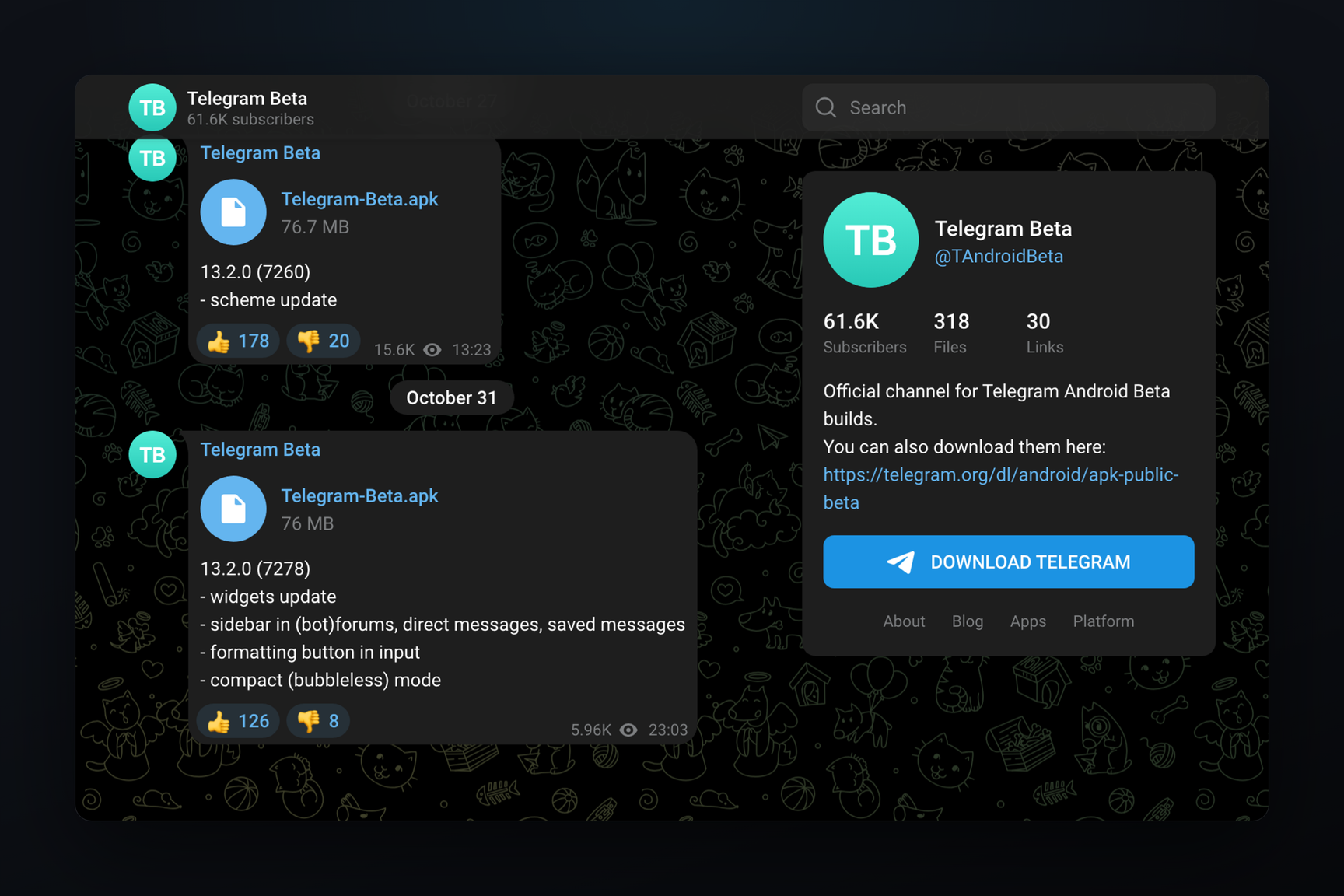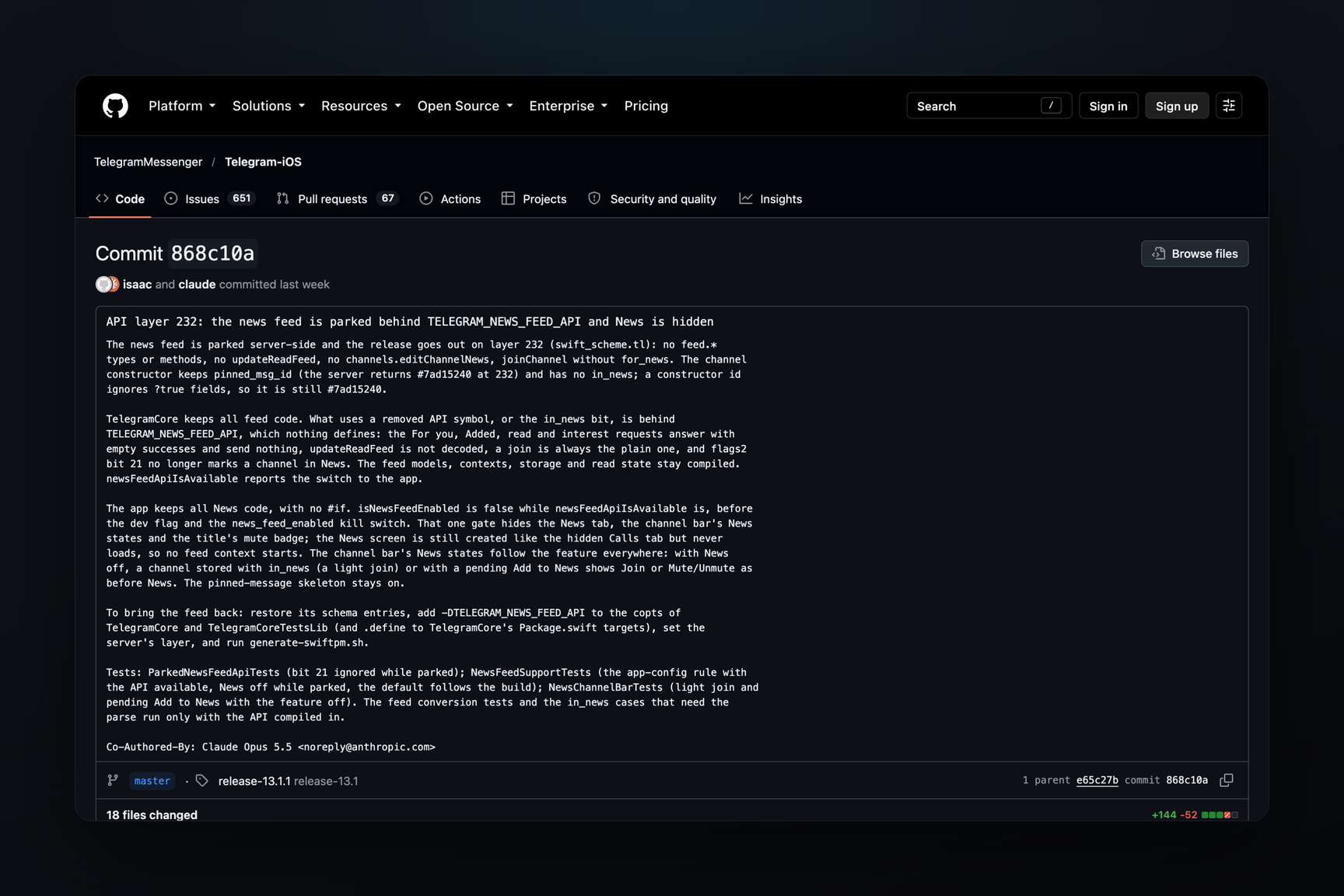
The Telegram for macOS beta has added AI editor fixes for dictated text — typing a message by voice directly into the message field. Build 13.1.0.283431 from November 1 includes an «Enhance» button with options for «Fix Grammar», «Enhance Style», and «AI Editor…», an automatic punctuation toggle, and a setting for what ⌘R does in the message field: dictate text or record a voice message. Dictation itself is present in the client's open-source code, but it's only enabled in debug builds there, and AI fixes are not in the open-source code at all. This concerns users who type from a Mac. In the open-source code, speech is recognized by Apple's built-in speech recognizer, while the beta introduces a fallback path via Telegram's servers — with a free limit, beyond which Premium is required.
What's New in the Beta
Dictation in the macOS client is designed as an extension of voice message recording: press the record button, keep the mouse held down, and drag left — the hint at the bottom reads, «← Swipe to dictate». The leftward drag must be greater than the upward drag, otherwise the recording will simply be locked. Instead of a voice message, speech is converted into text, and the recording itself is deleted. During recognition, «Transcribing. Click anywhere to stop.» is displayed at the bottom; in the open-source code, the transcribed text appears in a separate panel, from which it can be sent immediately or appended to the message field for editing. The language can be selected manually or left as «Automatic». Dictation in beta 283318 was reported as early as October 15; a similar transcription before sending was shown and then removed in Android.
New in betas since October 24 (build 283377) is the ability to fix dictated text. Strings in 283431:
| String | Description |
|---|---|
| «Enhance» | button for dictated text; its tooltip is «Fix punctuation and grammar in the dictated text» |
| «Fix Grammar» | fix punctuation and grammar |
| «Enhance Style» | rewrite text in one of the styles |
| «AI Editor…» | open the full AI editor |
| «Enhancing…» | text being processed |
| «Automatic Punctuation» | automatic punctuation toggle |
| «What ⌘R does in the message field. Automatic dictates when the field has text and records a message when it is empty.» | ⌘R setting: in «Automatic» mode, the shortcut dictates if the field already has text, and records a voice message if the field is empty |
| «The language you speak while dictating. Automatic uses this chat's language and your system languages.» | dictation language: «Automatic» uses the chat's language and your system languages |
The client remembers the selected style (kChatDictationEnhanceStyle). Judging by the «AI Editor…» option, these are the same styles as in the AI editor for the message field, which Telegram released in April: fix grammar, translate, rewrite in «Formal», «Short», «Zen», «Corp» and other styles. The caption in the official post states that AI features run on the Cocoon network.
It's not clear from the build whether the button is already visible. In the open-source code, dictation is disabled in beta and release builds by a compilation condition and only works in debug builds; whether it's enabled in 283431 is not evident from the binary, although the strings and classes are in place.
What to Do
- Where to find it. The beta arrives as an auto-update for the Telegram for macOS beta version; a list of builds is available in the update feed. The stable 13.1.0 (283357) from October 20 already includes the dictation engine, but lacks the «Enhance» strings, «Automatic Punctuation», and ⌘R settings, and the hint during recording is «← Swipe to transcribe».
- Grant access. Dictation requires two macOS permissions: System Settings → Privacy & Security → Microphone and, in the same section, Speech Recognition. Without the second, the client displays «Telegram needs Speech Recognition access to turn your voice into text».
- Check language. If none of your system languages are supported by Apple's speech recognizer, dictation responds with «Dictation is not available for your current input language.» You can manually select a language instead of «Automatic».
- Remember ⌘R. Currently, ⌘R in Telegram for macOS starts recording a voice or video message; in the beta, the shortcut will have a choice, and in «Automatic» mode, if the field is not empty, it will start dictation, not recording.
How Speech is Recognized
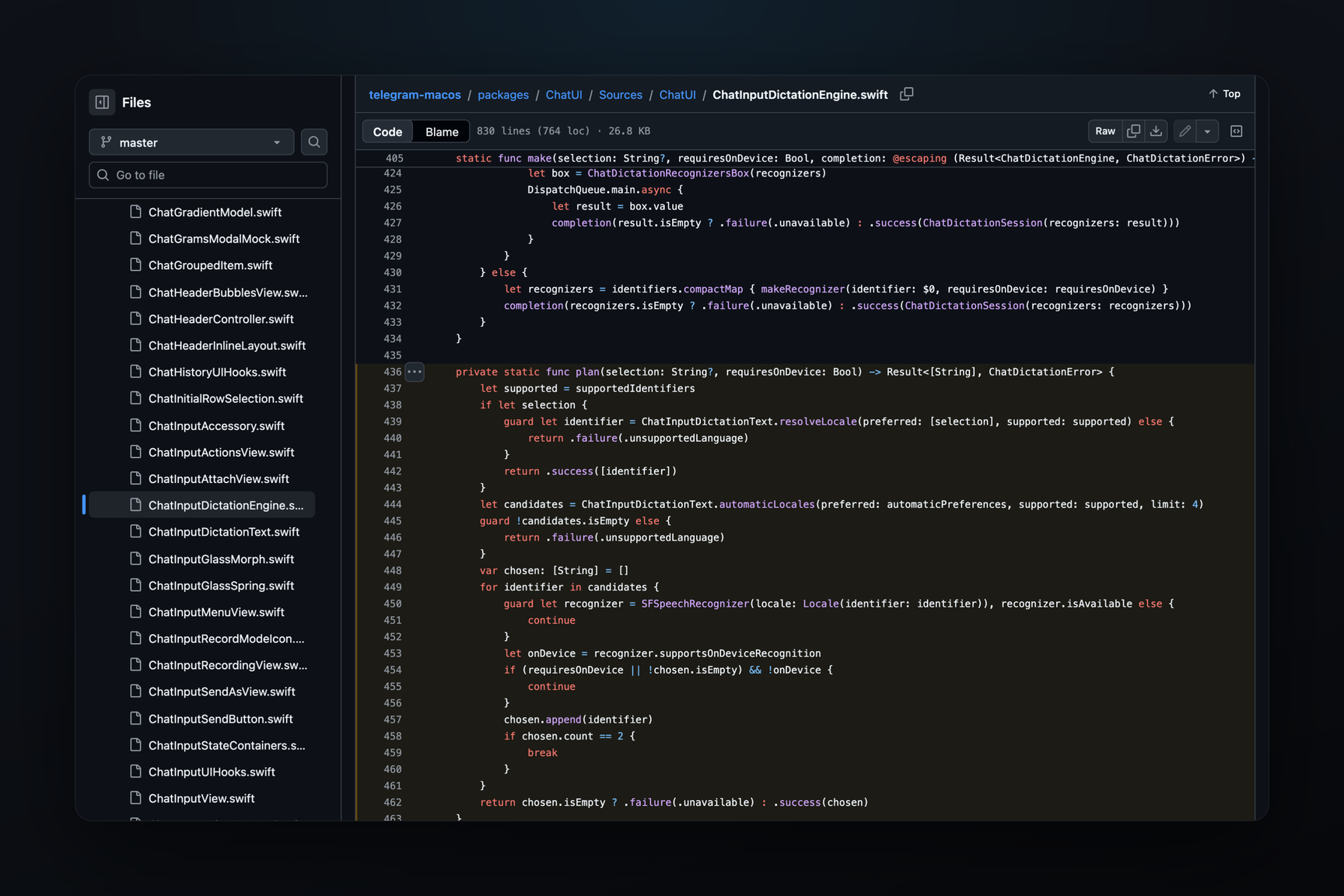
Recognition in the open-source code is entirely on Apple's side. On macOS 26, the client uses the new SpeechAnalyzer engine if the language model is already installed; if not, it starts downloading it in the background and hands this dictation to the older SFSpeechRecognizer. On older systems, only SFSpeechRecognizer works. The request is marked as dictation, and if an on-device model exists for the language, the client requests recognition only on the Mac; on macOS 13 and newer, punctuation is handled by the recognizer itself.
In «Automatic» mode, the language is not guessed in advance: the client selects up to two system languages that Apple's recognizer knows and runs both simultaneously on the same audio; the second only if its model works offline. Each candidate is assigned a score — half text stability between updates, half recognizer confidence, plus a small advantage for the first language. After 1.5 seconds of the first recognized words, the candidate leading the second by 0.12 wins, and after 3 seconds, the leader wins regardless; the losing candidate stops, and the audio continues to the winner. In the beta, the chat's own language is added to this list.
In secret chats, the open-source code only runs on-device recognizers. If no such model exists for the language, dictation will not start in a secret chat. In a regular chat, the primary language can be recognized even without a local model — in that case, the recording is sent to Apple's servers, similar to macOS system dictation.
Fallback via Telegram Servers
The beta adds Telegram's own server-side transcription to this. The client's log contains the strings «server fallback selected» and nativeAvailable, and the binary includes the method messages.transcribeAudioFile: it accepts an uploaded audio file, not a message, and returns text as a regular transcription response or later, via an updateTranscribedAudioFile update. The older messages.transcribeAudio method only transcribes voice messages already in the chat — an unsent recording has no message ID. The new method and update are present in the API schema extracted from macOS betas, but not in the published documentation.
Limitations are evident from the beta's error messages: recordings longer than 30 minutes or larger than 1 MB are not transcribed, and after free transcriptions are used, «Your free transcriptions have been used. Telegram Premium is required to transcribe more audio.» appears. Neither the method nor these strings are present in the stable 13.1.0. How the beta chooses between Apple and Telegram's server, and what it does in secret chats, is not visible from the build.
How It Was Verified
- Open-source client code: dictation engine (language selection, scoring, 1.5 and 3 second thresholds,
requiresOnDeviceRecognition) and controller, where theisSupportedcheck returns "yes" only in debug builds and requires on-device recognition in secret chats. Both files were merged into the open-source code via a merge of the 13.1 release branch on October 23. - Binaries from update feeds: beta 283431 and stable 283357. Classes
ChatDictationEnhancer,ChatDictationEnhanceView, keyskChatDictationAutomaticPunctuationandkChatDictationShortcut, and the strings from the table are only in the beta; the stable version has the engine (ChatDictationSession,ChatDictationAnalyzerRecognizer) and eight dictation strings, but no fixes. The open-source string file also lacks the «Enhance» options. - Server-side — strings from binary 283431:
AudioFileTranscription, «upload complete, calling transcribeAudioFile»,updateTranscribedAudioFile, and error messages; these are not present in 283357. - First appearance of
ChatDictationEnhancer— binary diff of beta 283377, October 24.