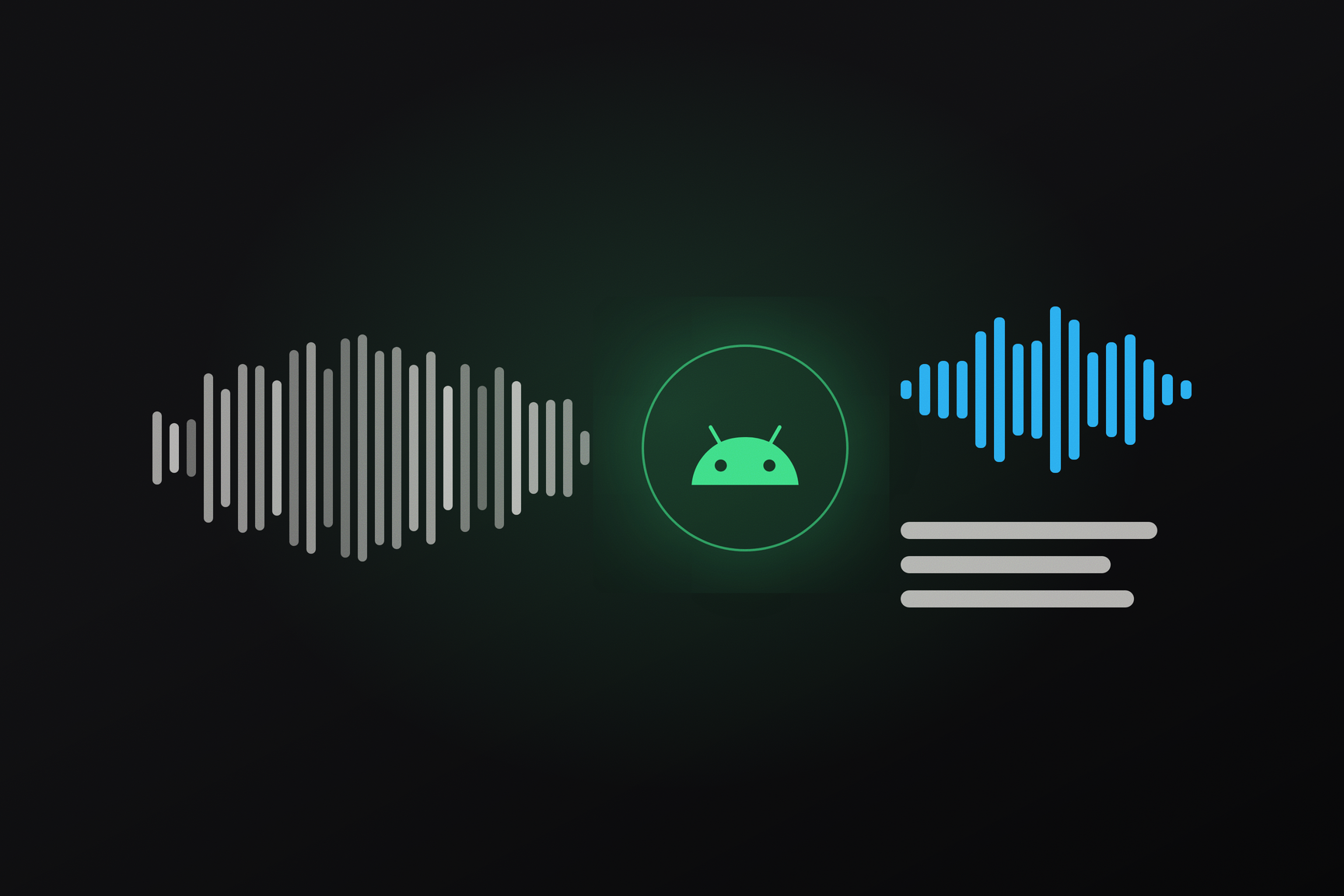
In Telegram for Android beta version 13.0.3 (build 7179), recorded voice messages could be sent as text: the "Aa" button next to the pause button transcribed the recording even before sending, and the user chose what would be sent to the recipient — the text or the audio itself. The feature was noted as being available only with Premium. Later, the transcription feature was removed from the beta as a temporary experiment by one of the developers; the second new feature from the same build remained — experimental voice message recording with RNNoise neural network noise suppression. This applies to those who install the beta: the stable 13.0.2 version has neither.
How it Looked in the Beta
The "Aa" button appeared in locked recording mode — when the finger is swiped up from the microphone icon during recording, and the recording continues without holding. Tapping "Aa" showed the transcription, and then it was up to the user to choose what to send. If the voice message was further recorded or trimmed, the beta offered to transcribe it again.
Recording with noise suppression is enabled in the beta's experimental settings. Noise is removed from the audio before it is compressed into Opus — the format in which Telegram stores and transmits voice messages. A warning from the same build states that noise suppression may degrade recordings of music and very quiet speech. Humming a tune into a voice message with this mode enabled is a bad idea: to the network, music looks like noise, and the reason for this is explained below.
Why Pre-Send Transcription is a New Mechanic
Voice message transcription has been available in Telegram for a long time, but only for messages already in a chat. It is performed by the server: the client calls the messages.transcribeAudio method, which takes two parameters — the chat and the message ID within it. The response includes the transcription ID and the text; a long recording might return with a "in progress" status, and then the text is appended via separate updateTranscribedAudio updates.
An unsent recording does not have a message ID, so this method is not applicable to it. There is no method that accepts the file itself, neither in the public API scheme (TDLib as of October 8) nor in the Android source code 13.0.2 with layer 231. The Android system speech recognizer (android.speech) is also not used in the 13.0.2 code.
How the beta bypassed this limitation is not visible from open artifacts: the source code for build 13.0.3 has not been published, and the repository ends with 13.0.2 (7175), released on October 13. There are no lines for the new button on the translation platform either — this aligns with the theory of a personal experiment that did not reach localization. A hypothesis, not a fact from the code: recognition was either done via a server method not yet in the public scheme, or on the device itself.
Who Has Access to Transcription Now
For received voice messages, the rules are visible in the client code. Unlimited transcription is included with Premium — in the subscription description, this is the line about transcribing any incoming voice message. Without Premium, the server provides trial transcriptions: the client reads their weekly number and maximum recording duration from the server configuration, using the keys transcribe_audio_trial_weekly_number and transcribe_audio_trial_duration_max. The length limit in October configuration snapshots is 300 seconds, and the number of weekly trials varied between 0 and 2. When trials run out, the client shows the date to wait until or offers Premium.
How RNNoise Works
RNNoise is an open-source noise suppression library from Xiph.Org under the BSD license. The author is Jean-Marc Valin, one of the creators of the Opus codec; its design is described in his 2017 paper.
The approach is hybrid. Classical signal processing cuts audio into 10 ms frames (480 samples at 48 kHz) and decomposes the spectrum of each frame into 22 frequency bands, with widths similar to how human hearing distinguishes frequencies. A small recurrent neural network — one that remembers previous frames — looks at the band features and outputs a coefficient from 0 to 1 for each: how much energy to retain in that band. A separate pitch filter cleans up noise between voice harmonics. Concurrently, the network outputs the probability that speech is present in the frame at all.
The network manages 22 coefficients, rather than hundreds of frequency samples, making it small and capable of real-time operation on a phone's processor. The flip side is that it was trained to separate speech from noise, and anything that doesn't resemble speech is treated as noise. Hence the warning about music; quiet voices are lost for the same reason — their features in the bands are close to the background.
RNNoise Was Already in the App
The library did not need to be added. Its source code resides in the Android client repository at jni/voip/rnnoise, is compiled into a static library, and linked into the app's main native library. Until now, it has been used in video chats: the call module passes each frame from the microphone through RNNoise, uses the speech estimation for the speaker indicator, and replaces the audio with the cleaned version when "Noise Suppression" is enabled in video chat settings.
The client records voice messages from the microphone in mono at 48 kHz and compresses them with the Opus encoder in voice mode. The recording frequency matches that used by RNNoise, so the beta's experiment boils down to adding one link between the microphone and the encoder — the same one that has long been present in video chats.