


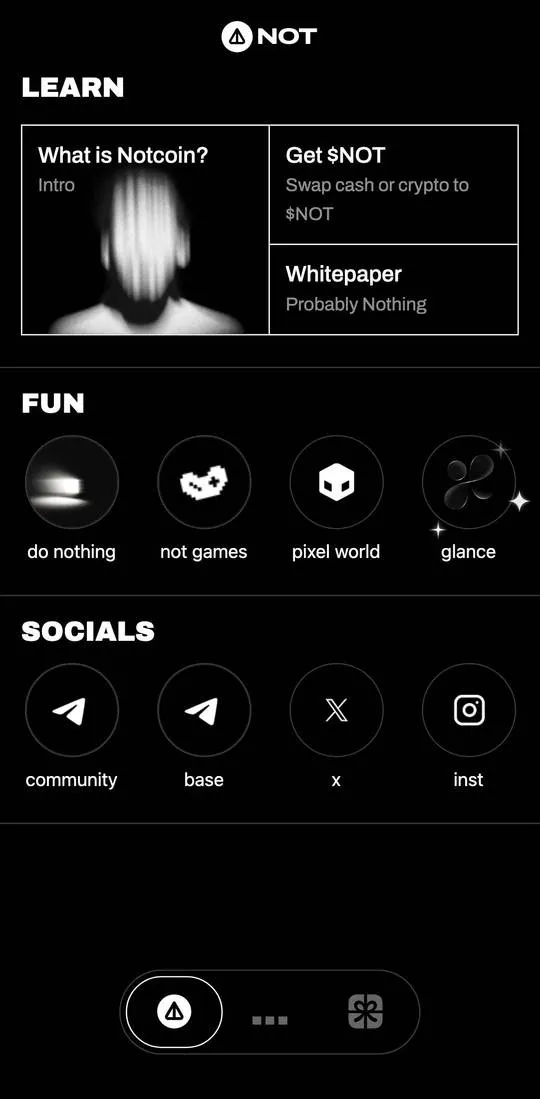
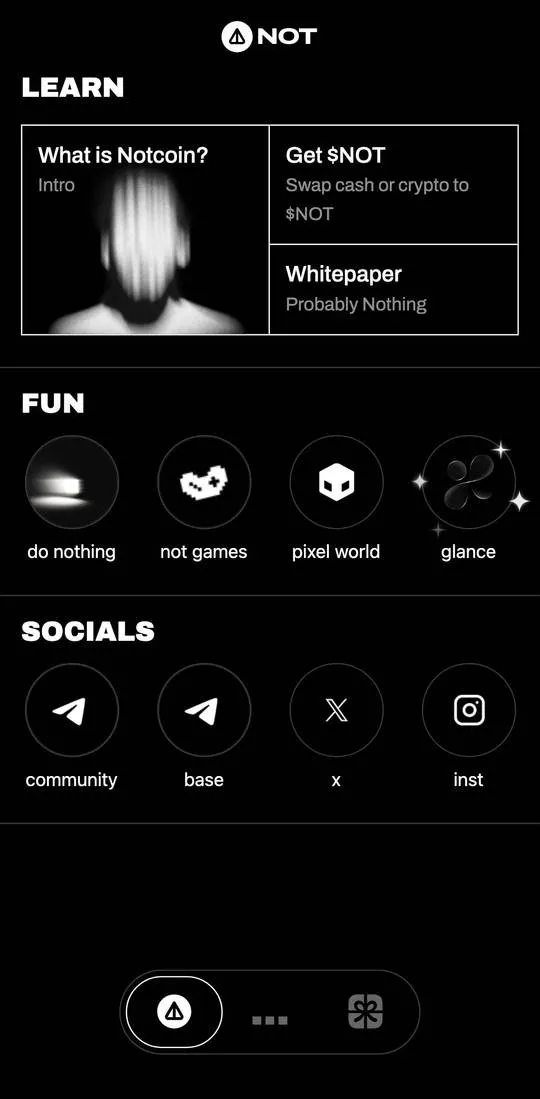
Notcoin is a reference showcase for the project around the $NOT coin. The interface is in English and black and white. There are three icon tabs at the bottom. The first is the showcase with the sections “LEARN”, “FUN” and “SOCIALS”, the second is the balance, and the third is a scanner icon.
First tab
- “LEARN”: the tiles “What is Notcoin?” (“Intro”), “Get $NOT” (“Swap cash or crypto to $NOT”) and “Whitepaper” (“Probably Nothing”).
- “FUN”: “do nothing”, “not games”, “pixel world”, “glance”.
- “SOCIALS”: “community”, “base”, “x”, “inst”.
“What is Notcoin?” starts an intro tour. First a “Welcome fren” screen with a “Continue” button, then the question “You probably know something about Notcoin” with the answers “Nothing” and “Oh, Yeah”, then the text “Alright! Now tap” with an image of a pumpkin.
“do nothing” shows the texts “BREATHE IN”, “BREATHE OUT” and “DO NOTHING”.
“Whitepaper” showed a white screen captioned “Notcoin Whitepaper” with the date “November, 2023”.
Second tab
A balance of “0 NOT”, a “GET NOT” button and two tiles, “rewards” and “more”. “more” opens a “MORE” window with the rows “withdraw to wallet”, “withdraw to bank card” and “get not visa card” and a “close” link.
What costs money
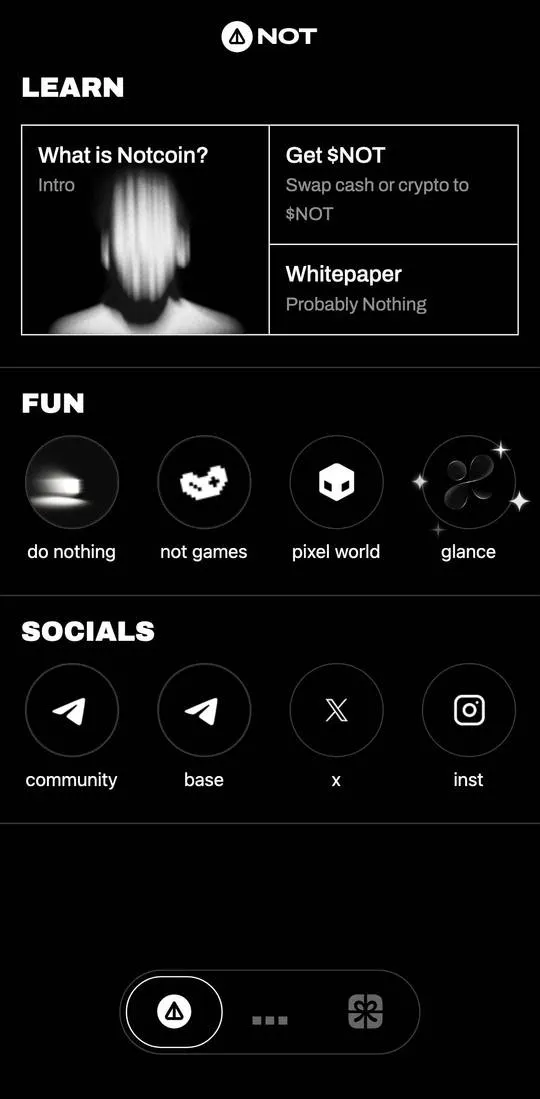
The screens show no prices. The balance is zero.
Not checked
- “withdraw to wallet”, “withdraw to bank card” and “get not visa card”: terms and fees are unknown.
- “Get $NOT” and “GET NOT”: the price and payment methods were not opened.
- “rewards”, “not games”, “pixel world”, “glance” and the third tab.
- The links “community”, “base”, “x”, “inst”.
