


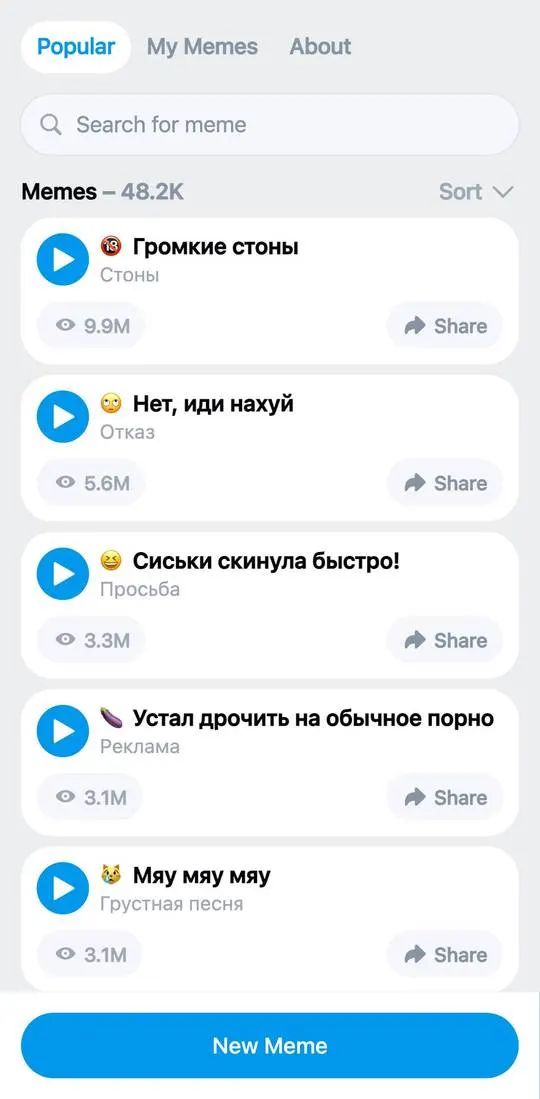
Sounds is a catalogue of sound memes with the option to upload your own. The interface is in English, the meme titles are in Russian, and some contain profanity and 18+ themes. Above the list is an overall counter, “Memes – 48.2K”.
First steps
- Open the app: the “Popular” tab is visible right away, with a list of memes and a “Search for meme” field.
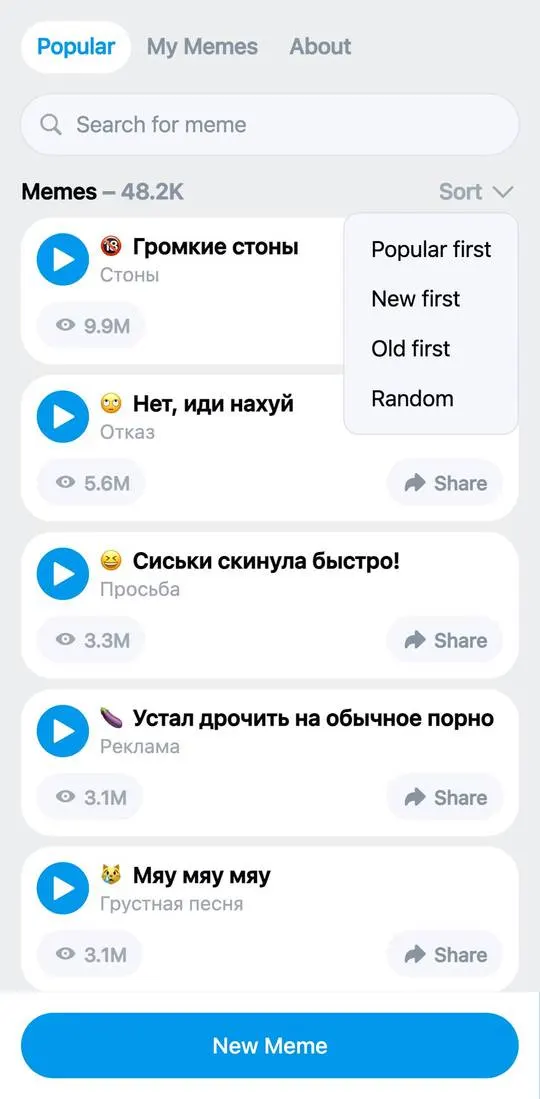
- Tap “Sort” on the right above the list: the options “Popular first”, “New first”, “Old first” and “Random” expand.
- Open “My Memes”: it has three sections, “Published”, “In Review” and “Rejected”. “Published” and “In Review” show the counter “Memes – 0”.
- At the bottom of every tab is a “New Meme” button.
What costs money
There are no prices or paid buttons on the screens.
Where things are
- “Popular” has rows with an emoji, a title, a category (“Стоны”, “Отказ”, “Просьба”, “Реклама”, “Грустная песня”), a play count (9.9M for “Громкие стоны”), a blue play button and a “Share” button.
- “My Memes” has the same “Published”, “In Review” and “Rejected” sections, with a search field and “Sort”.
- “About” has a “DMCA” row; its text, “DMCA Notice / Copyright Disclaimer”, allows uploading only tracks that are copyright-free or used with the official permission of the rights holder, puts responsibility for uploaded content on the uploader, and directs rights holders’ complaints to @notmeme_administrator.
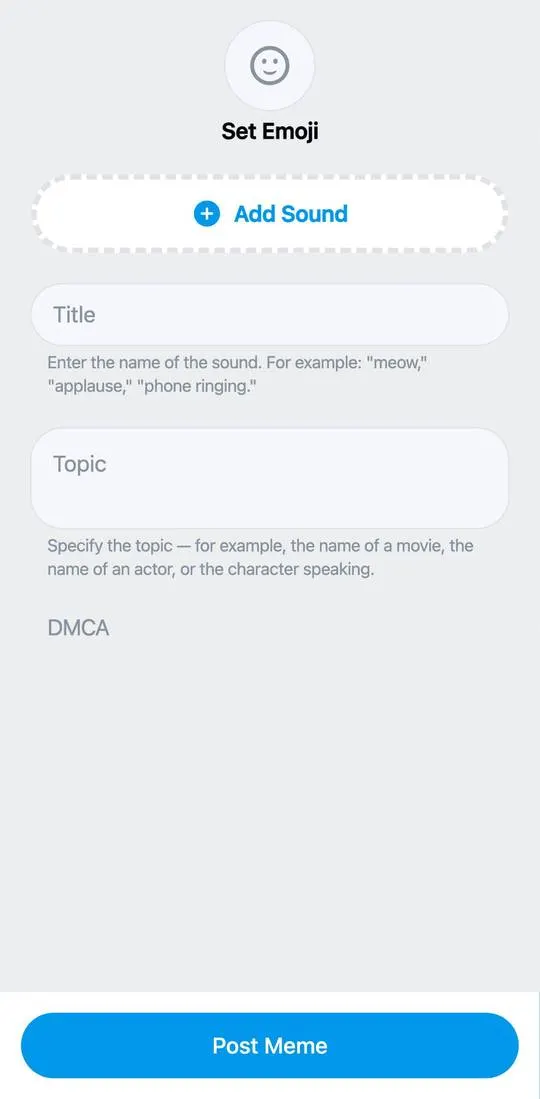
- “New Meme” is a form with an “Add Sound” button, the fields “Title” (for example “meow”, “applause”) and “Topic” (a film title, an actor or character name), a “Set Emoji” button at the top and a “Post Meme” button at the bottom. “Set Emoji” opens an emoji panel with search and sections.
Not checked
- Playing a meme and what “Share” does.
- Uploading a sound via “Add Sound” and submitting via “Post Meme”.
- How moderation works and what ends up in “Rejected”.