


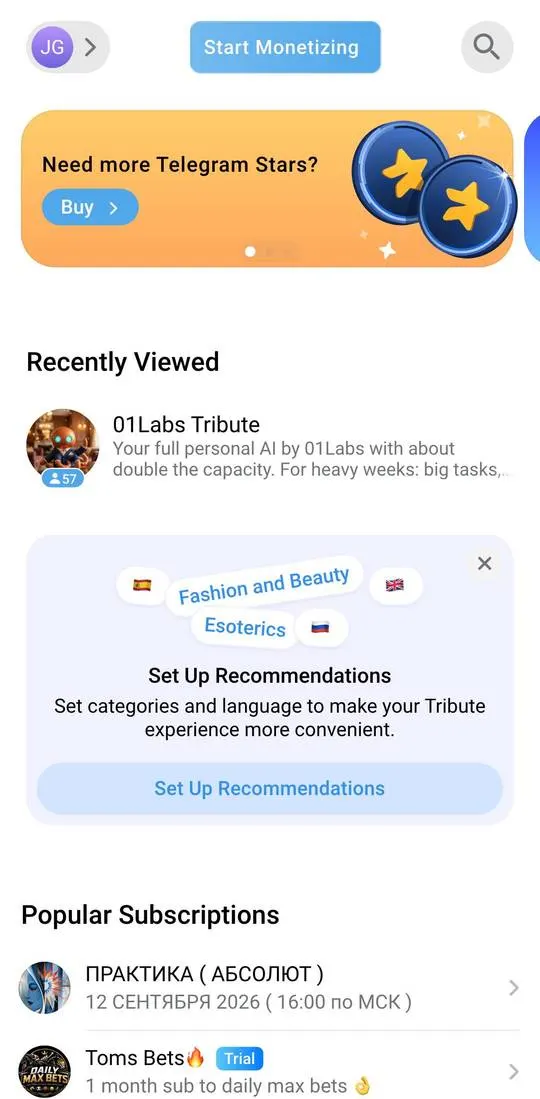
Tribute is a paid subscription service in Telegram: buyers see a “Popular Subscriptions” showcase, and creators launch their products through “Start Monetizing”. The interface is in English. The profile opens with the icon in the top left corner of the main screen.
First steps
- “Start Monetizing” on the main screen opens slides for creators: “Over 70,000 creators already earn with Tribute”, “Subscriptions, courses, consultations, one-time access, and donations” and “Accept payments globally”. The third slide has a “Start Monetizing” button and a link to “Terms of Service”.
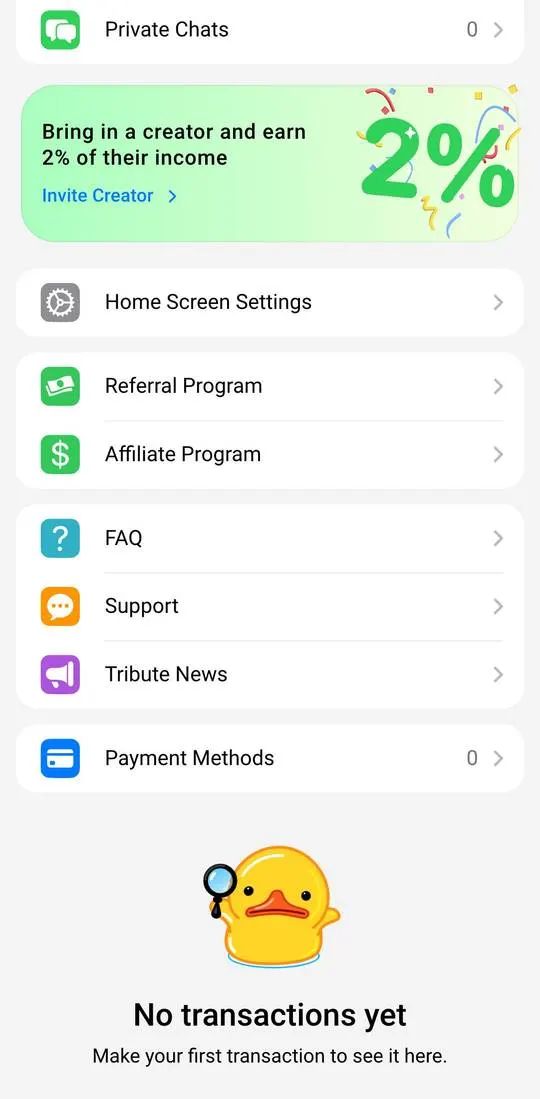
- In the profile, at the top is a “Start Earning” button, and below it a “Subscriber Dashboard” with five counters: “Subscriptions”, “Donations”, “Digital Products & Services”, “Products”, “Private Chats”.
- “Subscriptions” leads to a “No subscriptions yet” screen: subscriptions appear after a purchase.
- “Payment Methods” leads to a “No payment methods” screen with the caption “Add a card to use it for payments”.
What costs money
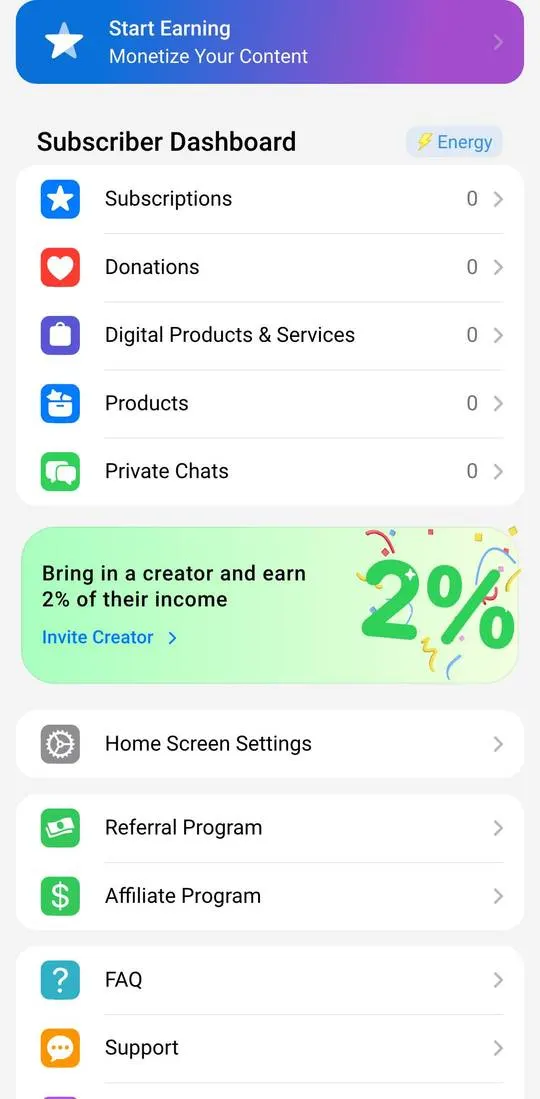
The price in a card depends on the subscription: “01Labs Tribute” shows “1 Month $99” and “Service Fee $3.17”, which is the price of that particular subscription in the catalogue, not a Tribute plan. The banner “Bring in a creator and earn 2% of their income” promises 2% of an invited creator’s income to the person who brought them in. The “Offers” list shows percentages (20%, 30%, 50%, 60%) and terms (“6 months”, “1 year”) next to the offers.
Where things are
- The main screen has “Start Monetizing”, banners, “Set Up Recommendations” and “Popular Subscriptions”.
- “Home Screen Settings” has the recommendation language and 18 categories from “Psychology” to “Commerce”.
- “Referral Program” and “Affiliate Program” are profile rows; the “Earn From Recommendations” page has the items “Share Recommendations”, “Earn”, “Track Your Income” and the “Offers” list.
- “FAQ”, “Support”, “Tribute News” are rows at the bottom of the profile.
Not checked
- Payment, “Buy as a Gift”, buying Stars and “Invite Creator”.
- How a creator sets up a subscription and what commission the service takes.
- “FAQ”, “Support”, “Tribute News”, “Donations”, “Products”, “Private Chats”.
