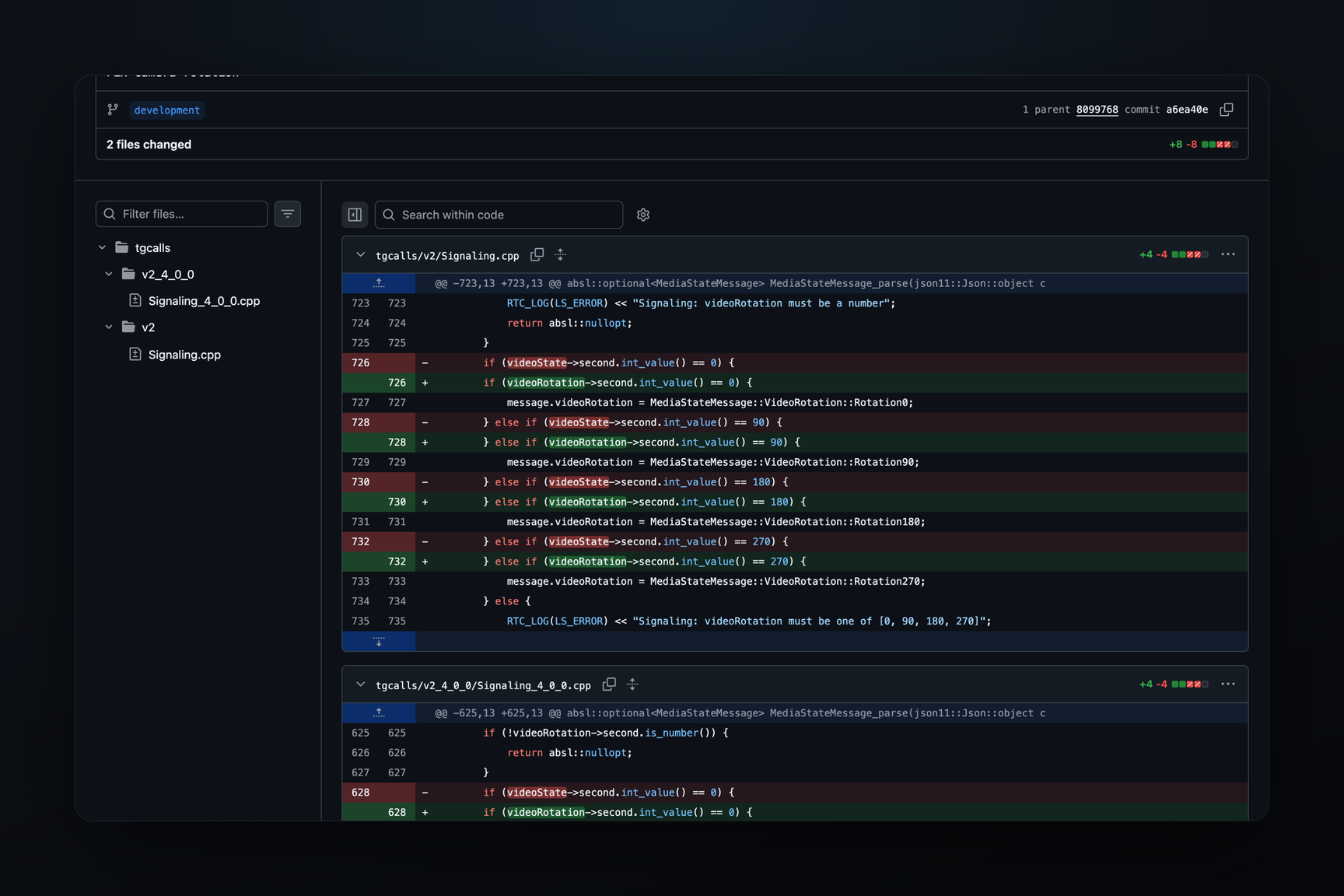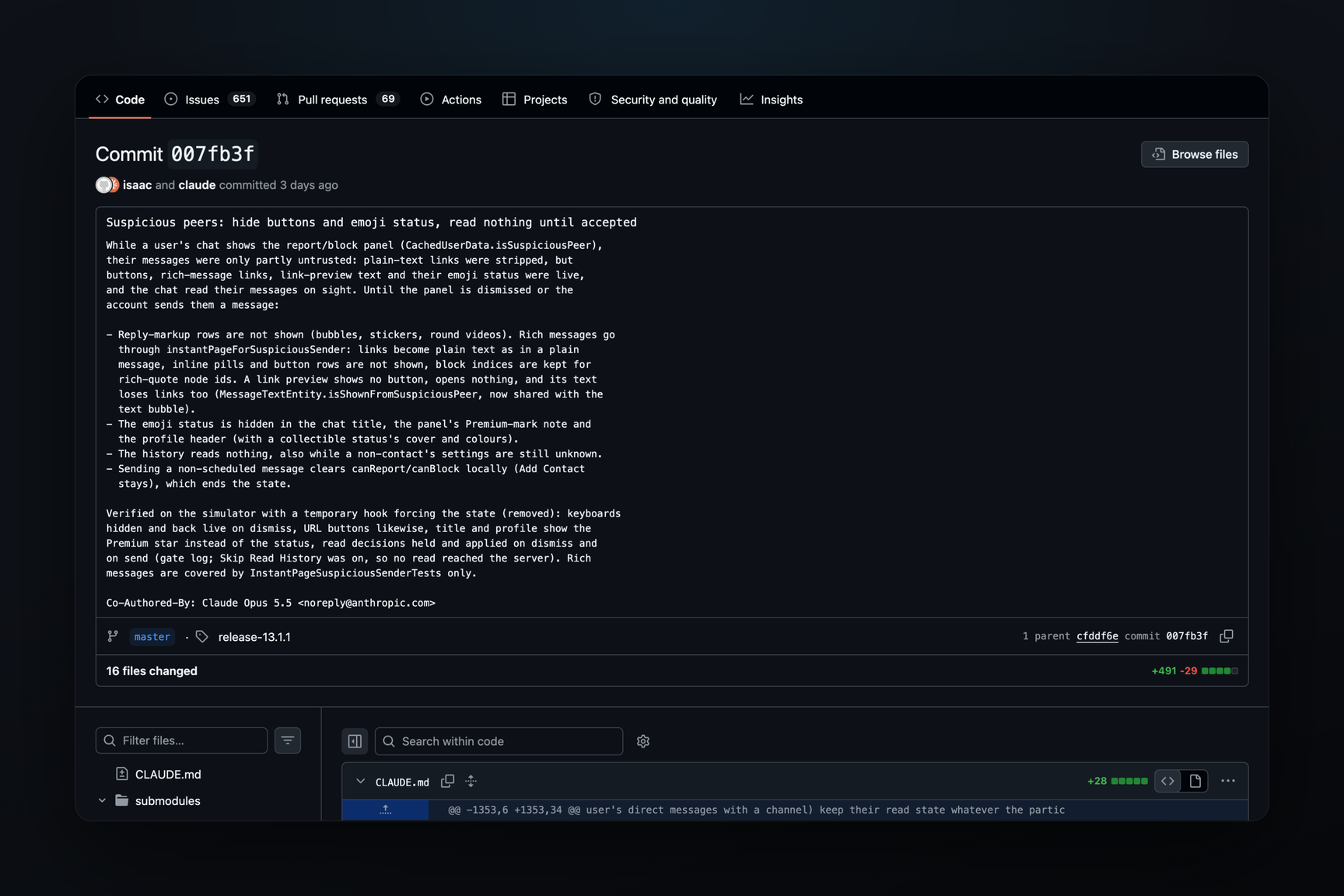
Telegram for iOS 13.1.1, based on its open source code, has stopped sending read receipts to strangers who initiate a chat. While the report panel with "Report Spam" and "Block" buttons is displayed above the chat, the client will not mark their messages as read, hide their buttons, open their links as plain text, and conceal their emoji status. This mode is lifted when you dismiss the panel. If you reply, it's lifted locally, though the authors of the change note that the server might reinstate it. The change is in the Telegram-iOS repository as commit 007fb3f1 from October 22. It was included in the release-13.1.1 tag, and the version itself was released on the App Store that same evening. This affects anyone receiving messages from strangers, as well as those who message strangers first: if you message an iPhone user, the two check marks will only appear after they decide how to interact with you.
What the Client Considers a Suspicious Peer
When a user not in your contacts messages you first, the server sends the client the chat's settings, peerSettings in the API scheme. Among the flags are report_spam and block_contact, which determine whether to show the "Report Spam" and "Block" buttons. There is no separate "suspicious" flag in the scheme. In the Telegram for iOS code, a chat is considered suspicious as long as at least one of these two flags is set; this is the isSuspiciousPeer predicate. These same settings include the phone country, registration month, and dates of name and photo changes, which, since March 2025, are displayed in the stranger's info card above their first message.
Before 13.1.1, being suspicious changed little: links, mentions, hashtags, email addresses, card numbers, and TON addresses in such a peer's messages were displayed as plain text and could not be tapped. Tapping the link preview card did nothing. Buttons below messages, the button and links in the preview text, links in HTML messages, and their emoji status worked like any other, and messages were marked as read immediately upon opening the chat.
What Changed in 13.1.1
Commit 007fb3f1 modifies 16 files, adding 491 lines and deleting 29. While the report panel is present:
| What | Before | After |
|---|---|---|
| Read receipt | sent upon opening chat | not sent |
| Buttons below message | shown and functional | not shown |
| Links in text | plain text | plain text, as before |
| Link preview | card doesn't open, but button below it and links in its text work | no button, links in preview text removed, media doesn't open |
| HTML messages | links and buttons work | links become text, buttons removed |
| Peer's emoji status | visible in chat header and profile | hidden, Premium subscriber sees a star instead |
Read Receipt. In Telegram, a read receipt and resetting the unread counter for a chat are the same action: the client informs the server of the last read message number, and the server shows the sender the second check mark. Now, the client defers this action while the peer is suspicious, and also in one other case: when a chat with a non-contact is opened for the first time and settings have not yet arrived from the server. A sent read receipt cannot be undone, so the client waits for a decision rather than reading "just in case." A comment in the change review states that on the simulator, read receipt decisions were deferred and applied after closing the panel and after sending a message.
Buttons. Rows of buttons below messages are removed for regular message bubbles, stickers, and round video messages. For HTML messages, a separate transformation is added: links, email addresses, mentions, hashtags, card numbers, and TON addresses become text, embedded buttons disappear, a button styled as a link retains only its text, and an image loses its link. Phone numbers, bot commands, dates, anchors, and custom emoji remain. Each block retains its number so that quotes referencing such messages continue to link to the same places.
Link Previews. The link preview card for such a message no longer has a button, its media does not open, and the same links are removed from the preview text as from the message text.
Emoji Status. The status is not shown in the chat header, in the Premium panel's description, or in the profile header, including the cover and collectible status colors.
This rule applies only to private chats. Chat list rows, search results, as well as groups and channels with a report panel, remain unchanged.
How to Exit This Mode
Four actions dismiss the panel, but not all of them lift the mode in the client's code:
- Close the panel with the 'x' button. The client calls
messages.hidePeerSettingsBarand clears the chat flags itself, without waiting for the server. Reporting spam also locally clears the flags. - Block the peer or add them to contacts. The client only changes the block status or contact status, leaving the
report_spamandblock_contactflags untouched: the mode will end when the server sends new chat settings. - Reply. When sending any message other than a scheduled message, the client itself removes these two flags from the chat; the "Add to Contacts" suggestion remains. A scheduled message does not arrive until its appointed time and does not lift the mode.
The third method is described in the repository with a caveat: the flags are cleared only locally upon reply, and users.getFullUser overwrites the chat settings with what the server sent on each update. If the server does not clear the flags after your reply, the mode will return on the next update. As of October 21, the authors of the change had not tested this, as they did not have a second account for testing. An alternative they mention is to call hidePeerSettingsBar when sending, but then "Add to Contacts" would also disappear.
What is Known About the Build
The commit landed in the main branch on October 22 at 11:20 UTC. 51 minutes later, at 12:11 UTC, the version number in versions.json changed to 13.1.1, the release-13.1.1 tag is on this commit with the number, and 007fb3f1 is included three commits earlier. Version 13.1.1 was released on the App Store that same day at 18:45 UTC with the description "Bug fixes, minor improvements, and more." The App Store build was not cross-referenced with the open source code. The same version also adapts the interface for the foldable iPhone Duo.
The change was tested on a simulator with a temporary toggle that forcibly enabled the mode; this toggle was not included in the commit. Regular keyboards and button-links were checked on the simulator, but the transformation of HTML messages was only covered by tests; there was no live HTML message from a stranger in the review. The commit signature is shared between a human and Claude Opus 5.5.
Phone Country and the New CanadaVoIP Entry
The phone country in the stranger's info card is taken not from the number itself, but from the phone_country field in the same chat settings: the server sends a two-letter code, the client looks it up in the countries list help.getCountriesList, substitutes the name, and draws the flag based on the code. For code FT, iOS displays "Anonymous" (these are +888 numbers), and for TS, it displays "Test".
On October 24, a new entry appeared in this list: code CP, name CanadaVoIP, phone code +1, without prefixes or number patterns. It first appeared on the test server by 09:33 UTC, then on the main server by 12:18 UTC. The entry is marked as hidden. Before this, there were three hidden entries in the list: XG "Global Mobile Satellite System" (+881), XV "International Networks" (+882, +883), and YL "Y-land" (+42). In total, the list contains 236 entries.
Hidden entries are not shown by iOS in the country picker on sign-in, but they are stored and found by code. The entry will also not be encountered when dialing a number: it is overridden by the USA, which appears later in the list with the same +1 code. This leaves one place where the client will read it — the phone_country code received from the server. According to this logic, the server intends to distinguish Canadian VoIP provider numbers from other +1 numbers, and in the stranger's info card on iPhone, "CanadaVoIP" will appear instead of "Canada." This is a conclusion drawn from the list and client code; a live chat with such a code has not been observed.
Telegram Desktop completely discards hidden entries when loading the list, so for code CP, it will draw a flag without a name. The flag is the same for both clients, based on two letters: in ISO 3166-1, the code CP is reserved for Clipperton Island, an uninhabited French territory in the Pacific Ocean.