Starting with beta build 12.10.283300 from October 8th, the Telegram for macOS client includes the HTMLBubbles module. This module enables messages rendered with HTML and CSS, incorporating embedded JavaScript, to reside directly within the chat bubble, without requiring a mini-app window. On October 11th, build 13.0.283309 added the three.js library and three 3D games controllable with arrow keys to this module. Currently, this feature is only available to users on the macOS beta channel. The module operates using demo chats embedded within the build itself, as there is no server-side message type for it in the API scheme.
What's Inside the Build
The macOS beta is distributed via the update feed mac-updates.telegram.org, and each build is a standard zip archive containing the application. Build 12.10.283299 does not contain the module, but in 12.10.283300, the HTMLBubbles_HTMLBubbles.bundle package appears alongside the resources. The build was disassembled on the same day.
Inside the package are twelve .chat files. These are not server data, but rather scripts for demo chats: a title, a list of participants with avatar colors, and messages, each being an HTML snippet with its own <style> and <script>. The names themselves indicate their purpose: «Design Crew», «Deploy Bot», «Stress Test», «Playground», «Long Reads», «Trip to Lisbon», «Shop Assistant», «Analytics», «Live Scripts», «Code Review», «Game Night», «Motion Lab». The caption for «Stress Test» explicitly names the engine: «what litehtml can handle and what it cannot».
The executable's strings contain a catalog of demo messages, about fifty cards: a boarding pass with day tabs, a product page with size and color selection, a conversion funnel, cohort retention, a pull request with an Approve button, a CI build with Promote and Roll back buttons, tic-tac-toe against a bot, dice «that actually roll», a music player with a live equalizer, and a response «that types itself, like AI».
A separate chatbot, HTML Bot, introduces itself as follows: each response is HTML and CSS, there is no network; type / to select a message. It also provides a rule for custom code: any HTML with styles and a script is displayed full-width without a bubble, while content wrapped in <div class="widget"> appears inside the bubble.
What the October 11th Build Added
In 13.0.283309, two items appeared in the package. The first is lib/three.js, weighing 1.27 MB: the three.js library, revision r160, under the MIT license, recompiled, according to a comment in the file's first line, «for HTML messages». The module executes as a single script and places itself into the global THREE object. Messages link to it not by a network address, but by an internal app:three reference.
The second is a thirteenth chat, «3D Lab», with the caption «three.js scenes rendered by the app's Metal renderer». It contains three messages: the arcade game Chicken Cross, where a chicken crosses roads, a demo scene «three.js on Metal», and chess against a bot. Controls for Chicken Cross are arrow keys or WASD after clicking on the field; Esc releases focus; duplicate buttons for mouse input are provided below the field.
A ported folder also appeared, containing over a hundred individual HTML files — the same demo messages, organized by chat. The string «twidget has no port of this card» in the binary suggests its purpose: cards are being ported to a second rendering engine to check which ones have successfully migrated.
What This Means for Users and Bot Developers
Stable Telegram for macOS, Telegram Desktop, iOS, and Android clients do not display such messages. In the beta, the module works with its own demo chats: there's no way to send an HTML message with a script to another user via the server, as the API scheme (layer 230) lacks a message type that would deliver raw markup with styles and scripts to the recipient.
The closest public feature is Rich Messages, which appeared in Bot API 10.1 on June 11, 2026. A bot can send a message in HTML or Markdown via sendRichMessage, but the documentation describes HTML only as a formatting method: each tag is reduced to a block from a fixed set — paragraph, heading, list, table, quote, collapsible block, formula, photo, video. In the API scheme, this is evident from the types: inputRichMessageHTML with a markup string is accepted as input, and the recipient sees richMessage with a list of blocks — the same ones used to compose Instant View pages. Neither <script> nor <style> tags are listed among those supported by the Bot API.
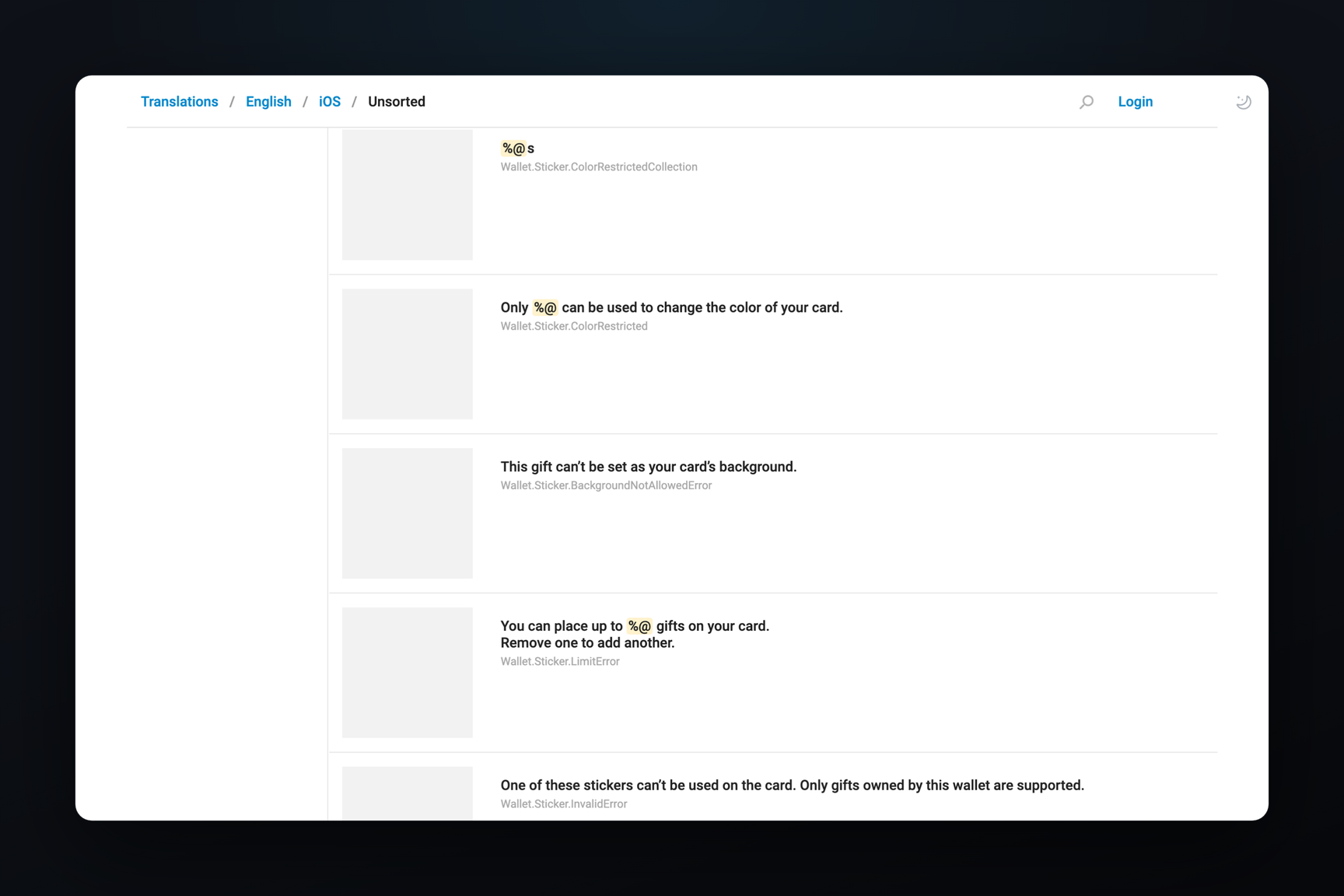
The build does not show any connection between HTMLBubbles and Rich Messages: the demo chats are loaded from a package within the application, not from server messages. The demo texts are hardcoded in English within the binary and are not present on the macOS translation platform.
How a Message Is Rendered in a Bubble
The primary method avoids using a browser. The markup is parsed by litehtml — an open-source HTML and CSS layout engine under the BSD license, which itself does not render anything: it arranges elements by coordinates and delegates rendering to the application. It reads HTML using the Gumbo parser, and Gumbo's debug strings («Entering adoption agency algorithm», «Noah's ark clause») made their way into the binary along with it. The application handles rendering itself, and HTML Bot's strings include three comparison modes: litehtml, litehtml-gpu — the same layout rendered via Metal — and twidget (WebKit).
A script in such a message does not directly modify the markup. It declares a render() function that returns an HTML string for the current state, and handlers: onAction(name, value) for clicks on elements with a data-action attribute, onKey, onPointer, and onFocus for games. After each event, the client calls render() and re-renders the bubble in place. On top of this is a set of animation helpers: tween(), animate(), ease.* curves, transition('pop') for native content changes. Static HTML surrounding <script> serves as a fallback if the script fails to run.
According to the «Live Scripts» demo text, each script runs in its own JavaScriptCore sandbox — the JavaScript engine included with macOS. Right-clicking a card opens «Script Log…» with its console, and the /stats command in a chat with HTML Bot enables per-message display of frame rendering time, frame rate, CPU, and memory — a measurement tool, not for the user.
Sandbox and Network
The «Runaway scripts the sandbox stops» demo illustrates the limits directly within the cards: an infinite loop on load, according to their text, is interrupted by JavaScriptCore after 50 ms, leaving static HTML; a card with a Hang button starts a similar loop inside onAction; a timer that occupies the CPU for 40 ms every 100 ms exceeds the 200 ms CPU time budget per second.
The WebKit mode resides in a separate WidgetSandbox module and is isolated from the network by three layers simultaneously. The page receives a content security policy with connect-src 'none' and scripts only via a one-time key; a list of rules connected to WebView blocks all http, https, ws, wss, and ftp addresses; before the message code, fetch, XMLHttpRequest, WebSocket, EventSource, RTCPeerConnection, workers, and window.open are removed from the window. Images and media are only allowed from data: and blob:, and files like three.js are served by an internal scheme handler.
How 3D Scenes Are Structured
The games from «3D Lab» are written using standard three.js code: a scene, an orthographic camera, lights with shadows, and cube geometry. The renderer is created as THREE.WebGLRenderer, but with a cornerRadius parameter that three.js does not have — it is only understood by the application's wrapper. The binary contains a wrapper for the WebKit page mode: it replaces WebGLRenderer with a subclass, inserts its canvas into an element with the data-3d attribute, monitors its size, and passes arrow keys, WASD, space, and Enter to the game's onKey handler — with Cmd, Ctrl, or Alt, keys are passed to the application.
In the bubble, according to the chat's caption, the same scene is rendered by the application's Metal renderer; the module contains HTMLBubbleGPU and HTMLBubbleGPUPool classes and buffers for Metal resources. On Macs without Metal, the game displays a placeholder: «3D needs a Mac with Metal».
Telegram Serverless and tgcloud.ai
Neither the HTMLBubbles package, nor the binary strings, nor the API scheme contain references to Telegram Serverless, tgcloud.ai, or any other server-side executor: demo messages are stored locally, and HTML Bot is designed without network access. Any connection between them is currently unconfirmed by anything other than a coincidence in timing.