The Telegram built-in wallet card will not only be able to be decorated with collectible gifts, but also recolored to match a gift's color — however, not just any gift. Which collections provide a color is decided by the server: on Telegram's test server, this list currently includes four names: Plush Pepe, Resistance Dog, Crystal Ball, and Cake. On October 18, iOS client strings appeared on the translation platform, describing both the coloring feature and sticker rules. The feature is not yet available to users: the list is absent from the main server's config.
What appeared on October 18
Telegram for iOS interface texts are available on the translation platform, and new keys become visible there before a build is released. On October 18, strings for the wallet card — the panel with the balance and address at the top of the wallet screen — were added to the wallet section:
- "Add to Card" and "Remove from Card" — to place a gift on the card and remove it;
- "Apply Color" and "Remove Color" — to recolor the card to match a gift and revert to the previous color;
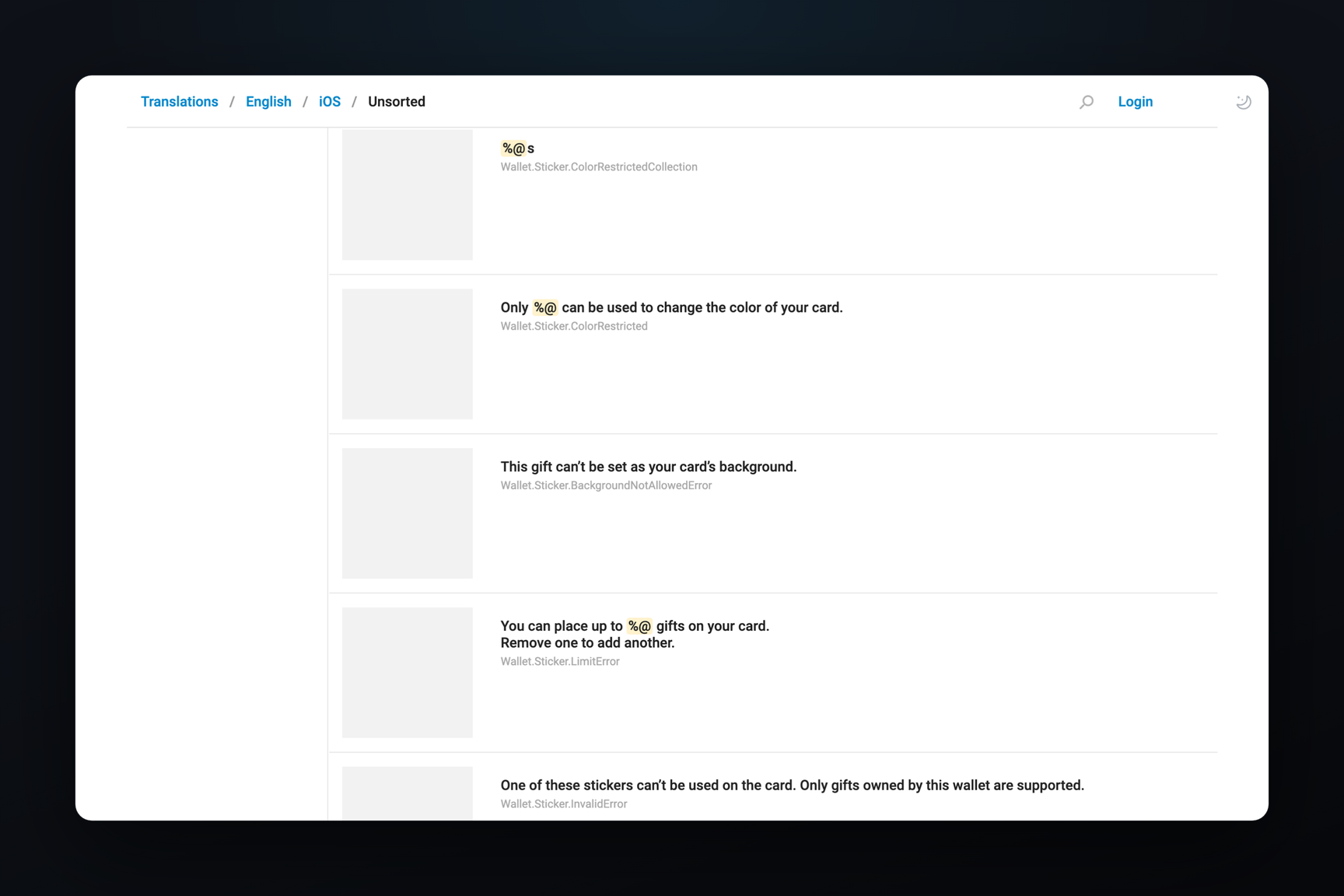
- "Only %@ can be used to change the color of your card." — the client substitutes collection names for
%@; - "This gift can’t be set as your card’s background.";
- "You can place up to %@ gifts on your card.";
- "A gift displayed on your profile can’t also be a card sticker. Hide it from your profile first.";
- "One of these stickers can’t be used on the card. Only gifts owned by this wallet are supported."
The card stickers themselves were found on October 15 in a Telegram for macOS beta — along with server errors, some of which were hard to understand from their names alone. The new strings explicitly state their meaning.
Color — Only from Server-Listed Collections
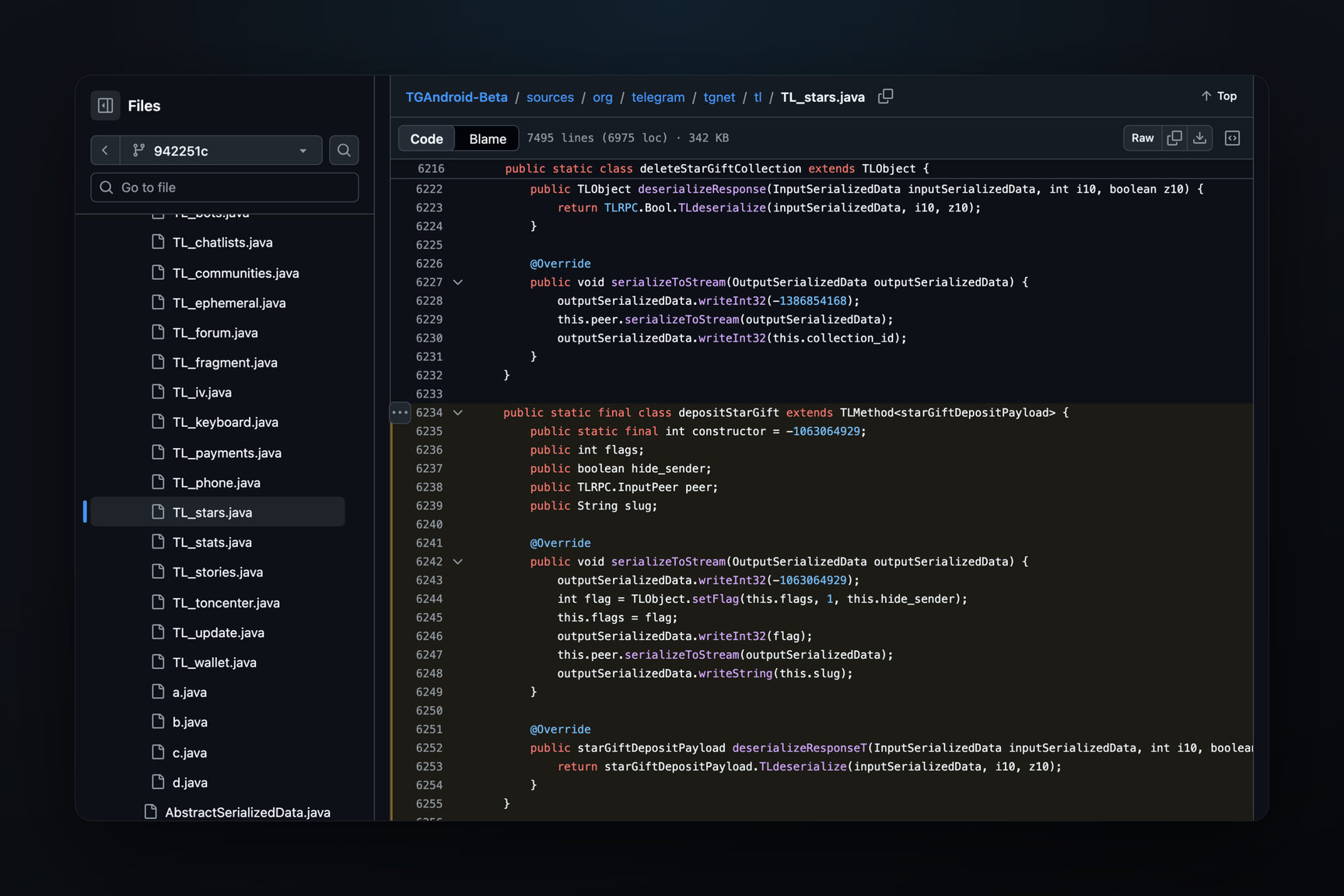
The client doesn't know in advance which gifts are suitable for coloring: the list comes in the server config help.getAppConfig under the key wallet_card_bg_gifts. It appeared in Telegram's test server config on October 17 at 07:50 UTC with two collections, PlushPepe and ResistanceDog. Two and a half hours later, at 10:14 UTC, CrystalBall and Cake were added to them. The key is absent from the main server config, which all regular clients read.
The values in the list are short collection names, the same as in gift addresses. Plush Pepe (t.me/nft/PlushPepe-1), Resistance Dog (t.me/nft/ResistanceDog-1), and Crystal Ball (t.me/nft/CrystalBall-1) exist on the main server. A collection with the short name Cake does not exist there: no gift is found at t.me/nft/Cake-1, and the cake on the main server is called Homemade Cake (HomemadeCake). The test server has its own data, and it's unclear from the config whether Cake reflects a future collection or just a test one.
A gift not on the list can be placed on the card, but its color cannot be used: the string "This gift can’t be set as your card’s background" is for this scenario.
Telegram has had a similar arrangement before. Chat themes from gifts launched in August 2025 with four collections — Plush Pepe, Precious Peach, Durov's Cap, and Heart Locket.
Sticker Rules
The strings from October 18 answer questions left open after the macOS beta.
A gift — either on the profile or on the card. The server error WALLET_STICKER_SAVED_PROFILE means exactly this: a gift displayed on your profile cannot be used as a sticker; you must hide it from your profile first. The same strings include "Show on Profile" and "Hide from Profile" — gifts moved to the wallet can still be shown on your profile, but not on the card simultaneously.
Only gifts from this wallet. The error WALLET_NFT_NOT_OWNED and the string "Only gifts owned by this wallet are supported" mean that only an NFT located at the address of the wallet whose card it is can be used as a sticker. A gift belonging to someone else or from another one of your addresses will not work.
The server decides how many stickers. The string "You can place up to %@ gifts" receives a number from the server; it is not hardcoded in the client. There is no separate key for this limit in the configs of either server yet.
Gestures. A hint below the gift grid describes the full interaction: you need to hold a gift to "peel" it off the tile and move it to the card; hold a sticker on the card to remove it again; a second finger rotates and scales it. The three-step tutorial is: "Drag this collectible onto your card to decorate it", "Drag this collectible here", "You can add multiple collectibles".
Another User's Wallet Balance
The same strings include a second screen — another user's balance. The string "%1$@ owns %2$@ on the TON blockchain" substitutes the person's name and amount, alongside "Send GRAM to this address or scan this QR code" and a "Show QR" button. The client shows the wallet owner a warning: "Your balance is public due to blockchain transparency".
In the Telegram for macOS beta build 13.0.283328 from October 16, the WalletPeerBalanceController corresponds to this screen, and the showPeerBalance call is located in the profile code next to hasWallet and sendMoney. This suggests that the balance will open from the profile of a contact who has a built-in wallet — this is an interpretation of the code; the screen itself has not been reproduced in operation.
Telegram does not disclose new data with this feature. The balance of any TON address is already publicly visible on the blockchain via an explorer, and the address-to-account link is already shown during transfers: the macOS client has the string "This TON Blockchain address is linked to %1$@ on Telegram". The only change is that you won't need to search for the amount by address — it will be displayed next to the name.