Beta versions of Telegram for macOS and Android have introduced the transfer of collectible Telegram gifts between the profile and the built-in wallet. A gift sent to the wallet becomes a regular NFT on the TON blockchain. From the wallet, it can be returned to your own profile or placed in someone else's. The feature is not yet available to users: the code exists in the clients, but it has not yet been enabled on the server.
What Appeared in the Betas
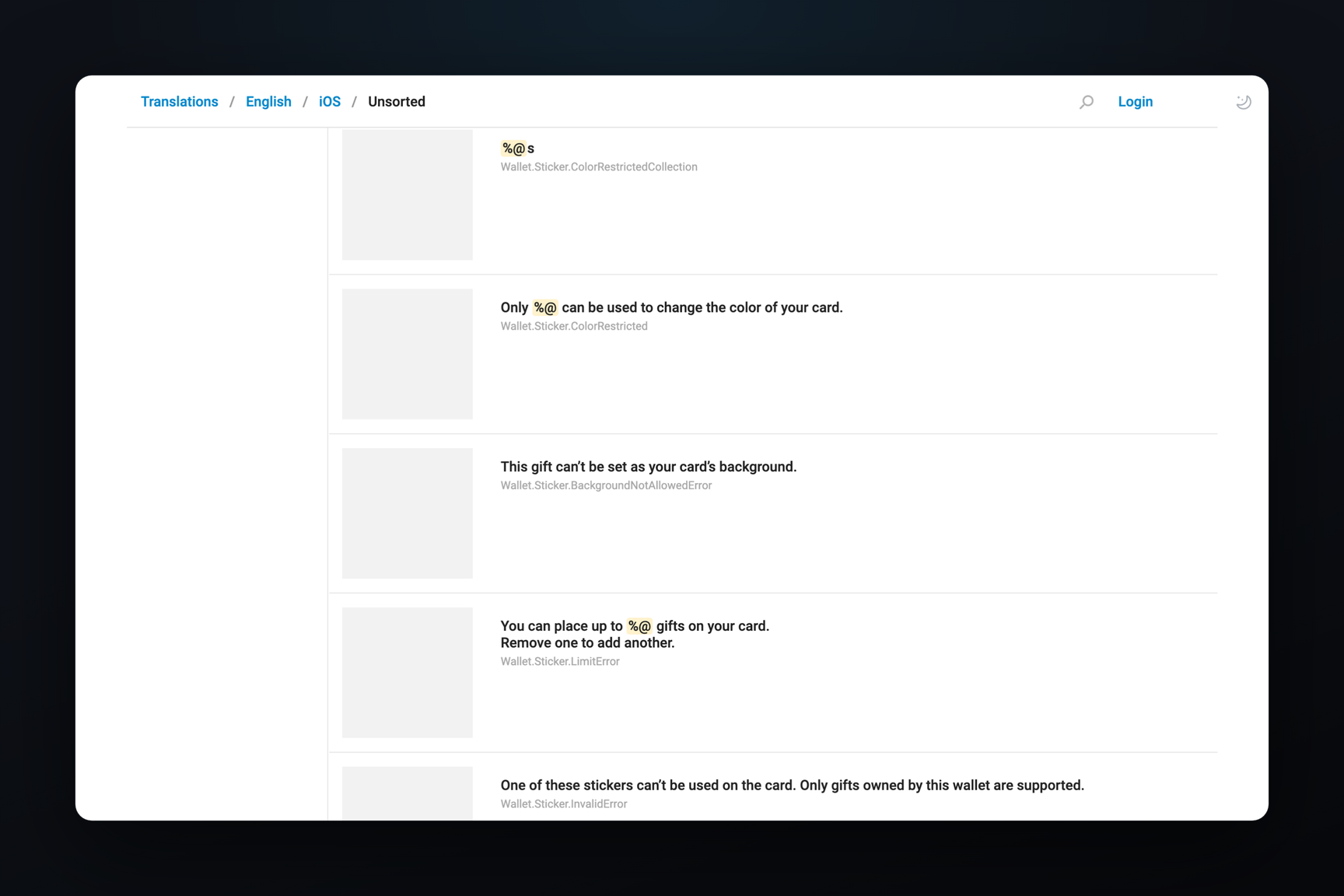
On October 16, Telegram for macOS build 13.0.283324 introduced interface strings for the transfer:
- "Move to My Wallet" and "Move to My Gifts";
- "Move this gift to your blockchain wallet?" and "Move this gift to your profile?";
- "Gift moved to your wallet." and "Gift moved to your profile.";
- "You can move it back onchain again at any time.";
- "Hide from Profile" and "Choose Recipient".
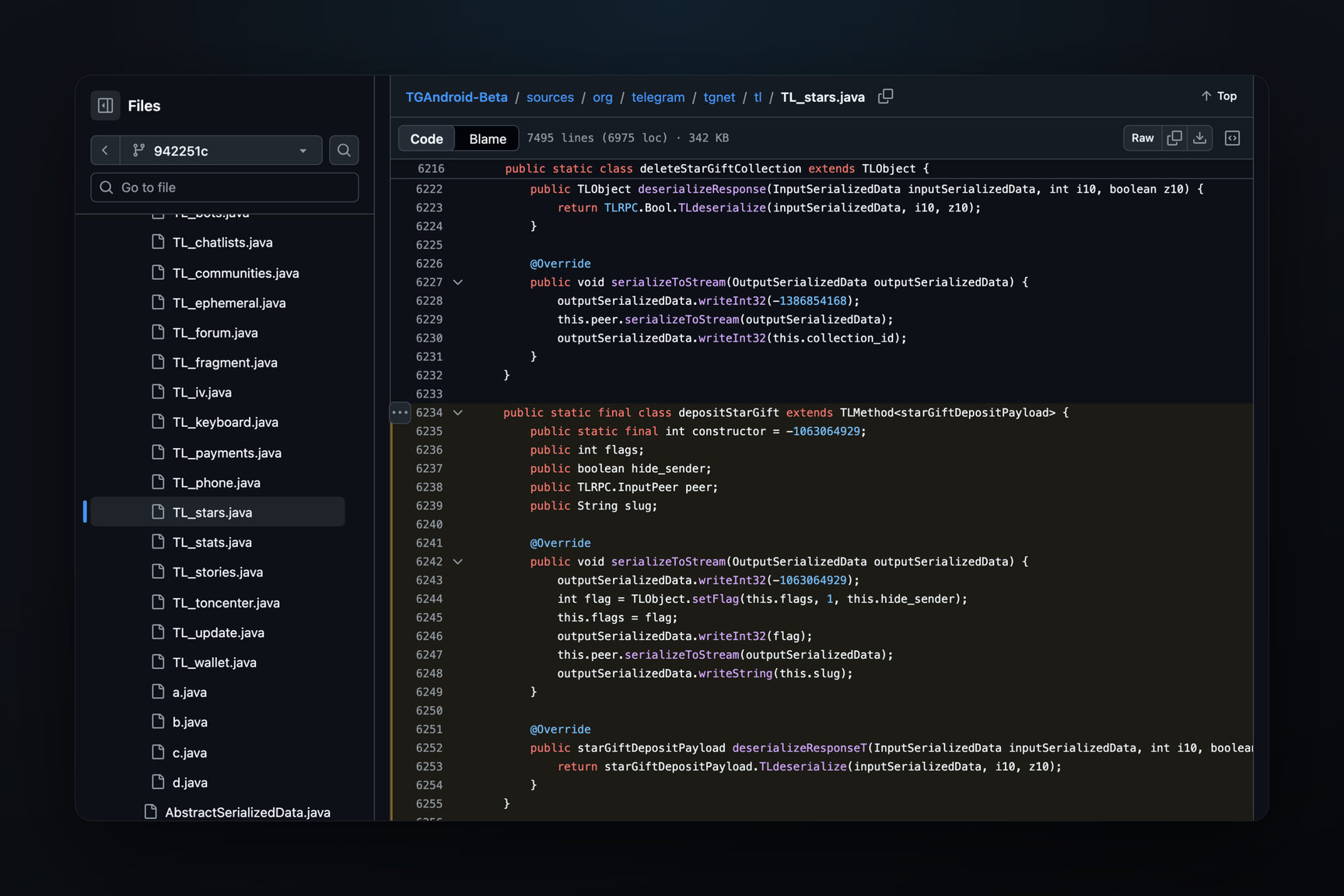
A day later, on October 17, Telegram for Android beta 13.1.0 was released. Its API schema includes three new methods that were not present in build 13.0.3: withdrawStarGift, depositStarGift, and displayStarGift.
How the Transfer Works
From Profile to Wallet — the withdrawStarGift method. The request is confirmed with a two-step verification password, similar to withdrawing stars and other money-related operations in Telegram. The method has a keep_on_profile flag: a gift can move to the wallet and still remain visible in the profile. The string "Hide from Profile" is the opposite choice.
From Wallet to Profile — the depositStarGift method. It specifies the gift, the recipient, and a hide_sender flag to conceal the sender. The server does not transfer the gift itself in response, but instead provides three fields: the NFT address, the transaction payload, and the amount. The wallet sends the NFT to this address via a TON transaction, and only after that does the gift appear in the profile. The recipient field and the "Choose Recipient" string mean that a gift from the wallet can be placed not only in your own profile but also in someone else's profile — with or without a hidden sender.
Display without Transfer — the displayStarGift method. This displays a gift in the profile while it remains in the wallet.
How This Differs from Withdrawal via Fragment
It was previously possible to withdraw a gift to the blockchain, but only to an external TON wallet and via Fragment: Telegram would provide a withdrawal link (the getStarGiftWithdrawalUrl method, which is also present in older builds), and then the withdrawal would proceed on the Fragment website. The new path is shorter: the gift moves to the built-in wallet directly from the profile, without navigating to a website, and returns from there via a regular transaction from the same wallet.