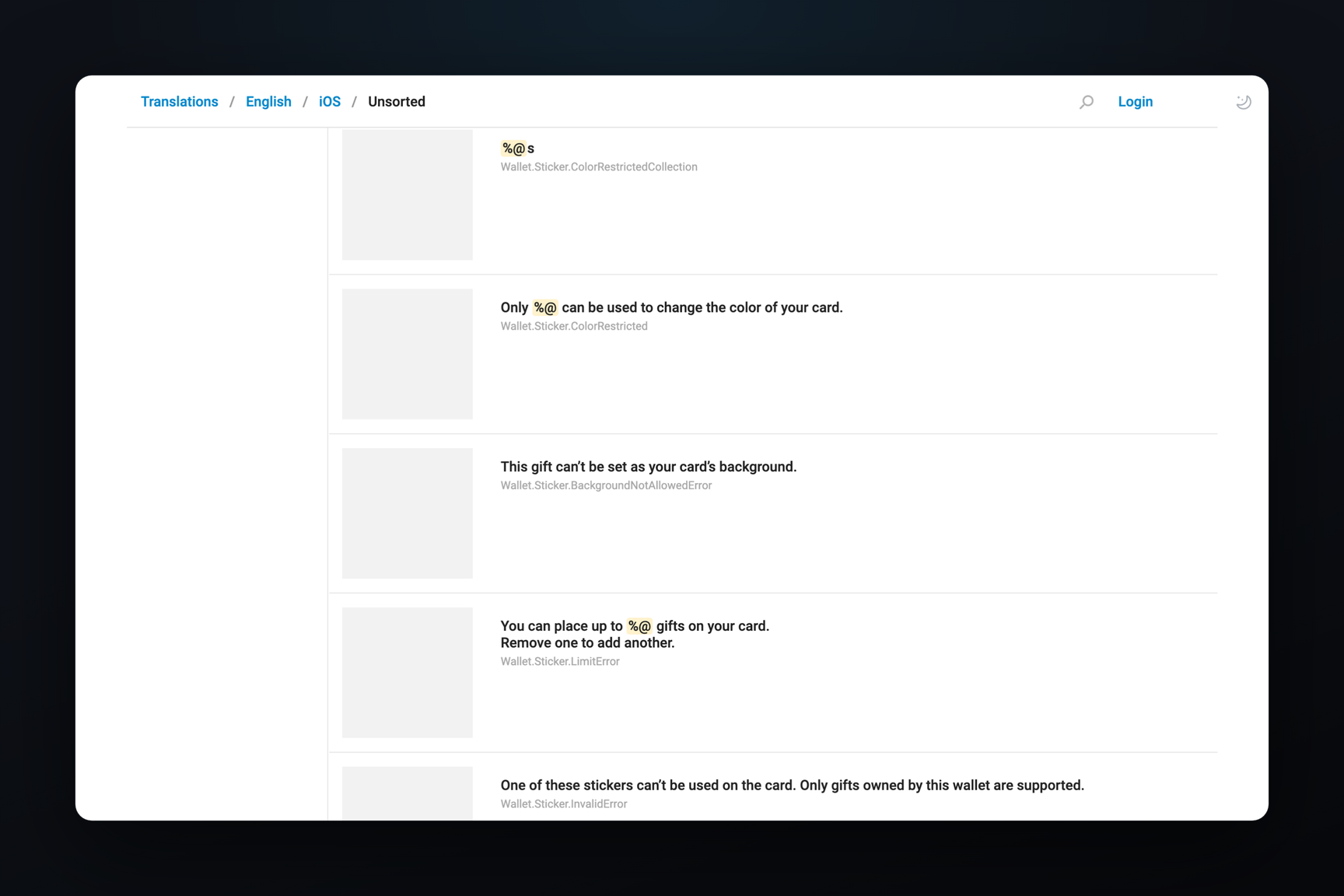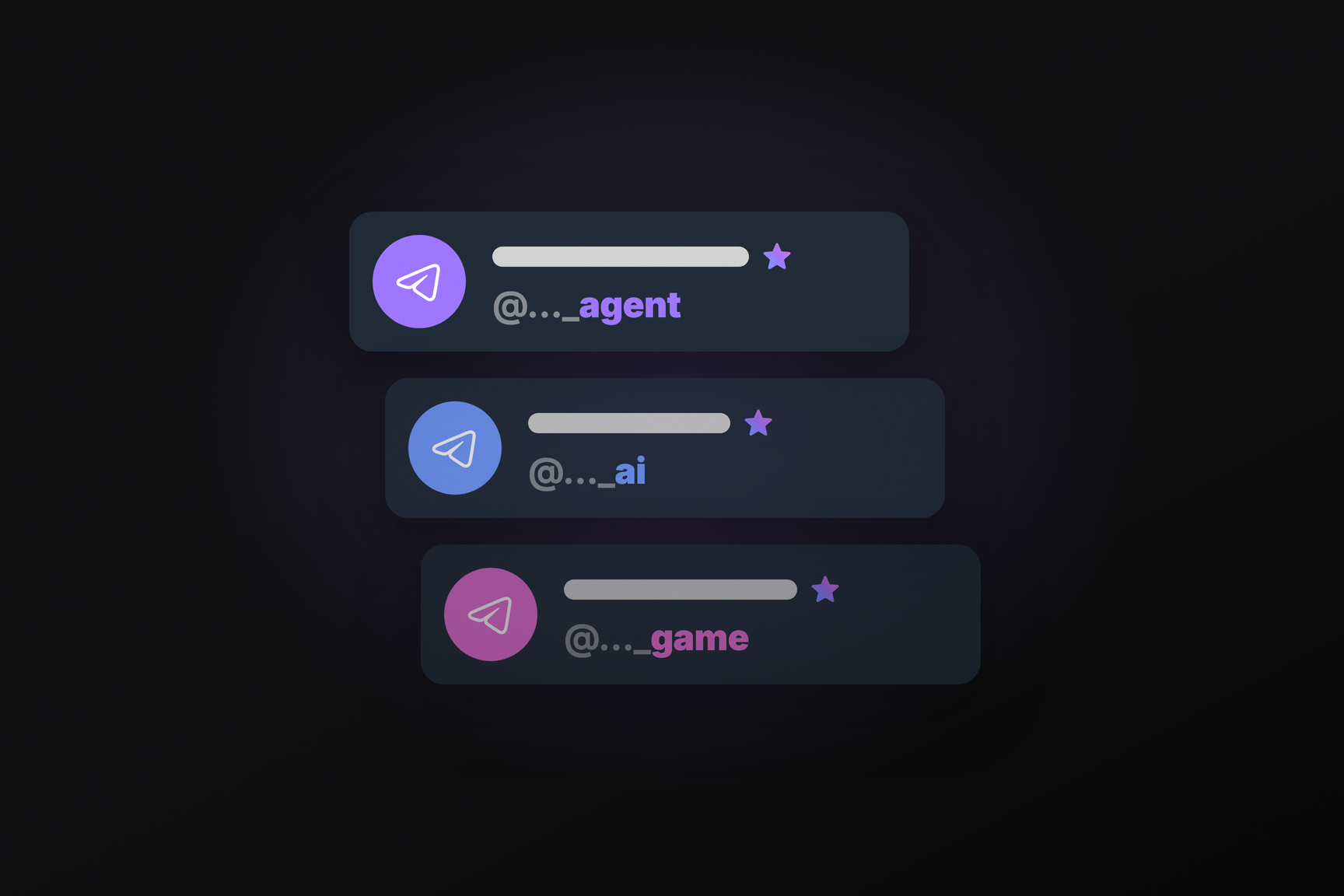
Telegram bots will receive a secondary username that can end not with "bot", but with app, agent, ai, game, or gay. A bot owner with a Telegram Premium subscription will be able to add such a username, one per bot. Based on the username suffix, the client will label the bot in its status line: instead of the usual "bot", it will display "agent", "AI", "game", or "app". The methods are already present in TDLib, the status label in Telegram Desktop code, and error messages in Android 13.0.2, released on October 13. As of October 9, the server configuration did not yet contain keys for this feature.
What's Changing in Username Rules
Currently, a bot's username must end with "bot", such as "tetris_bot" or "TetrisBot", as required by BotFather documentation. This rule remains: the bot's primary username will still end with "bot".
The new feature is a secondary username (referred to as secondary_username in the TDLib scheme). It does not replace the primary username but coexists with it in the bot's link list, similar to additional usernames for channels and accounts. There are three restrictions:
- the username must end with one of the allowed suffixes, a list of which is provided by the server;
- a bot can only have one such username;
- a single owner cannot have more such usernames than the server-defined limit; by default, TDLib sets this to two.
If you choose a username without "bot" at the end when creating a bot, TDLib describes the following process: the chosen username will become the secondary one, and the server will automatically assign a primary username ending in "bot" to the bot.
How This Will Look for Bot Owners
Until the server provides the list of suffixes, it's not possible to add a secondary username in any client. Once enabled, the process can be inferred from the Android client's strings:
- the username field will display a hint: "must end with 'bot' — or with app, agent... with Telegram Premium";
- attempting to use a new suffix without a subscription will trigger a message stating that such usernames require Premium, along with a subscription button;
- trying to add a third such username will hit the limit: "you can only have N such usernames across all bots";
- a second attempt on the same bot will be blocked by: "this bot already has a Premium username, delete it before adding a new one".
The availability check for a username is the same as for a new bot, with a separate flag "for secondary username". A secondary username can be deleted at any time.
Where the Status Label Will Appear
The status label is the string under the bot's name in the chat header and profile, where "bot" is currently displayed. Telegram Desktop determines it with a short function: it takes the first username in the bot's link list and checks its suffix against five options, case-insensitively. If it matches, the word from the table is printed instead of "bot". If it doesn't match, "bot" remains.
| Suffix | English | Russian (on the translation platform) |
|---|---|---|
| app | app | приложение |
| agent | agent | агент |
| ai | ai | ИИ |
| game | game | игра |
| gay | gay | гей |
An important detail not apparent from announcements is that if the server provides the number of active monthly users for a bot, the status line will display that, and the suffix-based label will not be shown. This means "agent" will primarily be seen for bots that do not have such a counter.
A second detail is that the first username in the list is checked, whatever it may be. The bot owner can reorder links by dragging them, but the scheme does not specify whether the secondary username can be moved to the top. This affects whether the status label will be visible for a bot whose primary username ending in "bot" is listed first.
The fifth suffix had a shorter journey than its discussion. In the Desktop source code, it appeared on October 6 with the English text "non-binary", and on October 8, the English option on the translation platform was changed to "gay". The Russian translation there managed to be «гей», «геи», and «gay» within two days, so the final word might still change. The other four suffixes were translated without disagreement.
Is This Free for Premium?
More precisely, the secondary username is only available with Premium, and there is no separate charge for it in the code. The addition method in TDLib accepts two arguments — the bot and the username, without price, stars, or Gram. The server method bots.addUsername in the MTProto scheme is structured similarly. TDLib refers to the list of allowed suffixes as "Premium suffixes", and Android calls it a "Premium username". There is no mechanism in the current code to purchase such a username without a subscription.
This mechanic does not overlap with Fragment. The scheme explicitly calls the secondary username "non-collectible": it is not an NFT username from an auction; it is not sold or transferred, but rather claimed like a regular username if it is available. Bots can already use collectible usernames from Fragment, and these can also exist without "bot" at the end.
What happens when a subscription expires is stated in one line of the scheme: if a secondary username is disabled, it can only be re-enabled with Premium. This leads to the hypothesis that the username is disabled, not freed, upon Premium expiration — but there is no direct description of such a scenario in the code.
Where the server gets the list of suffixes
The five suffixes in Telegram Desktop are hardcoded: they form a dictionary for the status label. TDLib reads the allowed suffixes for registration from the application's server configuration, using the bot_allowed_suffixes key, and provides them to clients via the updateAllowedBotUsernamePremiumSuffixes event (commit from September 30). The owner limit comes with the bot_additional_usernames_limit key. In the production configuration on October 9, neither of these keys was present, so the list of suffixes on the server might be shorter or longer than the five known to clients.