Through Walt — formerly the Wallet bot — there's one way to top up your Telegram wallet from Russia with rubles: buy Gram from another user on the Walt P2P Market via a standard bank transfer, then move it to the "Money" section using the Deposit from Walt button, with no network fee. Bank cards are generally not helpful here: MoonPay does not operate in Russia, and card providers in Walt may not accept cards from Russian banks. You cannot buy Gram for rubles in Walt without identity verification, but you can receive it via transfer from another person without it.
What You Need in Advance
- Walt. This is the bot @walt; its previous name @wallet also works. Russia, Belarus, and Kazakhstan are not listed among the countries where Walt is unavailable. You can use it from the age of 18, and bypassing restrictions via VPN is prohibited by the rules.
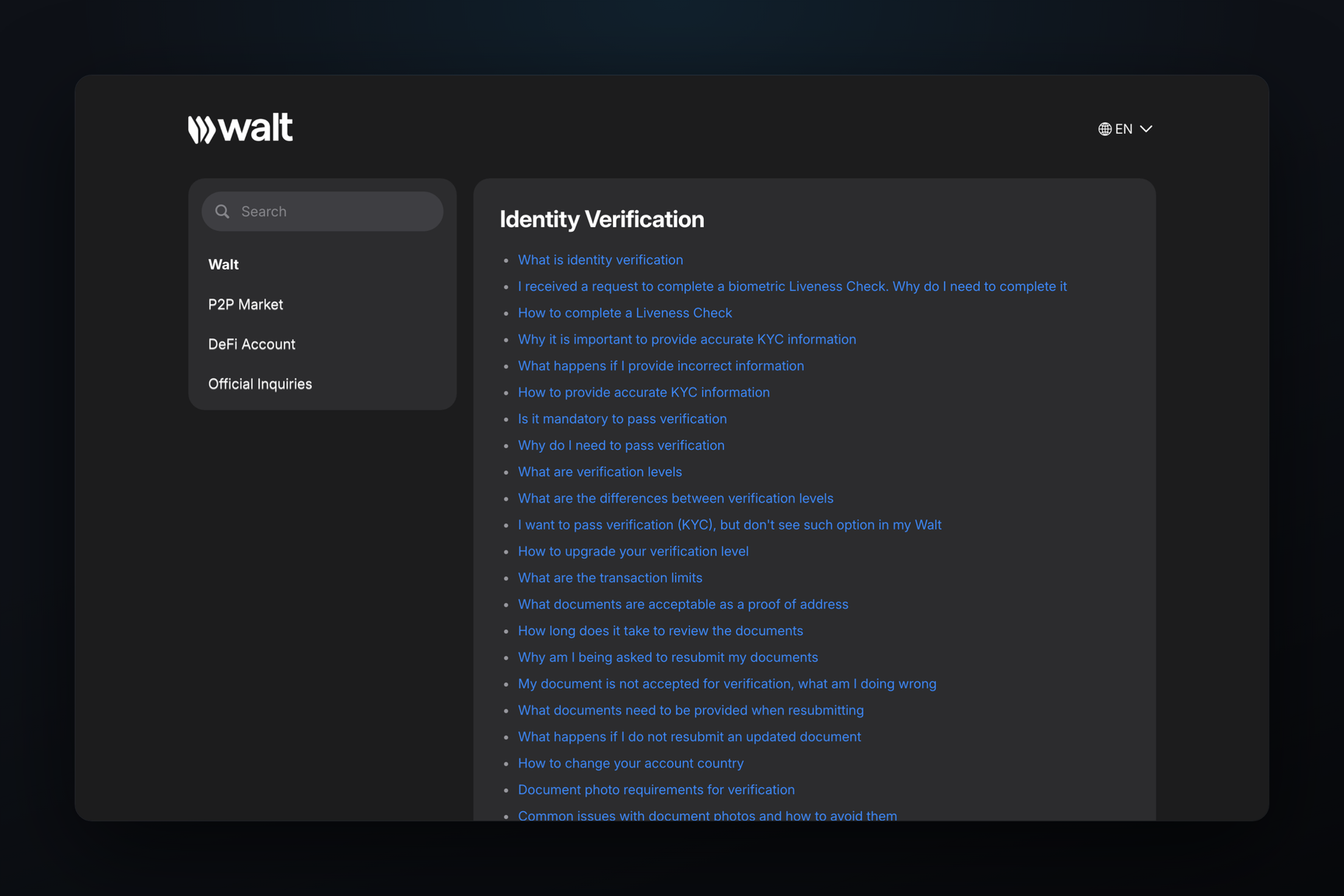
- Extended Identification Level. P2P Market purchases are only enabled after this: document and liveness check. It starts in Walt via ⋯ → Identification Level and is reviewed for up to 12 hours. For reasons why verification might be rejected and what to do, see the help article on a non-working wallet.
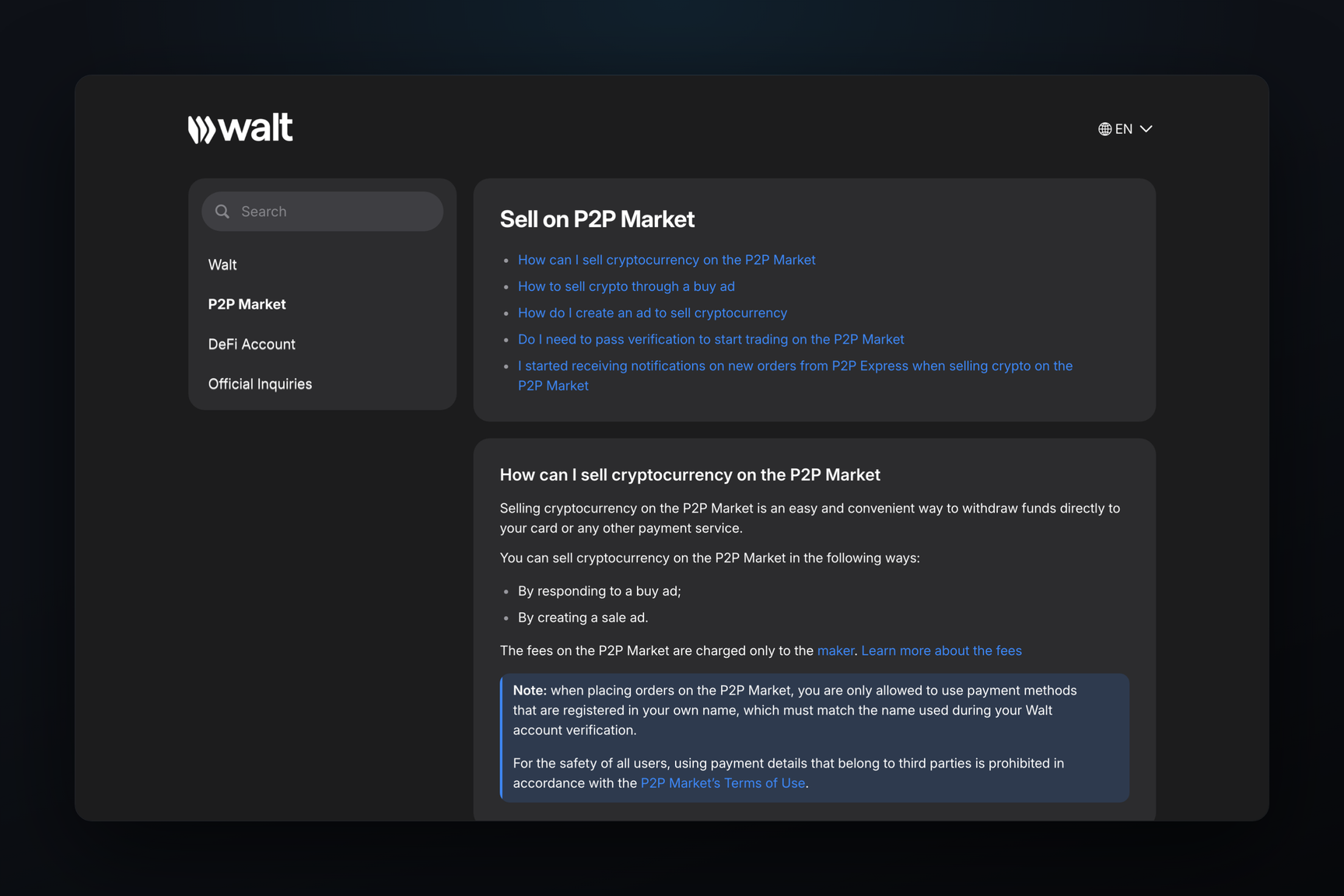
- Bank account in your name. You can only pay on the P2P Market from your own account, and the name on it must match the name under which you completed verification in Walt.
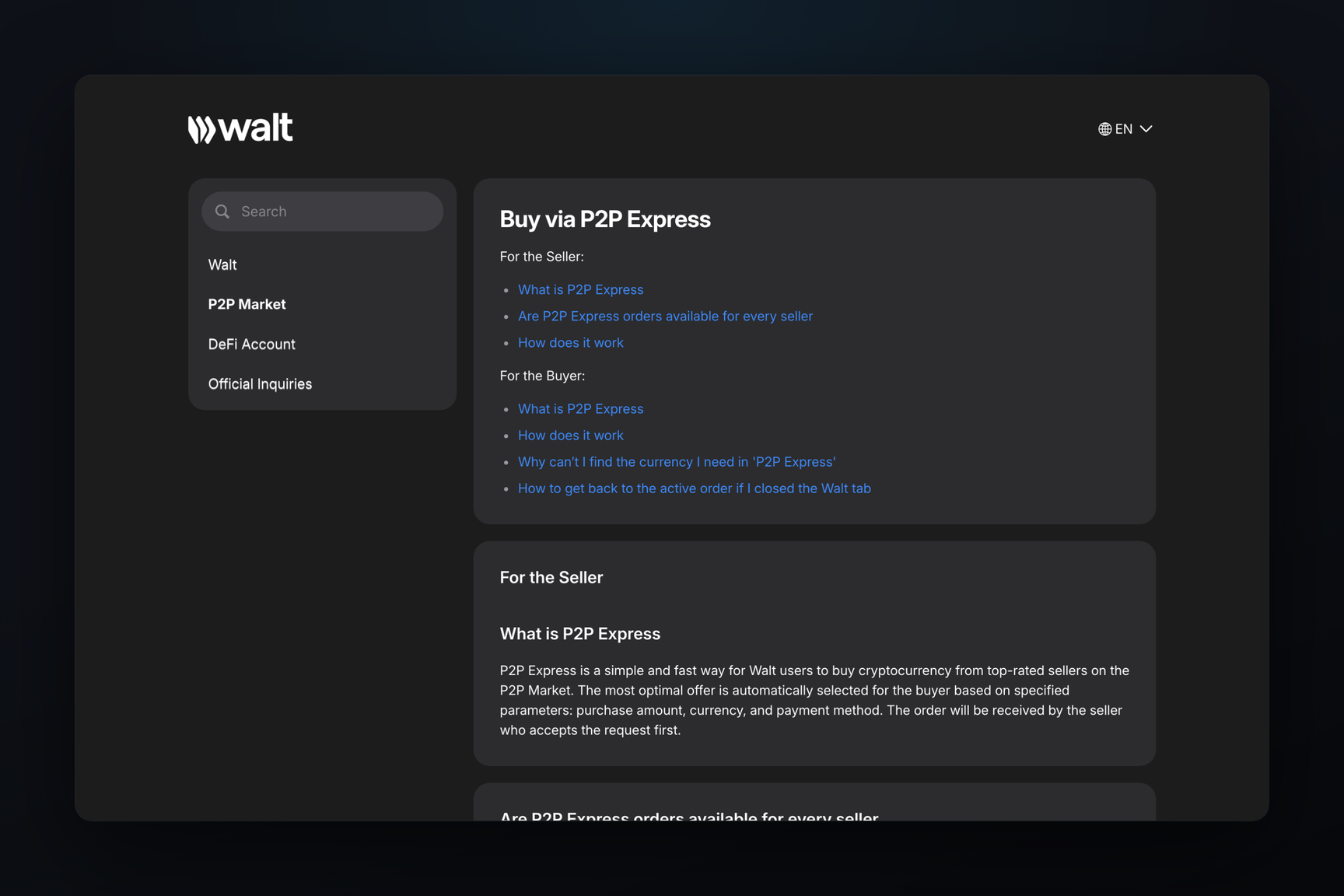
Quick Method — P2P Express
P2P Express automatically finds the seller with the best exchange rate among highly-rated merchants. Steps:
- On the Walt home screen, tap Deposit and select P2P Express.
- Choose the coin and currency — RUB, if it's in the list.
- Enter the amount and payment method.
- Wait for the merchant to accept the order. This usually takes less than a minute.
- Copy the payment details from the order and transfer the money in your banking app.
- Confirm payment in the order and upload the payment receipt — it will be sent to the seller.
- The coins will arrive in your Walt account once the seller confirms receipt of funds.
If RUB is not in the P2P Express list, it means there are no express offers in RUB available at the moment. In that case, the regular P2P Market remains.
Buying via a Listing
Here, you choose the seller manually. Steps:
- Deposit → P2P Market → Buy.
- Select a listing. It already specifies the exchange rate, payment methods, and limits for a single order in RUB; you can conveniently filter to show only your bank.
- Tap Buy, enter the amount, then Check order and Confirm.
- Wait for the seller to accept the order — a notification will arrive in the chat with @walt. The order will display the payment details and the seller's name: first name and the first letter of their last name.
- Verify this name against the recipient in your banking app and transfer the money in a single payment, using only the details from the order.
- Tap Confirm Payment and upload the payment receipt.
- The coins will arrive in your Walt account once the seller confirms payment.
The time limit for payment is set by the listing's author. You must mark the payment before the time runs out; otherwise, the order will be canceled.
How Much It Costs
A buyer responding to another user's listing pays nothing to Walt: the transaction fee is paid by the listing's author. The buyer typically pays their bank's transfer fee themselves, in addition to the order amount.
The markup is embedded in the exchange rate. The seller sets it, and usually, a listing can be placed within approximately 70% to 150% of the market price; each currency has its own range. Therefore, before buying, it's worth comparing the rate in the listing with the exchange price.
Transferring from Walt to "Money" is free. If you bought USDT, exchanging it for Gram within Walt costs from 0.9% to 0.09% depending on your account level, and you cannot exchange less than 1.4 USDT. For detailed information on fees for all top-up methods, see the help article on top-up costs.
How to Avoid Losing Money
Buyer rules — from Walt's help articles on buying and on fraud:
- Names must match. If the recipient in the bank is not the one specified in the order, do not pay. You should tap I have a problem → Names Don't Match, I Haven't Paid — the order will be canceled.
- Only use details from the order. Payment details sent by the seller in the order chat cannot be used. If the seller insists on different details, you should stop the payment and contact support.
- Single payment from your own account. The help article requires payment in a single transfer, and using third-party accounts is prohibited by market rules.
- Do not cancel a paid order. Cancellation returns coins to the seller, and you could lose your money. If the seller asks you to cancel the order after payment, this could be a scam.
- Do not leave Walt. Coin escrow only works within the order: transactions in private messages lack this protection.
If money has been transferred but the seller does not release the coins, an appeal can be opened in the order. The coins are blocked during this time, and the resolution usually takes several hours.
How to Transfer Gram to "Money"
Purchased Gram is held in your Walt account. To have it appear in your built-in Telegram wallet, you need to:
- Open "Money" and tap Add Funds → Buy with cash or crypto.
- In Walt, select Deposit from Walt.
- Enter the amount and confirm the transfer.
If there are funds in your Walt account, a banner "You also have funds in Walt" will appear in "Money" — tapping it also opens Walt. The Deposit from Walt button is not available if there is no Gram balance in Walt or if all of it is in Earn. There is no network fee for such a transfer. Walt states that Gram arrives in seconds, but the top-up help article mentions that the transfer undergoes verification.
The "Money" section might not be available yet: it is enabled separately for each account, including with the first incoming transfer.
Frequently Asked Questions
Can you top up with rubles without verification?
No. P2P purchases require the Extended level, and card purchases require the same, plus additional verification from the provider. Without identity verification, you can only receive Gram: a transfer from another person to your @username arrives in "Money", and "Money" itself does not verify identity.
Can you top up with a Russian card?
Most likely no. Card purchases within Walt are processed by Mercuryo and Alchemy Pay, and Walt warns that providers may not accept cards from Russian banks; Russian citizens living in another supported country can purchase with a document proving their address of residence. Card payments from the "Money" section are made via MoonPay, which does not serve Russia. Rubles from a Russian account are transferred to a seller on the P2P Market.
What if you are under 18?
Walt is open only to those 18 and older: if verification shows a younger age, access is restricted. For those who mistakenly entered a younger age, Walt offers document verification, after which it considers whether access can be restored.
How long does it take to receive coins?
On P2P — until the seller confirms payment. In P2P Express, the merchant usually accepts the order in less than a minute. Transfers from Walt to "Money," according to Walt, take seconds, but undergo verification.