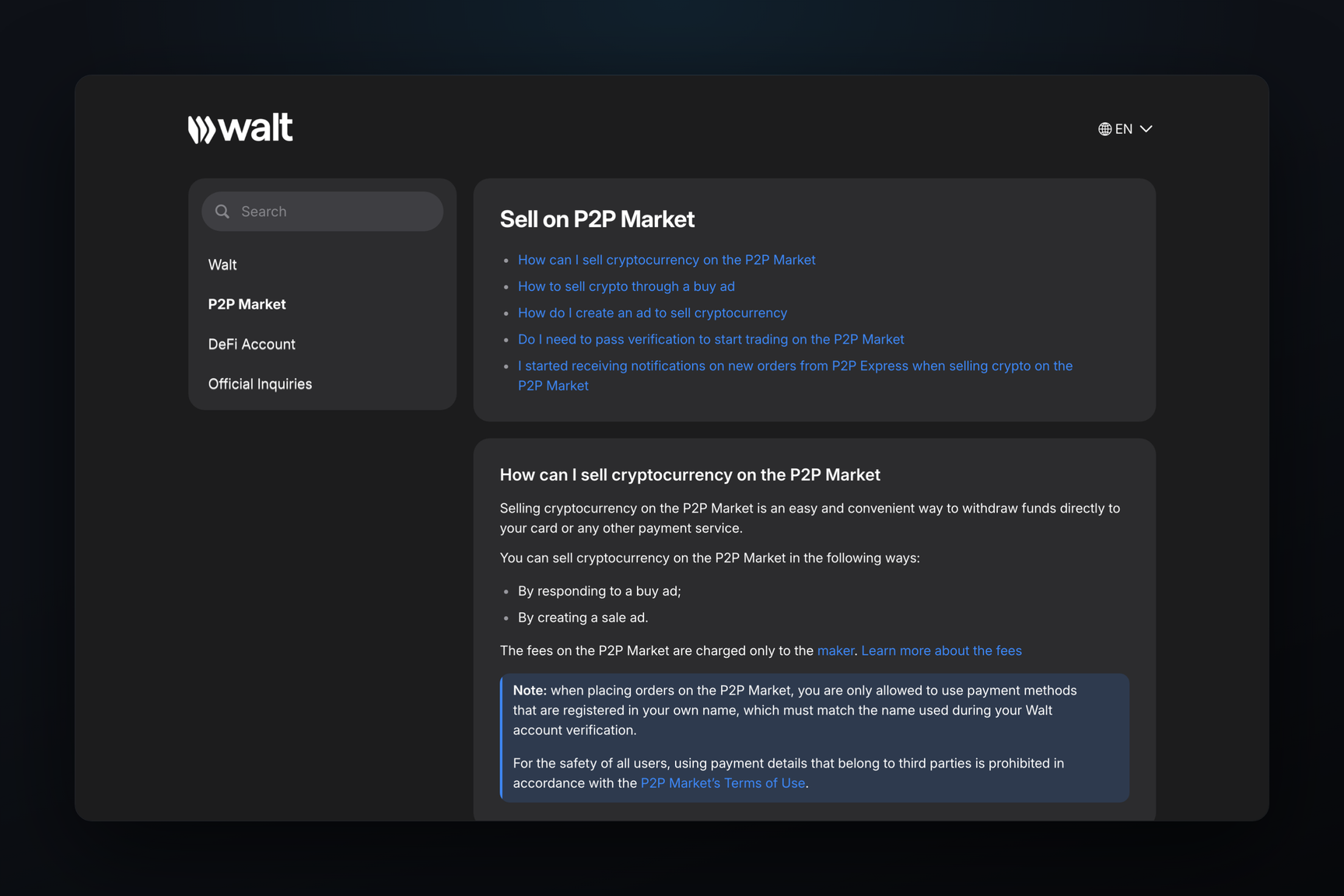
There are three ways to withdraw money from your Telegram wallet to a bank card. In Walt — formerly the Wallet bot — you can sell coins to another user on the P2P market, where Walt holds them in escrow until payment is confirmed, or to the payment provider Mercuryo with a 3.5% fee and payouts only in USD and EUR. In the Gram Wallet app, coins are sold via MoonPay. For Russian bank cards, the P2P market remains the primary option: MoonPay does not operate in Russia, and Mercuryo warns that it may not accept Russian cards even for purchases. From the "Money" section in Telegram, coins are first transferred to Walt or to a crypto exchange.
Which wallet do you have?
The term "Telegram wallet" refers to three different things, and the path to a bank card varies for each.
| Wallet | Where it is | Who holds the keys | How to withdraw to a card |
|---|---|---|---|
| Walt, formerly Wallet | bot @walt | Walt | P2P Market or card sale via Mercuryo |
| "Money", Gram Wallet inside Telegram | section within Telegram itself | owner | first transfer to Walt or a crypto exchange |
| Gram Wallet, separate app | iOS and Android, web at wallet.ton.org | owner | sale via MoonPay or transfer to Walt |
Walt's main account is custodial: coins are held in the service's accounts, allowing it to hold them in escrow during transactions and requiring identity verification. In late September, the Wallet bot was renamed Walt, and its place in Telegram was taken by "Money" — a non-custodial wallet for Gram, where only the owner holds the keys. The TON network coin is called Gram in both: in Walt, it is labeled as GRAM (prev. TON).
Via Walt's P2P Market
The P2P Market is a platform within Walt where users sell cryptocurrency to each other for fiat money. Funds are sent directly to your card by the buyer, while Walt holds the coins in escrow from the seller and releases them to the buyer only after the seller confirms payment.
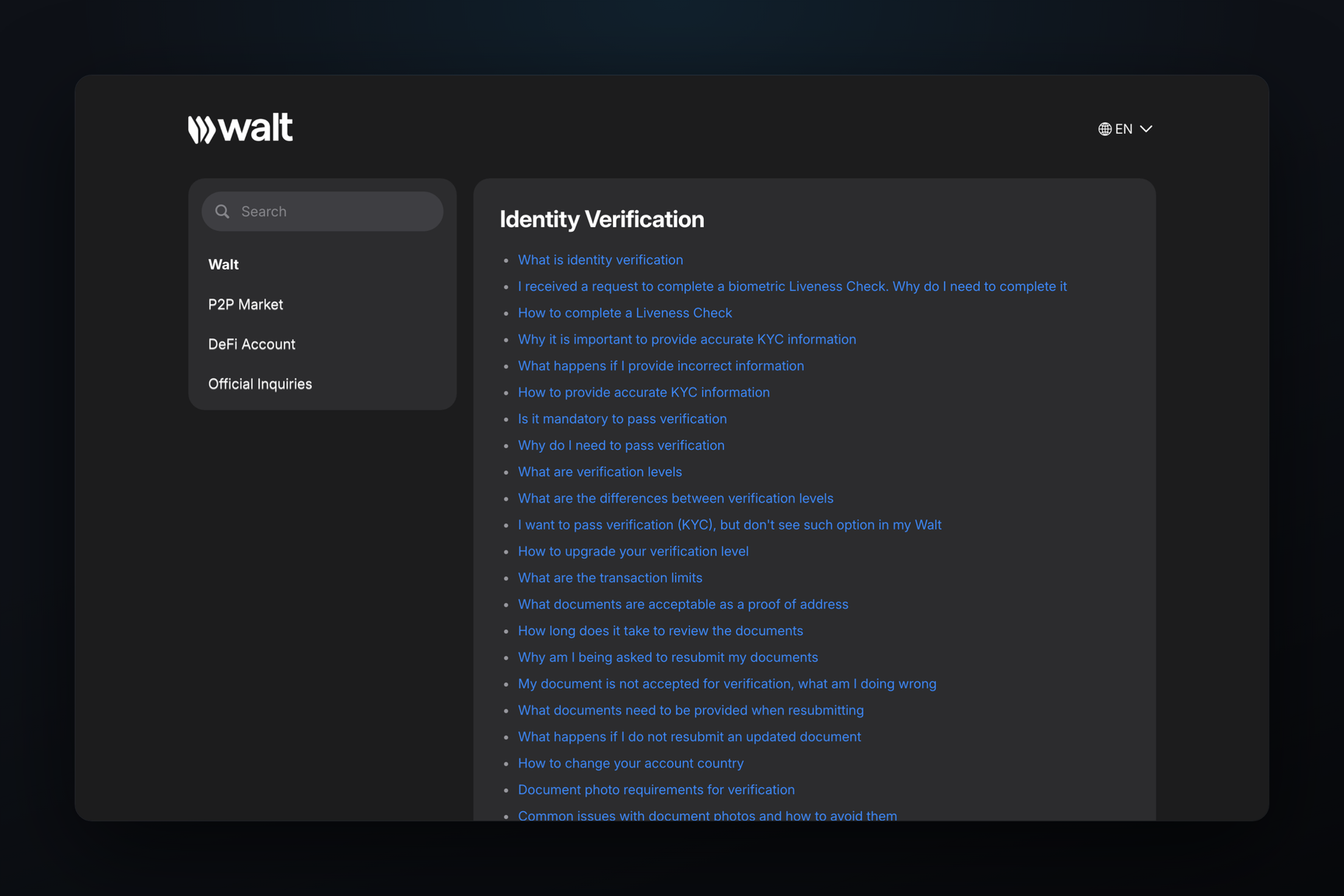
Before your first transaction, you must complete identity verification in Walt — P2P does not work without it. Walt is only available to users who are 18 years or older.
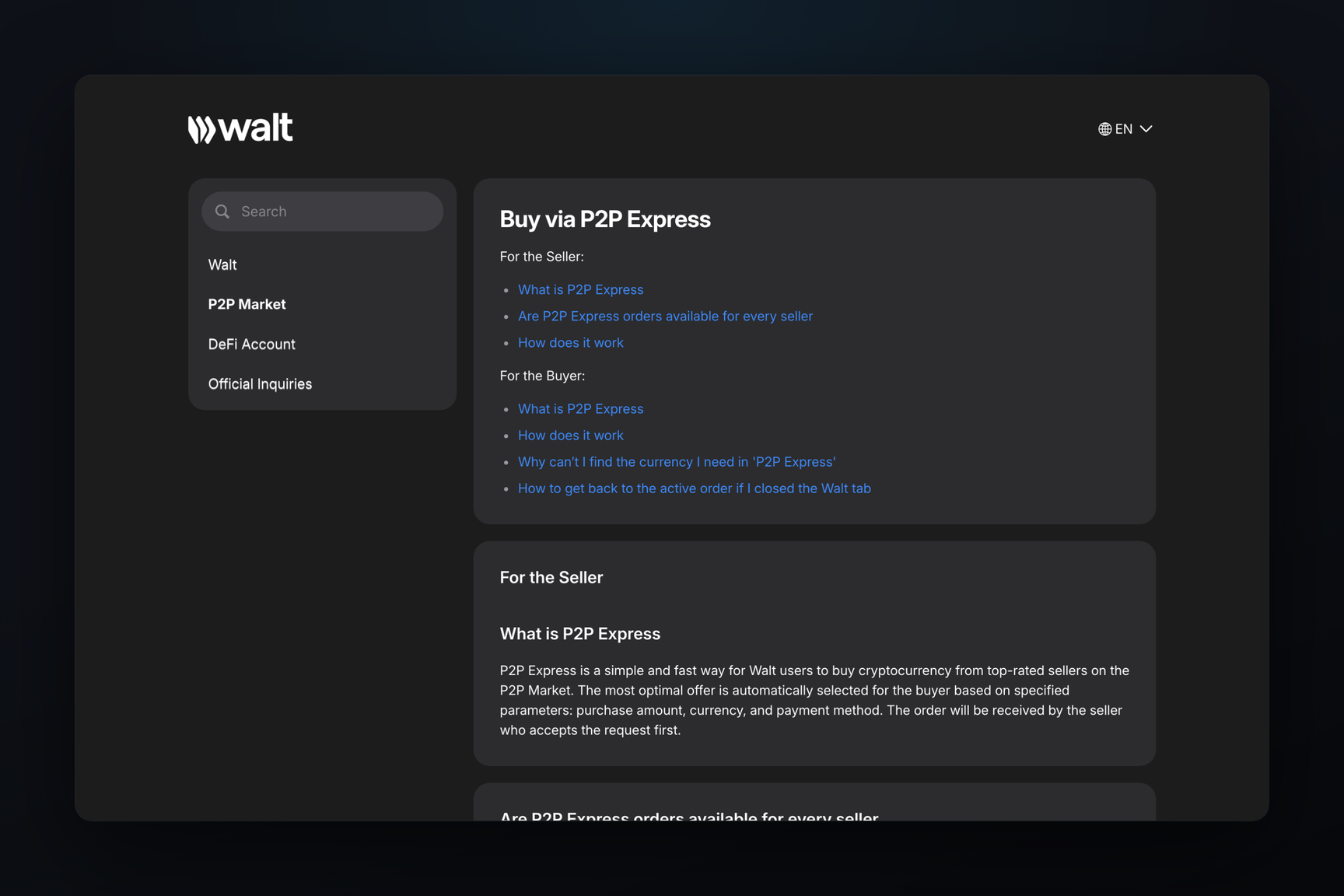
Quick method — P2P Express
P2P Express automatically matches you with a buyer offering the best rate among highly-rated merchants. The process is as follows:
- On the Walt home screen, tap
Withdrawand selectP2P Express. - Choose the coin and the currency in which you want to receive funds.
- Enter the amount and payment method — for example, a bank card.
- Wait for the merchant to accept the order. This usually takes less than a minute.
- The buyer transfers funds to your payment details. They have 15 minutes to pay in P2P Express.
- Check the receipt and the actual deposit in your bank app.
- Only after confirming the payment, tap
Confirm paymentin Walt — the coins will then be sent to the buyer.
If the desired currency is not in the list, it means there are no express offers available for it at the moment. In that case, you can use the regular P2P Market.
Regular P2P Market
Here, you manually select a buyer by choosing an ad. The steps are:
Withdraw→P2P Market→Sell.- Select an ad: the exchange rate, payment method, and transaction limits are already specified. Filters help you find a specific bank.
- Tap
Sell, enter the amount and card details, thenCheck orderandConfirm. - Wait for the buyer to accept the order — a notification will arrive in the chat with @walt.
- When the buyer marks the payment as complete, compare the sender's name in your bank statement with the name in the order: Walt shows the first name and the first letter of the last name.
- Make sure the funds have actually arrived in your account, and only then tap
Confirm Receipt of Funds.
If the names do not match, you must not confirm payment. You need to tap I have a problem → Names Don't Match: this will open an appeal, and the funds will be returned to the sender via support.
How much does it cost?
Walt's P2P Market fee is charged only to the ad's author and only for successful transactions. If you sell coins using someone else's buy ad, you pay nothing to Walt. Ads can only be created by users with merchant status, and for them, the fee is 1.2%, or 2% for RUB transactions. For Trusted Merchants, the fees are 0.9% and 1.6% respectively. Transactions in currencies not listed in the fee table are free.
The seller's loss is embedded in the exchange rate, which is set by the ad's author. Therefore, it's advisable to compare the rate in the ad with the exchange rate before making a transaction.
Payment details must be your own
The card to which funds are received must be registered under the same name used for verification in Walt. The P2P Market rules prohibit using third-party cards for both sellers and buyers.
Card via Mercuryo
The second button in the withdrawal section sells coins to the payment provider Mercuryo, which then deposits funds to a Visa or Mastercard. The steps are:
Withdraw→Bank Card.- Select the coin and amount, then the payout currency — USD or EUR.
- Tap
Sell— the provider's page will open. - Enter your email and the code from the email; if necessary, complete identity verification with Mercuryo. This is a separate verification, a second one after Walt's verification.
- Enter the number of a card registered in your name.
- Confirm the transfer of coins in Walt.
Funds usually arrive on the card within a few minutes, but depending on the bank, it can take up to three days. The provider charges 3.5%, and Walt also deducts its usual withdrawal fee for sending coins to the provider. A card in a different currency will receive funds at its bank's exchange rate, and the bank may charge a conversion fee — or the sale may not go through, and the coins will be returned.
If the bank rejects the payment, coins are usually returned to your Walt account within 5–10 minutes, sometimes up to two hours.
The Bank Card option is not available to users in countries where selling via a provider is unavailable. Mercuryo decides which countries' cards it will pay to, and for questions about your country, Walt refers you to the provider's support. For purchases, Walt explicitly warns that Mercuryo may not accept cards issued in Russia, Belarus, Tajikistan, and Mongolia, and citizens of Russia, Belarus, and Ukraine can only purchase via the provider if they reside in another country.
From Russia
Russia, Belarus, and Kazakhstan are not listed among the countries where Walt does not operate. Ukraine is also not listed, except for Crimea and the territories of the DPR and LPR. Walt's rules prohibit circumventing restrictions via VPN.
Withdrawing money to a Russian bank card is easiest via the P2P Market: RUB is available there, and SBP is often found among payment methods in RUB ads. Mercuryo only pays in USD and EUR, and MoonPay — the provider through which Gram Wallet sells coins by card — does not operate at all in Russia, Belarus, and Ukraine.
From the "Money" section and from Gram Wallet
"Money" in Telegram is a wallet for storing and sending Gram, buying gifts, and usernames. Walt offers trading on its platform, so to withdraw money to a card, Gram is sent to your Walt address and sold there. How to send Gram is covered in the sending help article.
In the Gram Wallet app, there is a Send/Sell button on the main screen, and according to its open-source code, card sales are processed by MoonPay. Where MoonPay is unavailable — including Russia, Belarus, and Ukraine — the only option is to transfer to Walt or a crypto exchange.
The deposit address for Walt can be found on its Deposit screen. The coin and network must match those selected there: Walt will not credit coins it does not support or coins on an unsupported network. USDT is cheapest to send on the TON network: Walt itself charges 1 USDT for withdrawal on TON, compared to 3.5 USDT on Tron and 4 USDT on Ethereum.
Via a crypto exchange
The same path applies to crypto exchanges: coins are sent to the exchange's deposit address, sold there, and then funds are withdrawn to a card using the exchange's own methods. When withdrawing from Walt to an exchange, a comment is required — a tag or memo from your exchange account: this allows the exchange to identify whose transfer it is.
How to avoid losing money on P2P
Walt outlines common scams that cause sellers to lose money:
- Screenshot instead of money. Only confirm a transaction after the funds are visible in your bank account within your banking app. SMS messages, screenshots, and "bank notifications" are not considered proof.
- Payment from a third party. If the funds arrive from someone other than the person specified in the order, it could be a "triangle" scheme: the buyer pays with fraudulently obtained funds, which are later demanded back. Do not confirm such a payment — you must open an appeal.
- Transaction outside Walt. The escrow of coins only functions within the order. Moving to private messages or another platform means losing this protection.
- Request to return funds after a transaction. Chargeback demands and threats after a completed transaction are reasons to contact support, not to transfer money back.
Walt support is only @walt_support, and they will never initiate contact first.
Frequently Asked Questions
Can I withdraw to a card without identity verification?
No, not through Walt: the P2P Market only operates after identity verification in Walt, and Mercuryo may also require its own verification if necessary.
How long does it take to receive funds?
On P2P — as long as it takes the buyer to transfer the funds: P2P Express allows 15 minutes for payment. Through Mercuryo — usually a few minutes, but up to three days depending on the bank.
Can Telegram Stars be withdrawn?
No. Purchased Stars, according to Telegram's rules, cannot be sold or withdrawn. Only Stars earned by channels and bots can be withdrawn: via Fragment, in Gram.
What if the buyer doesn't pay?
Do not confirm anything. If the payment time expires, the order will be canceled, and the coins will be returned. If the buyer claims to have paid but you haven't received the funds, or asks to cancel an already paid order, open an appeal within the order and contact support.