The term "Telegram wallet" refers to two distinct services, and their issues vary. Walt, formerly the Wallet bot, may fail to open, reject identity verification, or delay transfers. The built-in "Money" wallet might not be visible at all; it's enabled server-side for each account individually, including when you receive your first transfer. Below, based on Walt's help documentation and Telegram's own structure, we explain what to do in each scenario.
Which Wallet Isn't Working
| What you see | What it is | Section |
|---|---|---|
| The @walt or @wallet bot doesn't load, spins, or shows an error | Walt, formerly Wallet | Walt won't open |
| Error about an unsupported region | Walt country restriction | Walt says it's unavailable in your region |
| No wallet section in Telegram | "Money" hasn't been enabled yet | "Money" section is missing |
| Documents rejected, verification pending | Walt verification | Verification failed |
| Transfer stuck in "Pending" or frozen | Walt transfer review | Funds not received or frozen |
Walt is a custodial service: funds are held in its accounts, and it performs identity and transfer verification. "Money" is a non-custodial wallet for Gram: only the owner holds its keys. In late September, the Wallet bot was renamed Walt, and "Money" took its place within Telegram.
Walt Won't Open
First, check where it's opening. Walt does not work in unofficial Telegram clients or Telegram for Linux. It has also disappeared from Telegram's settings: now you open it via search — the @walt bot with a checkmark — from a pinned chat, or from a home-screen shortcut. The old name @wallet still leads to the same place.
If you are using an official client, Walt recommends the following steps in order:
- Update Telegram and your phone's operating system.
- Tap ⋯ in the Walt window and select Reload Page.
- Close Telegram completely and reopen it.
- Change your network: switch from mobile data to Wi-Fi or vice versa.
- Clear the in-app browser (WebView) cache. On Android, go to your phone's settings: "Apps" → Android System WebView. On iPhone, tap "Settings" in Telegram ten times in a row and select Clear WebView Cache.
Before clearing the cache, you should write down your DeFi Account secret phrase, if you have one, or enable email recovery for it. This is a non-custodial account within Walt, and without one of these two, access to it can be lost after clearing the cache.
If none of these steps help, @walt_support will need your phone model, system version, Telegram version, and WebView version.
Sometimes the issue is not on the user's side. Walt posts about outages on its @walt_status channel: for example, on September 29, it reported that withdrawals on the TON network were not working, and on September 30, that they were experiencing delays.
Walt Says It's Unavailable in Your Region
Walt does not work for citizens, residents, or those located in the USA and its territories, Crimea, DNR, LNR, Abkhazia, South Ossetia, Transnistria, Kosovo, and Northern Cyprus, most EU countries, the UK, Norway, Iceland, and Liechtenstein, parts of Africa, Asia, and the Caribbean, Iran, Cuba, and North Korea. Russia, Belarus, and Kazakhstan are not on the list.
Walt's rules prohibit bypassing restrictions via VPN or Tor, and an enabled VPN itself can be the reason Walt determines you are in a prohibited country.
If you were merely passing through such a country but reside elsewhere, you can regain access:
- For the USA and unrecognised territories — with a proof of address document no older than three months: a utility bill, bank statement, lease agreement, or tax document.
- For other countries — by completing Advanced level verification with a residence permit valid for at least one more year.
For accounts with anonymous +888 numbers, Walt offers address verification, after which it considers whether access can be restored.
"Money" Section Is Missing
"Money" is enabled by a server-side flag, separately for each account. On October 9, the flag began to be enabled in bulk, but not for everyone at once. It enables both automatically, as part of the rollout, and when someone else creates your first wallet: Walt states that the section appears when someone sends you a transfer. On October 9, an account without a wallet received it one minute after an incoming transfer of 0.1 Gram, without an app update.
The easiest way to receive your first transfer is from an acquaintance: Gram can be sent to someone who has never opened a wallet. How this works and how much to send is detailed in the guide on how to get a wallet.
If you have funds in your Walt account, a "You also have funds in Walt" banner appears in "Money" — tapping it opens Walt. The "Deposit from Walt" button is not present if there are no Grams in your Walt balance or if they are all held in Earn.
Verification Failed
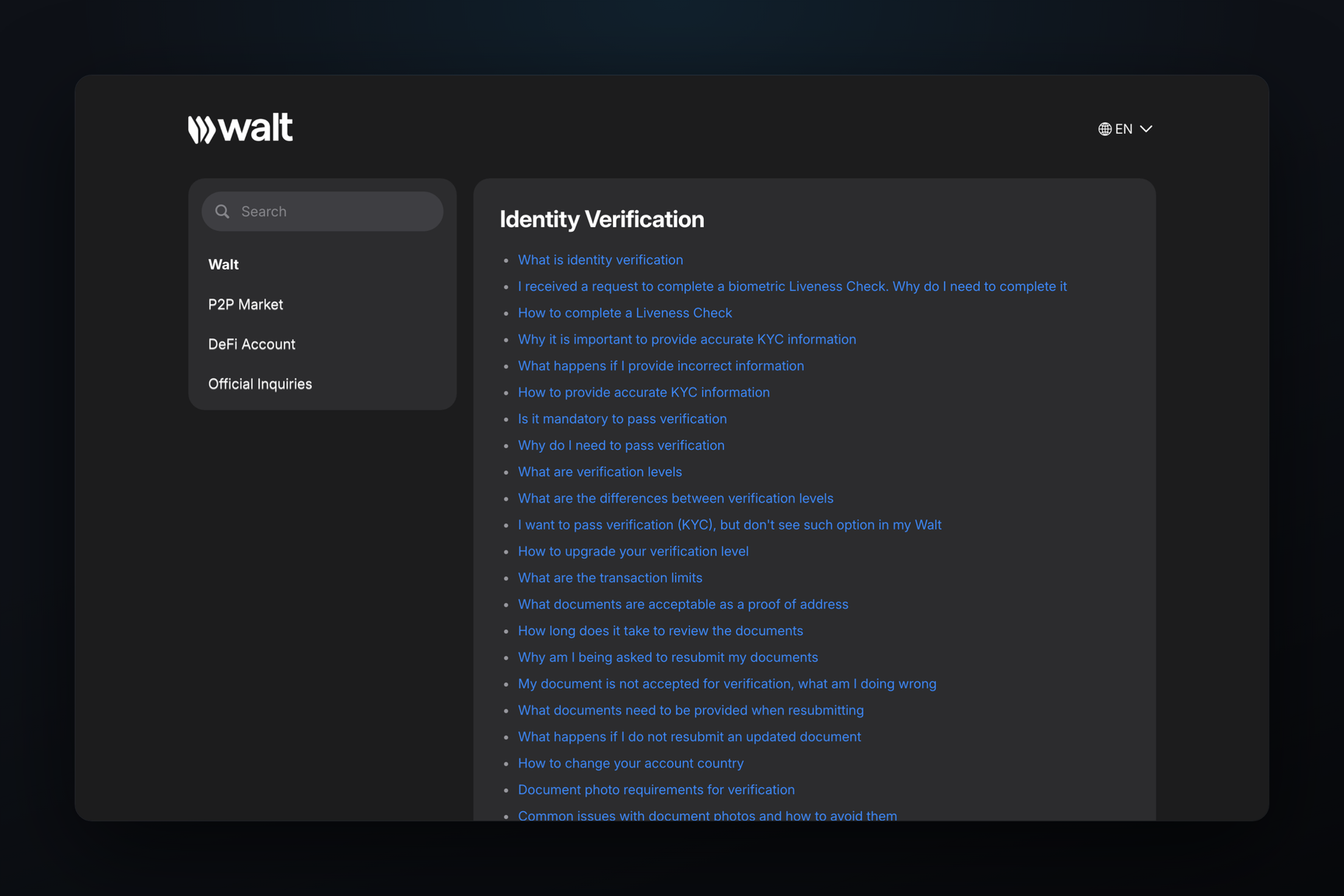
Identity verification in Walt is accessed via ⋯ → Identification Level. It has three levels:
| Level | What's needed |
|---|---|
| Basic | Name, date of birth, phone number |
| Extended | Document and liveness (face) check |
| Advanced | All of the above, plus a proof of address document |
Purchases on the P2P market, for example, are only unlocked after reaching the Extended level.
What is accepted
Documents include a passport, driver's license, residence permit, or ID card. Photo requirements are as follows:
- Original color photo, all four corners visible.
- JPG, PNG, or PDF, at least 100 KB.
- No screenshots, edits, or glare.
- Document valid for at least one more month.
- Both sides photographed, machine-readable zone (MRZ) legible.
For the liveness (face) check, you need good lighting, your entire face in the frame, no glasses, mask, or head covering; turn your head slowly in a circle.
The proof of address document for the Advanced level must be no older than three months and cannot be the same passport used for identity verification. Screenshots of banking apps and government services, receipts, and photos of cards are not accepted.
How long to wait
Verification takes up to 12 hours, and the result is sent to the chat with @walt. If more time has passed, you should contact support.
If rejected
Rejection is final: verification is a one-time process, a second account will not reset it, and deleting an account does not erase data — Walt stores it for five years after the account becomes inactive.
A "Duplicate Verification" error means that another Walt account already exists for this person. Only one account is allowed, and you can select your primary account once using the "This is my main account" button.
If you mistakenly entered an age under 18 during registration, you cannot change it: you must proceed with document verification.
If Walt requests you replace an expired document, you are given 14 days; after that, restrictions apply.
Account Blocked
Walt blocks accounts for being in a prohibited country, being under 18, having multiple accounts for one person, failing verification, and violating rules — for example, transfers from sanctioned exchanges or fraud. Walt may not disclose the exact reason.
Any remaining balance upon blocking can be withdrawn via Send → External Wallet to your own address. If withdrawals are also blocked, contacting support is the only option.
Funds Not Received or Frozen
Deposits to Walt are credited in TON within a few minutes, USDT on the Tron network within 10 minutes, and Bitcoin within 30–60 minutes. A memo for Walt deposits is not required, but the coin and network must match those selected on the screen, and the amount must be no less than the minimum: transfers below the minimum are not credited.
If a transfer shows "Pending" status, it is under review — this can take up to 12 hours. Transfers from sanctioned exchanges and services — including Garantex, Grinex, Bitpapa, Rapira, ABCEX, EXMO, HTX, and Cryptomus — are frozen by Walt.
If a transfer fails review, Walt returns the funds to an external address on the same network, which you provide in the chat with @walt, minus the network fee. Addresses within Walt itself and exchange addresses that require a memo are not suitable for returns.
A separate case is a deposit that Walt does not credit without identity verification. If you cannot complete the verification, you can cancel it: in the transaction history, open the deposit, click Cancel transaction, and send your return address to the chat with @walt. The funds will be returned minus the network fee, and access to Walt will remain restricted after cancellation until verification is completed.
For enhanced due diligence, Walt sends a form in the chat: up to five documents, review up to 12 hours. Sometimes, a video recorded in a single continuous take, with no cuts, is requested, with text in Russian or English. Screenshots of Walt, blockchain explorers, and Excel spreadsheets are not considered valid documents.
Where to Get Support
Walt support is @walt_support. They will never initiate contact first or ask for verification codes or your secret phrase. Service outages are reported at @walt_status.