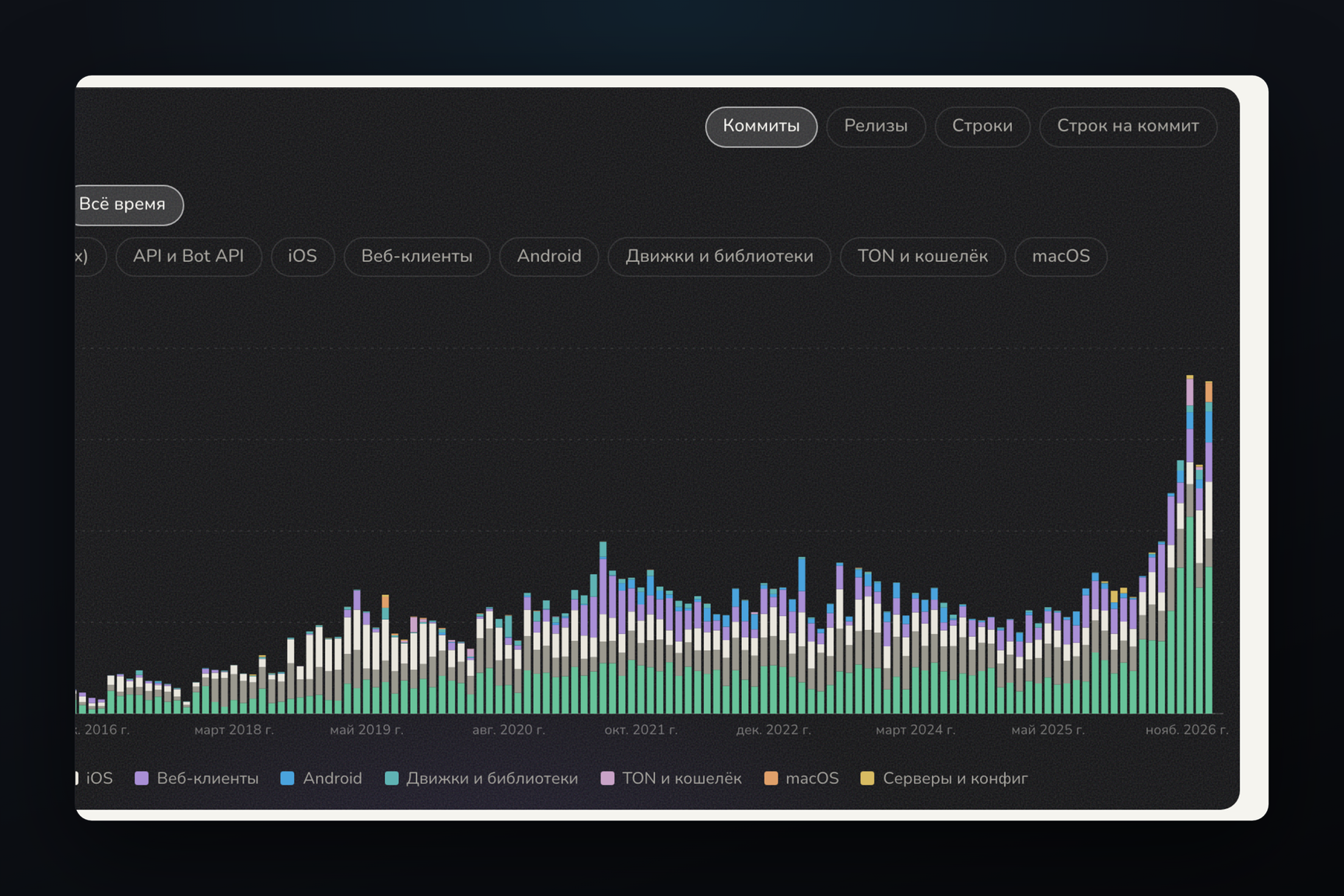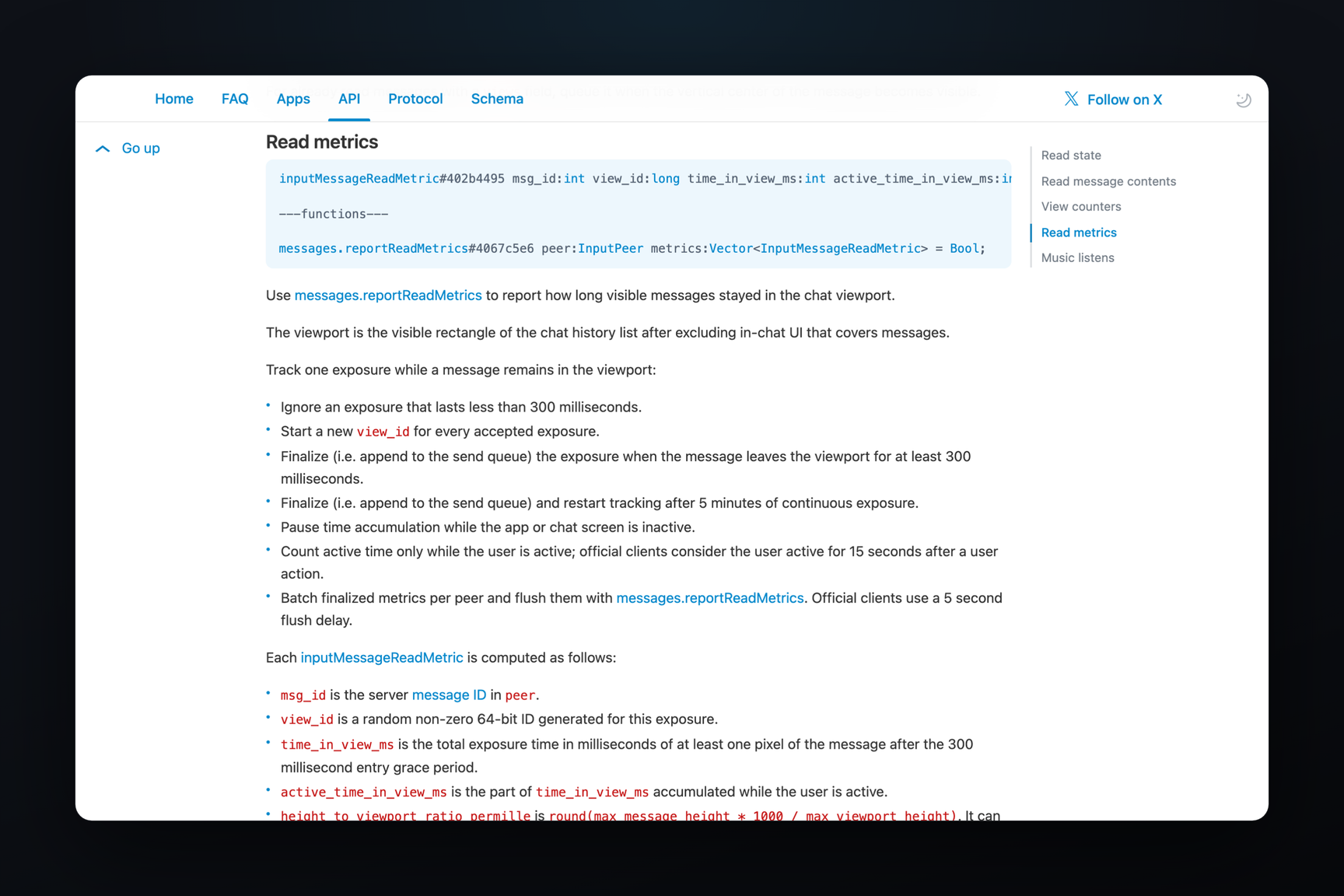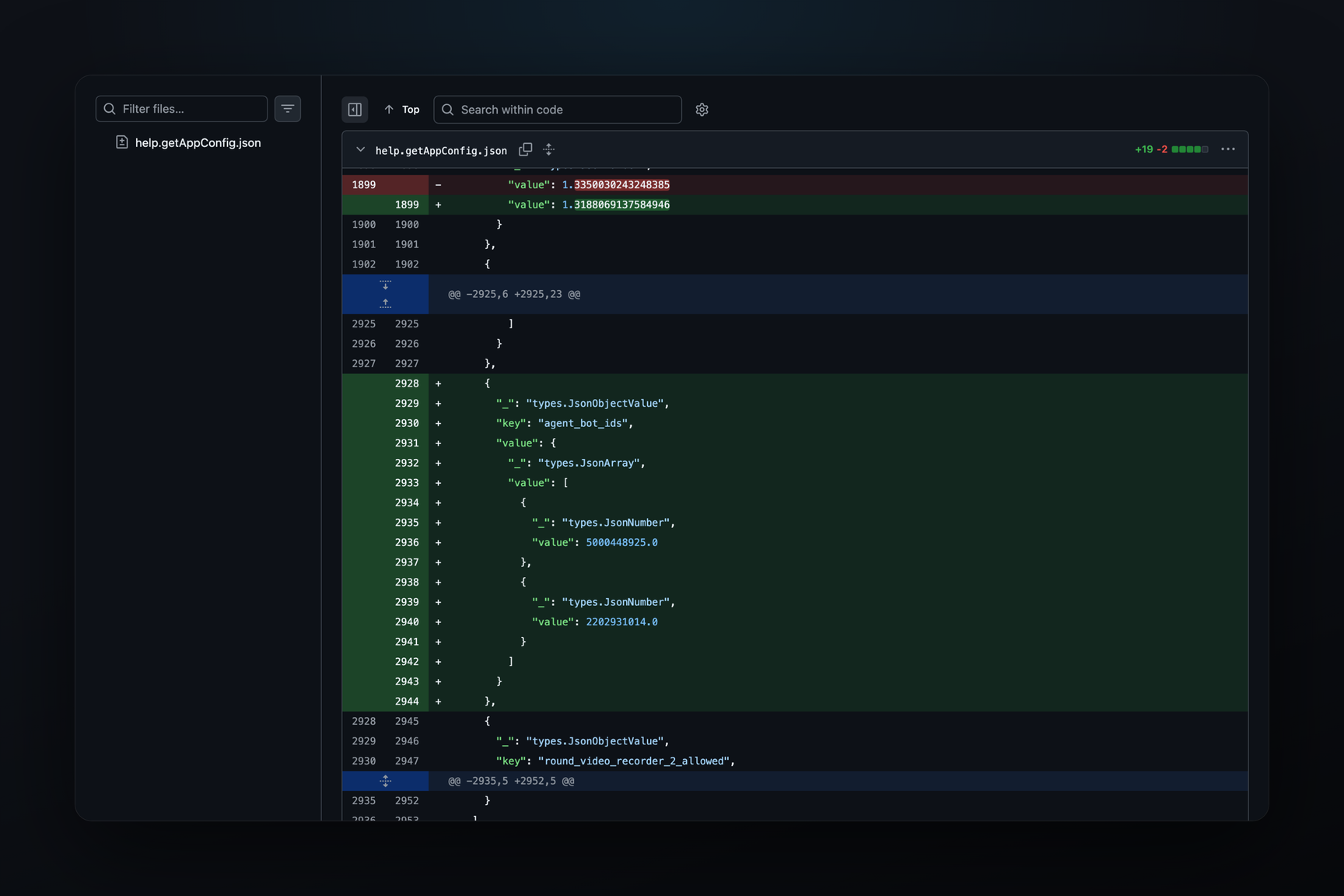
Message widgets — interactive blocks of HTML, CSS, and JavaScript directly within chats — have arrived in Telegram betas for Android and iOS. On October 25, they appeared in Android 13.2.0 (7254) and iOS 13.2 (35726), and on Android, a custom-made widget is already executing JavaScript. The Android 13.2.0 (7260) build from October 27 shows how this is implemented: without a browser engine, using its own interpreter with a CPU quota, and with a separate touch arbiter that decides whether a tap was genuine. The bot to which the widget sends a request learns the ID of the user who tapped it. Telegram Desktop and the public Bot API still do not have widgets.
The mechanics of bot requests in the macOS beta were covered in an article from October 27; this article focuses on what the Android build adds.
Where Widgets Are Available
| Client | Build | What's Visible |
|---|---|---|
| macOS, beta | 13.1.0 | sandbox, bot requests, test pages — since mid-October |
| Android, beta | 13.2.0 (7254, 7260) | schema, sandbox, interface strings; widgets are functional |
| iOS, beta | 13.2 (35726) | message widgets and tools for testing them |
| Telegram Desktop | 7.3.3 | no: neither in code nor in layer 232 schema |
| Bot API | 10.3 | no |
The Android beta is distributed via the official channel and a direct link from the Telegram website. Its client protocol is layer 233, one layer newer than the public one.
How a Widget Resides in a Message
A widget is a new media type, messageMediaWidget. Besides the code itself (payload) and dimensions, it contains two sets of data: chat_data — data specific to this message, and public_data with a hash — general widget data that the bot can modify after sending (messages.editMessageWidgetData, updateMessageWidgetData). The flags can_query and background_query indicate whether the widget can send data to the bot on tap and without a tap, respectively; is_copy marks a forwarded copy. A widget can also arrive as an inline result from a bot — botInlineMessageWidget.
Permissions are set by the sender. Error messages from the native client part mention server flags allow_queries and fwd_allow_queries: without the first, the widget cannot send data to the bot at all; without the second, its forwarded copy remains silent. A background request also requires background_query and is only sent while the widget is on screen.
What the Bot Receives
A tap turns into a messages.getBotWidgetQueryAnswer with chat, message, and data fields — up to 64 bytes. The bot receives an updateBotWidgetQuery update and responds with the messages.setBotWidgetQueryAnswer method using a single result string.
In the update for the bot, the user_id field is mandatory, without a flag: the bot always knows who tapped. Along with it come chat_type, chat_instance — the same anonymized chat identifier as for regular inline buttons — the message number, and widget_id. For forwarded copies and inline messages, there are separate updates — updateBotWidgetCopyQuery and updateInlineBotWidgetQuery.
This is similar to tapping an inline button with a callback, but the script draws the button, and it also collects the data.
How Widget Code Is Executed
On Android, there is no WebView or Chromium under the widget. The code is executed by a native twidget library within the client's main library — the same name is used for Twidget* types in the macOS beta and a private repository linked to its source code. The sandbox scripts are stored twice in the client: as source code and as .qbc bytecode, which is run by the built-in JavaScript interpreter. A custom renderer draws the image directly into the Android window — there is no browser layout, but rather its parsing: a separate validator package checks HTML and CSS.
Limitations are hardcoded, not in developer rules:
- CPU — the widget has a time quota (
cpuQuotaMs); exceeding it results in a «CPU limit exceeded» error; - Timers — the number of concurrent timers is limited; the engine rejects excess ones;
- Network —
fetch,XMLHttpRequest,WebSocket, andnavigator.sendBeaconare stubbed,navigator.onLineis always false,userAgentisTelegramWidget/1.0; - Storage — each widget starts with an empty storage;
- External exits —
openLinkonly accepts an https address up to 256 characters and prompts: «This widget wants to open:»,copyText— up to 256 characters; - Client bridge — after launch, the service functions
__host,__hostOps, and related ones are removed from the global object, and the widget code cannot access them.
The client verifies sandbox files against checksums from manifest.txt; a mismatch results in a separate «Bundle checksum mismatch» error.
How the Client Distinguishes a Tap from an Imitation
A request to the bot without background permission is only sent from a tap handler — "one call per one tap on a visible widget," as stated in an error message. It is not the script that decides if a tap occurred, but a native touch arbiter: the functions arbiterDown, arbiterMove, arbiterUp, and arbiterHoldDeadline receive finger coordinates and hold duration. The intent is that a synthetic click from JavaScript, a timer, or a drag will not send a request.
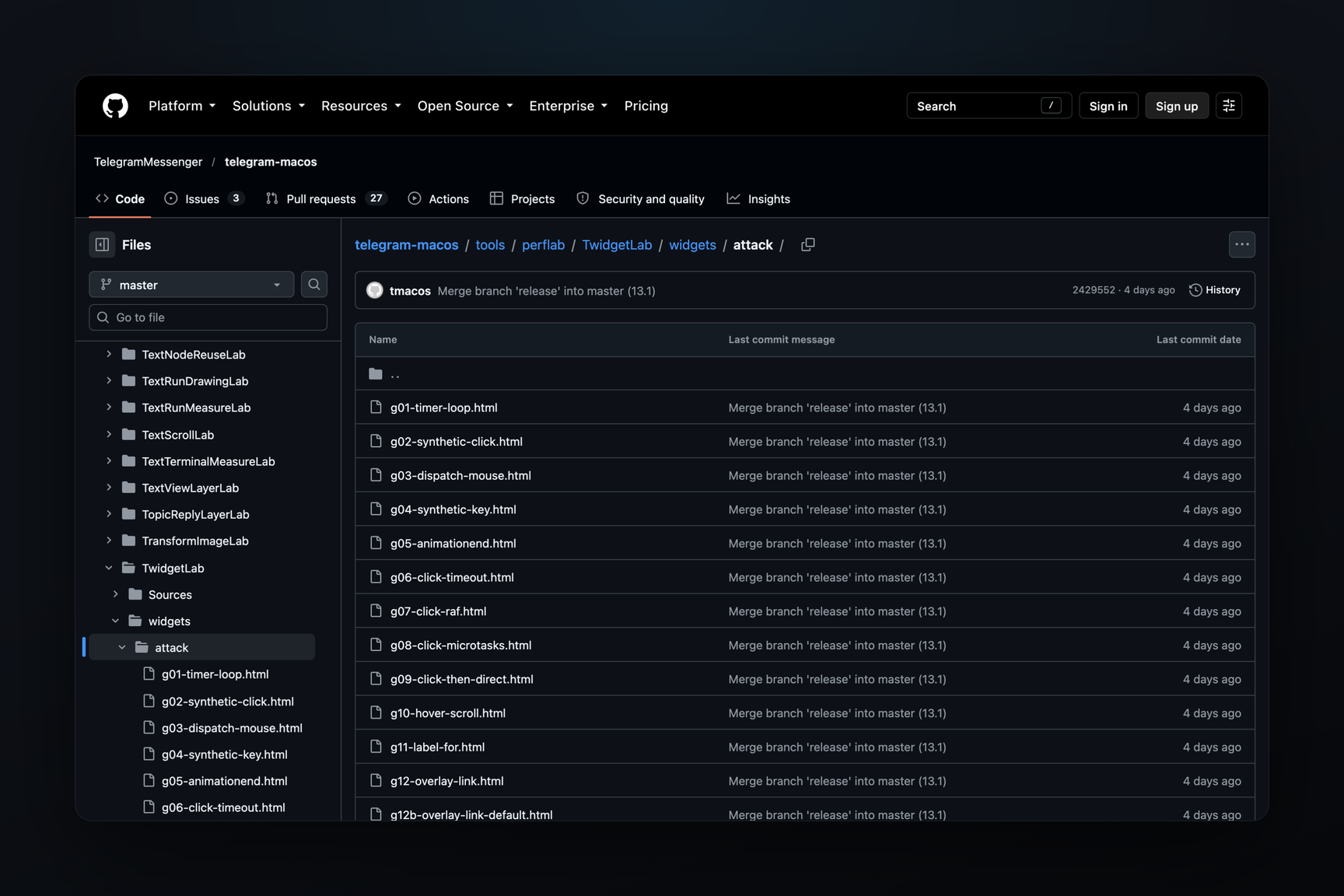
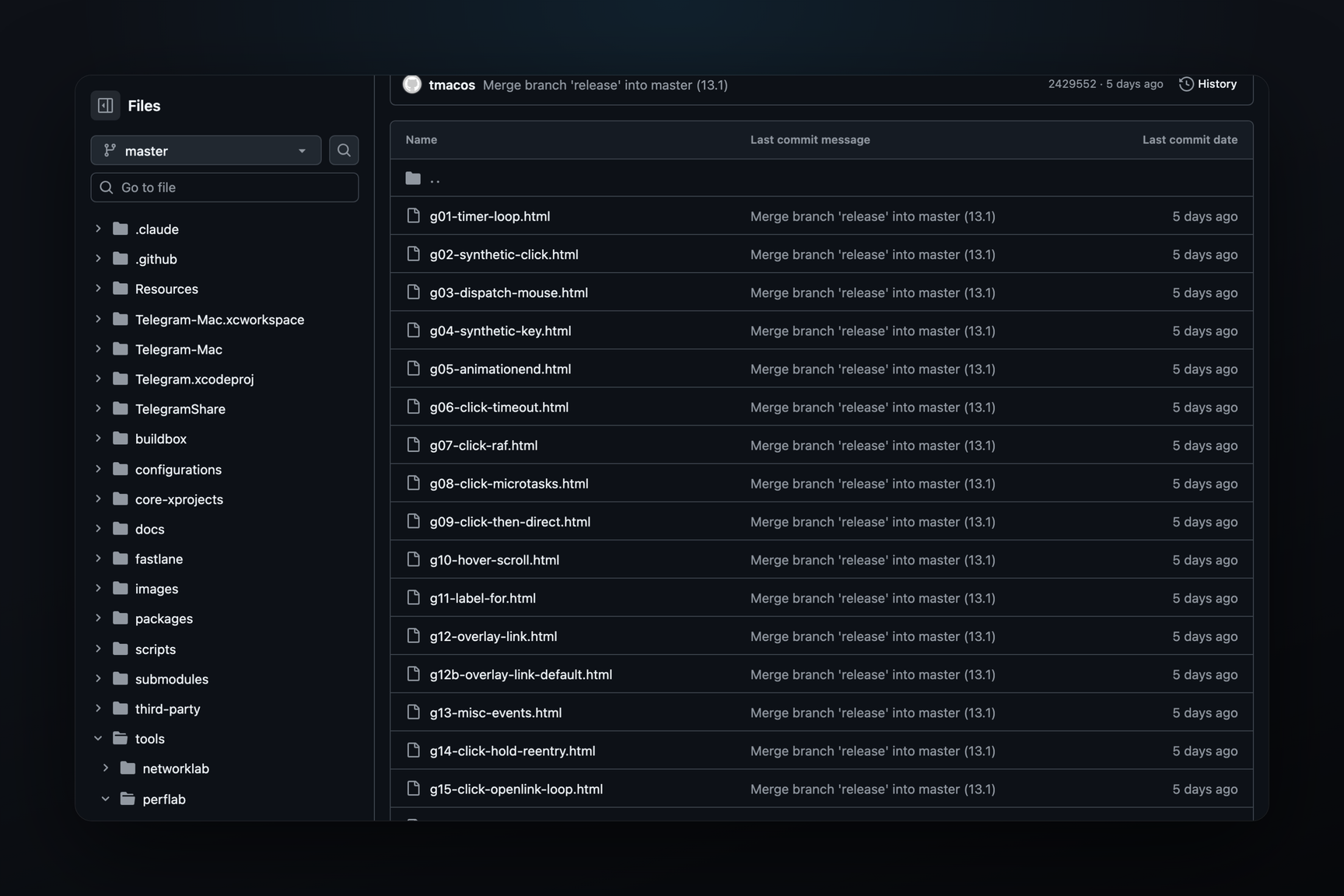
The beta also includes tools to verify this boundary: a conformance screen (WidgetConformanceActivity) and a run of attack test pages (attackScan, WidgetAttacks). The set of attack test pages for macOS — 28 pages that attempt to send a message without a tap or redirect to a link — is available in the client's open source code.
What the User Sees
Interface strings are already present in the client's English string dictionary: «Loading widget…», «Widget failed to load», «Widget stopped», «Preview of the widget», and the warning «This widget can send data to its bot's server when you tap it.»
There is no separate toggle in the beta settings to disable widgets — testers note this. Not everyone can send widgets yet, and there are no methods for them in the Bot API.