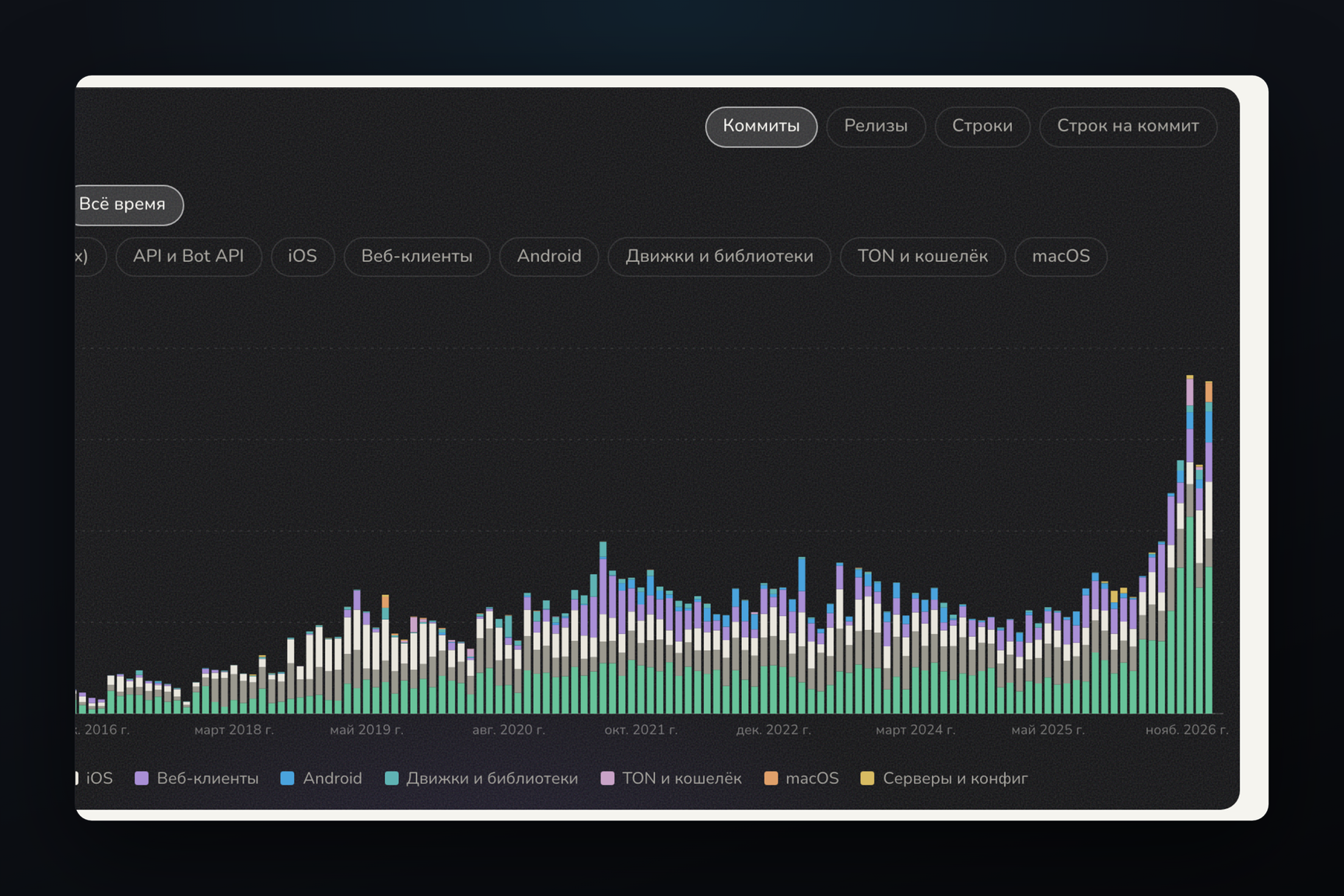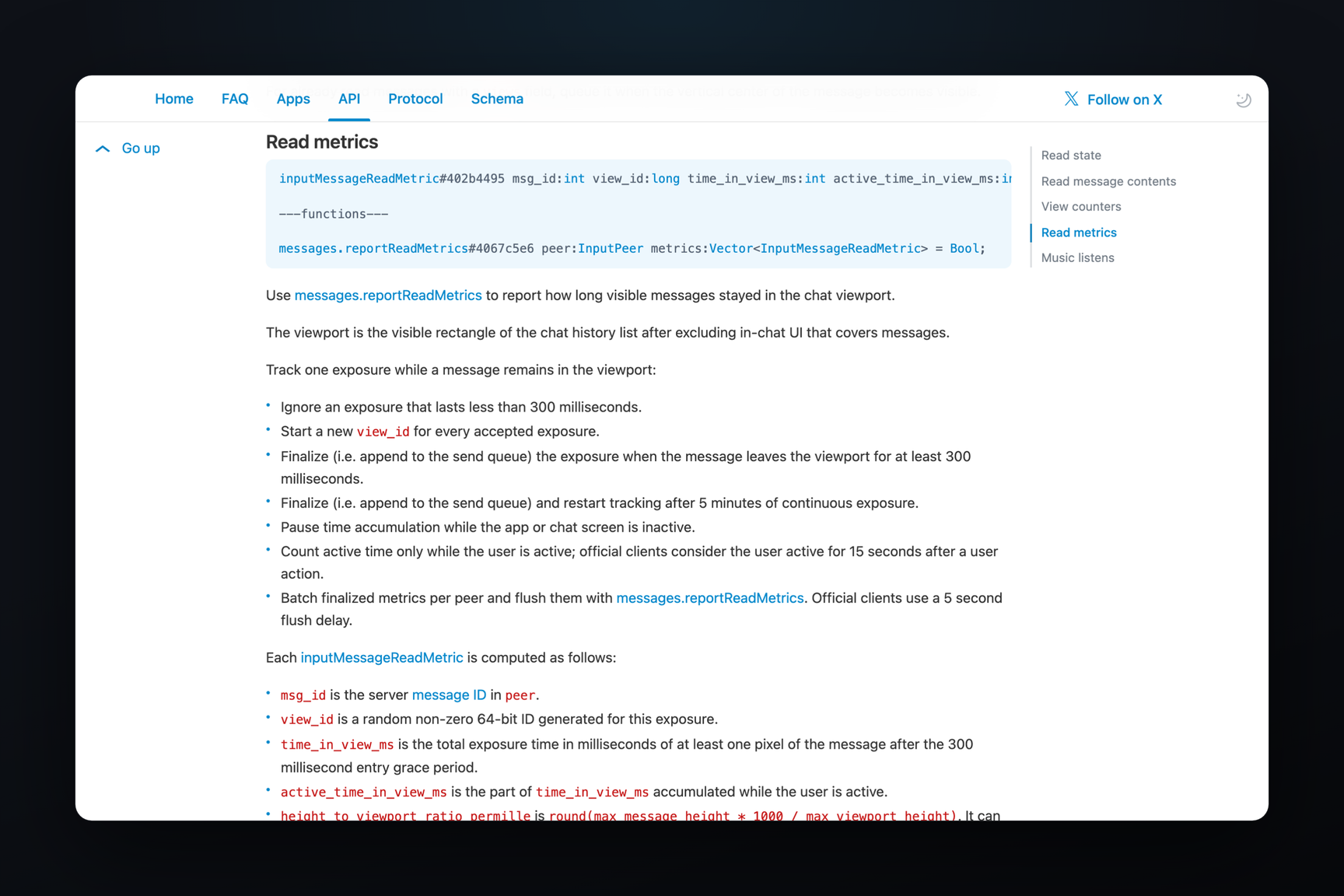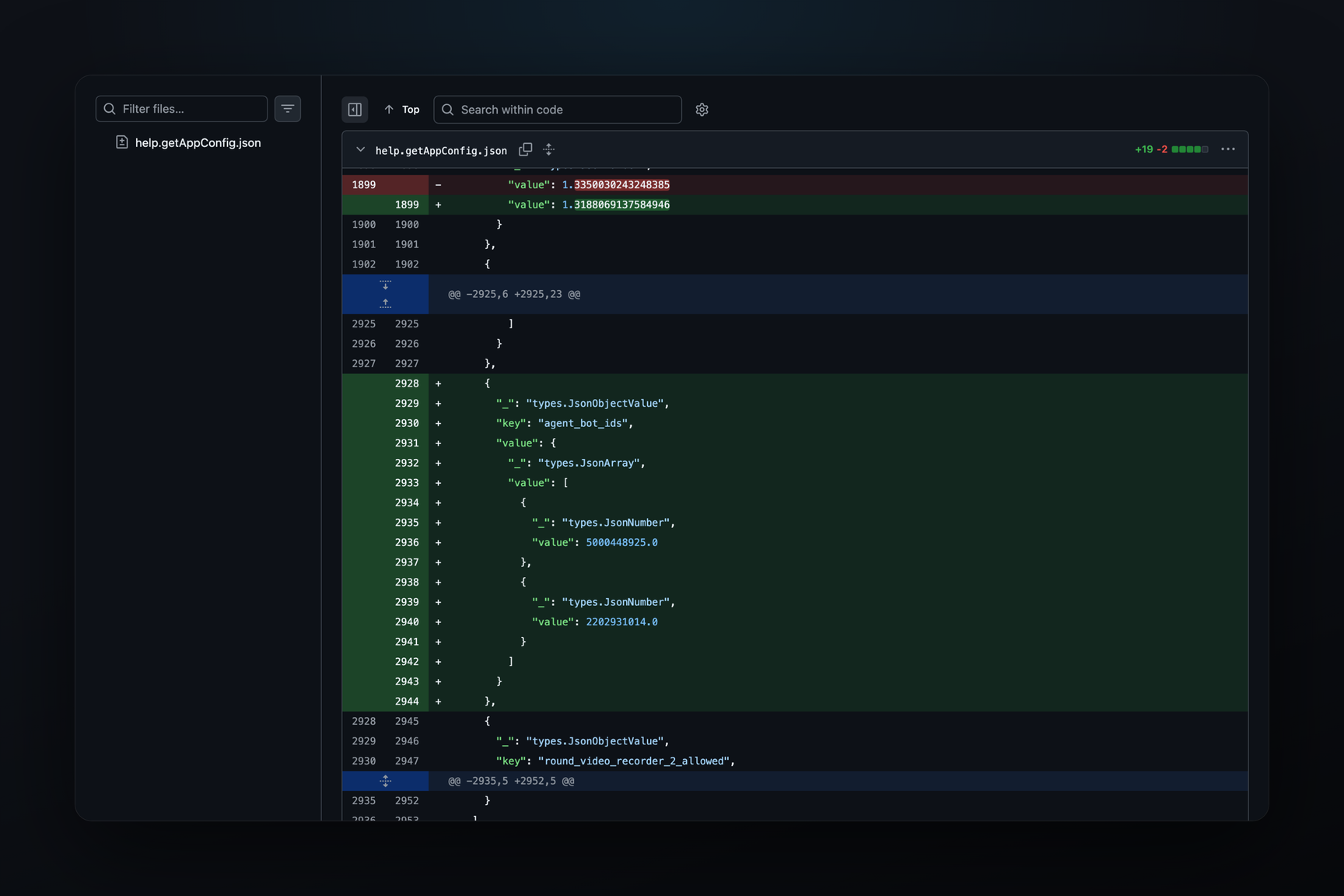
Telegram message widgets have gained a feedback channel to bots. In Telegram for macOS beta builds 13.1.0 from October 26, the widget's script now includes a request() call: upon a tap, it sends up to 64 bytes to the bot and awaits a response of up to 1,024 bytes. Without a tap, a request is sent only in the private chat with the bot, provided the bot has allowed such requests, the widget is on screen, and no more often than once every five seconds. In the same context, the widget now knows who opened it — their ID, name, username, and Premium status — and what type of chat it resides in. While the widgets themselves have been observed in iOS, macOS, and Android betas, this specific mechanism is currently only visible in the macOS build; widgets are not present in the public API schema or the Bot API documentation.
What Changed Between October 25 and 26
The macOS beta is distributed via an update feed, with each build being a zip archive containing the application. For comparison, builds 13.1.0.283381 from October 25 and 13.1.0.283391 from October 26 were used.
A widget's script communicates with the client through the global TelegramWidget object. Its code is located in the WidgetSandbox package within the application, in the sandbox-bundle.js file. In build 283381, the object had limited capabilities: it could provide the theme, subscribe to events, open a link, and trigger haptic feedback. In build 283391, the following were added:
| What | What it does |
|---|---|
request(data) | sends a string of 1 to 64 bytes to the bot and returns its response |
viewer | ID, first name, last name, username, and Premium status of the viewer |
chatType | chat type: private, group, supergroup, or channel |
chatData | data associated with the message in this chat, up to 1,024 bytes |
publicData | data of the message itself, up to 1,024 bytes |
watchPublicData() | subscribes to changes in publicData |
isForward and isPreview | whether it's a forwarded copy and whether it's a preview of an unsent inline result |
copyText(text) | copies up to 256 characters to the clipboard |
setResizeAnchor | the edge from which the widget grows when its height changes — top or bottom |
Two new events, chatDataChanged and publicDataChanged, were added to the three existing ones: theme change, activation, and deactivation.
Concurrently, all demo content was removed from the HTMLBubbles package: thirteen demo chats, which were discussed in the October 13 article, the ported folder with ported cards, the voxel-clash multiplayer game, and the widget-sandbox folder with examples. Only the three.js library remained in the package.
When a Widget Can Write to a Bot
The rules are recorded in the same sandbox, as error messages received by the script, and in the application's strings:
- A request is sent from a widget tap handler, one call per tap.
- Without a tap — only in the private chat with the bot, only if background queries are allowed for the message (the
background_queryflag), only while the widget is on screen, and no more often than once every five seconds. - While a previous request is awaiting a response, a new one is not sent.
- A preview of an inline result that has not yet been sent to the chat does not query the bot.
- Queries are disabled if the bot has not allowed them for this message; a forwarded copy has separate permission.
- The bot's response must be text only and no longer than 1,024 bytes, otherwise the script receives an
INVALID_ANSWERerror; if it doesn't respond in time, it's aTIMEOUT.
For a forwarded copy, chatData is empty, while publicData remains.
Next to the HTML bubble code in the application strings, the phrase «A tap may send data to the bot» appeared. It is not visible from the build where exactly the client displays it.
What to Do
- Widgets currently only exist in betas and cannot be sent by bots: there is no method in the Bot API to send a widget.
- When tapping a widget, be aware that each tap can become a request to the bot. The script sees your ID, name, username, and Premium status, and an ID takes up to 16 digits — it fits into a 64-byte request.
- By itself, without a tap, a widget writes to the bot only in a private chat with that bot. The sandbox does not provide for background queries in groups and channels.
- The widget has no network access:
fetch,XMLHttpRequest,WebSocket, and workers in the sandbox are replaced with stubs that return an error. Data is sent out via the bot or via a link that the widget opens (openLinkaccepts only https and no longer than 256 characters) — this was also the case in the October 25 build.
How the Server Delivers the Widget
In binary 283391, schema type names appeared that were not present in 283381. In the public schema of layer 232 — neither in Telegram Desktop nor in Telegram Web A — they are absent, and widgets are also not in the Bot API documentation. The structure is inferred from the names, so what follows is an interpretation, not a description:
botInlineMessageWidget,inputBotInlineMessageWidget, andinputBotInlineMessageWidgetId— the bot, judging by the name, seems to return the widget as an inline result, either entirely or by ID;inputMediaWidgetId— a widget as a message attachment by ID;updateBotWidgetQuery,updateInlineBotWidgetQuery, andupdateBotWidgetCopyQuery— queries to the bot from a widget in a regular message, in one sent via inline mode, and, judging by the name, in a forwarded copy; the response isbotWidgetQueryAnswer;updateMessageWidgetDataandwidgetPublicData— the server sends new data for an already sent widget, and the sandbox has apublicDataChangedevent for this;- Server errors
WIDGET_QUERY_NOT_ALLOWEDandWIDGET_RESPONSE_TIMEOUTappear to be a pair to the script errorsNOT_ALLOWEDandTIMEOUT.
Client strings also name permission flags: allow_queries for a message, fwd_allow_queries for its forwarded copies, and background_query for queries without a tap. It is not visible from the build what exactly the bot receives along with the request — whether it's the ID of the tapping user, like with buttons under a message, or not.
What the Benchmark Labs in Open Source Are Testing
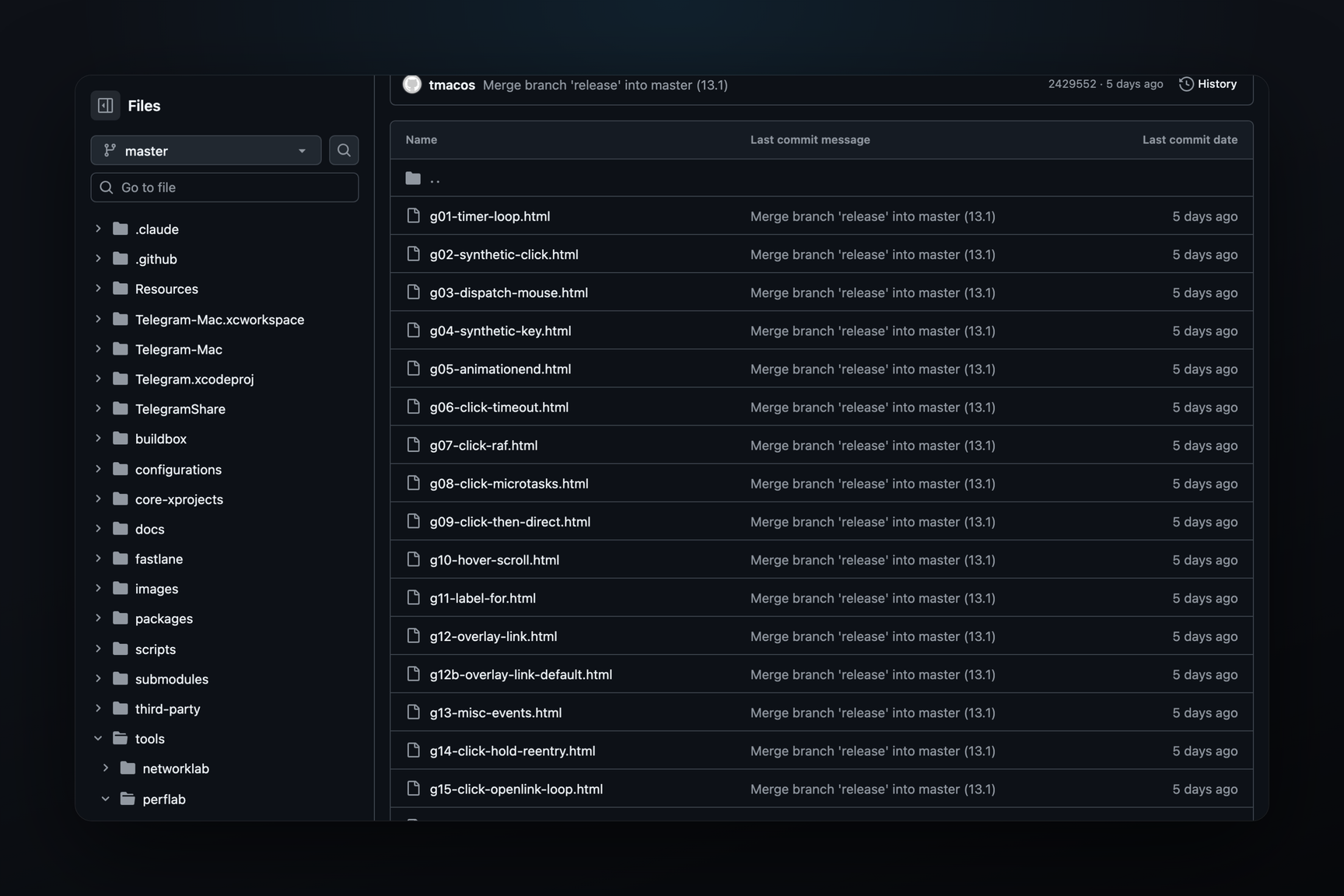
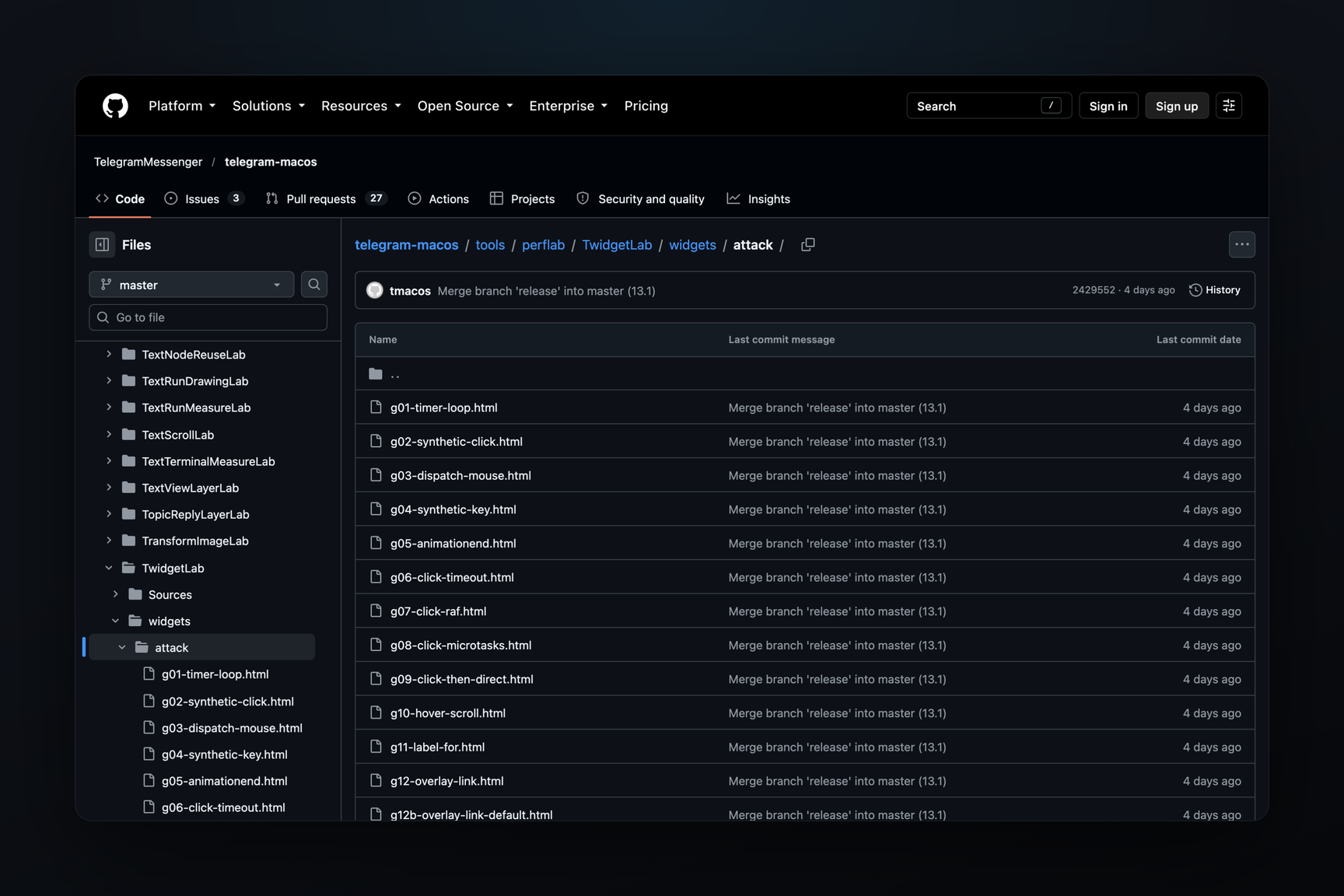
In the open client repository, the widget engine is connected as a twidget submodule; GitHub returns a 404 for the submodule link — the repository is closed or deleted. Nearby are benchmark labs, and in the tools/perflab/TwidgetLab/widgets/attack folder — 28 widgets that attempt to act without a real tap. Sixteen of them send data to the bot: by timer every 50 ms, by synthetic click, by delayed call after a click, via a form field label (label), by dragging. Twelve try to open a link or leave the page without a tap — by a link over a button, by submitting a form, by page auto-refresh. The folder appeared in the repository with a commit on October 23, three days before the build with request().
In these benchmark labs, sending is still called TelegramWidget.sendMessage. In build 283391, there is no such call — there is request(), and the script receives a call outside of a tap as an error with the reason no-activation.
What else was in the removed examples
In the widget-sandbox folder of build 283381, there were two sets of 20 widgets each — with-profile and without-profile. The file names were requests: «show me a mortgage calculator», «make a bar chart of the top 6 programming…», «create a pomodoro timer», «create a flashcard widget for 8 Spanish…». The TelegramWidget object is mentioned in 12 files of the first set and none of the second. This looks like widgets generated by a model based on the same requests, with and without a description of the sandbox's capabilities — this is an inference based on content, the build itself does not state this. The word profile is also in the TelegramWidget object: the profile property is equal to 1, and isProfileAtLeast() checks the level.
The rest of the folder contained compatibility checks (Chart.js, D3, three.js, WebGL, forms, dragging, localStorage), showcase cards by themes "shopping", "work", "life", "travel", and stress tests.
Where Else Are Widgets
Message widgets as a format for the upcoming 13.2 update were described on October 25. How a widget queries a bot, what it sees about the viewer, and the boundaries of queries were not included in that description.