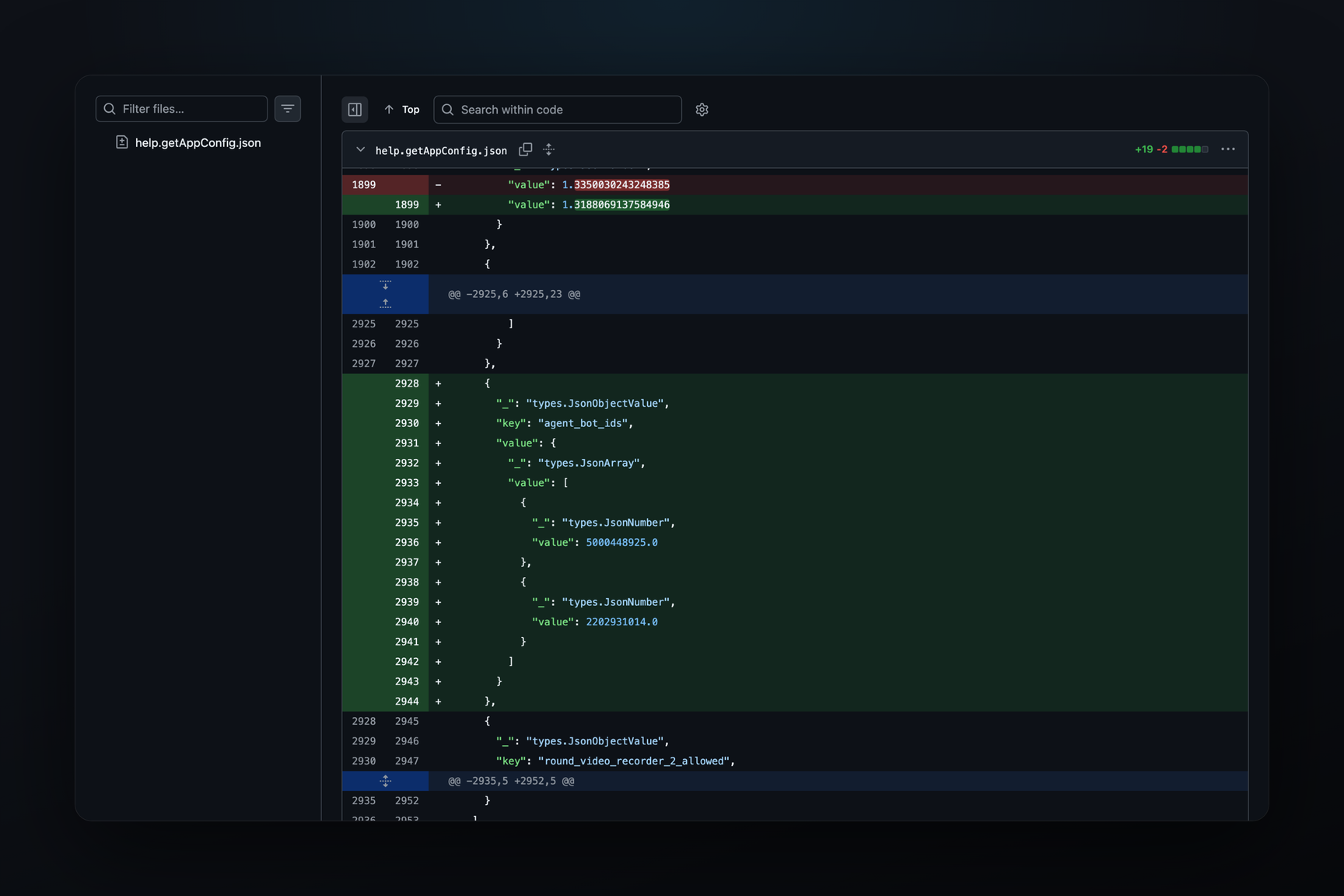
Telegram is preparing an @agent bot that will allow users to connect their own API key from an AI service such as Claude, ChatGPT, Gemini, Grok, or OpenRouter. The connection screen appeared in Telegram for macOS beta builds 13.1.0 on the morning of October 23 and remained unchanged through build 283392 released on October 27. According to the API scheme in the beta, the key remains on Telegram's servers: the server only returns the last four characters of the key and the connection date to the client. This feature is for users who already pay for a subscription with one of the providers. On the production server, the list of agent bots is empty: the agent_bot_ids key appeared in the Telegram test server configuration by 21:21 UTC on October 22, but was not present on the production server as of October 26. A video in discussions shows a working dialogue with @agent on the test server.
What's in the Build
The macOS beta is distributed via the update feed mac-updates.telegram.org, with each build being a zip archive containing the application. Agent-related strings are not present in build 13.1.0.283359 from October 21. They appeared in 13.1.0.283362, released on the morning of October 23, and are still present in the same form in 13.1.0.283391 from October 26 and 13.1.0.283392 from October 27.
Texts from the new screen:
- "Use the API key from an AI service you have already purchased to set up your own AI chatbot" — an API key from an already purchased AI service turns into your own chatbot.
- "Select the AI provider you have an account with" — select the provider with whom you have an account.
- "Add Your AI API Key", "Enter your API key", and the hint "Get your API key or API token in your AI provider's settings": the key is obtained from the provider's own settings.
- "This chatbot works only if you have an active subscription for an AI service" — the bot does not work without an active subscription with the provider.
- "Add Another Provider" and "Right-click a provider to delete it" — multiple providers can be connected and deleted one by one.
- "You can reconnect this provider with an API key later" — a disconnected provider can be reconnected with a new key.
- "Could not connect. Try again." and "The provider is unavailable. Try again." — messages for failed connections.
- "You can now use @agent" — the final message after connection.
There are five providers in the code: AgentProviderClaude, AgentProviderChatGPT, AgentProviderGemini, AgentProviderGrok, and AgentProviderOpenRouter. One of them has the subtitle "Hundreds of models". OpenRouter is an aggregator that provides access to models from various companies with a single key, and the subtitle most likely refers to it.
What the Server Stores
Four types and one update appeared in the MTProto scheme embedded in the build. Their fields are as follows:
| Type | Fields | Meaning |
|---|---|---|
agentProvider | vendor, keyUrl, iconEmojiId, modelsSearchable | provider description: who it is, link to key page, icon, whether its models are searchable |
providerKey | provider, keyLast4, dateConnected | connected key: to which provider, last four characters, connection date |
settings | activeProvider | which of the connected providers is currently responsible for @agent |
providers / providersNotModified | — | list of providers from the server |
updateAgentSettings | — | an update that the server sends when settings change, judging by the name |
The "list and NotModified" pair in the Telegram API signifies a list that the client requests from the server and caches by hash, similar to themes (account.themes/account.themesNotModified) or wallpapers. Therefore, the list of providers, along with icons and links to key pages, comes from the server and can be updated without a new build. The addresses of the key pages are not in the application; there is a string fragment "Get your API key in [", into which, judging by the keyUrl field, a link from the server is inserted.
The full key is not stored in the connection description — only keyLast4. Errors are recorded in the format in which the Telegram server responds to requests: AGENT_KEY_INVALID, AGENT_KEY_MISSING, AGENT_NOT_AVAILABLE, AGENT_PROVIDER_UNAVAILABLE. According to the scheme, the key is checked by the Telegram server, and the key itself most likely remains with the server after connection. Whether the requests to the model themselves go through the same server is not visible from the scheme. There are no API addresses for Claude, OpenAI, Google, xAI, or OpenRouter in the build, so the application most likely does not directly contact the provider. The updateAgentSettings update, judging by its name, is needed so that a change in the active provider on one device is reflected on others.
Where the Screen Lives in the Client
The connection string is named AgentConnectRowItem and resides in the PeerInfoUI module, which renders profile pages for users, bots, and channels. Nearby are AgentProfileRow, AgentConnections, and the TelegramAgentService. The profile description gained an isAgent flag, and a button in the profile, next to the launchApp flag that marks mini app launches, has an agentSetup flag. It seems the setup is opened from the agent bot's own page via a button, rather than from the general application settings, but this is an interpretation based on names.
How users converse with @agent after connection is not visible in the build. Discussions show a video where the model responds in a separate dialogue with @agent on the test server.
What's on the Test Server
By 21:21 UTC on October 22, the help.getAppConfig response from the test server included the key agent_bot_ids with two values: 5000448925 and 2202931014; it was not present in the previous snapshot of the file, from October 20 at 19:09 UTC. It did not change until October 26. The production server configuration did not contain such a key as of October 26. The Telegram test server is a separate environment with its own accounts, so these identifiers do not reveal what these bots are in regular Telegram.
In the same config, and on the production server since October 20, bot_allowed_suffixes is present — the suffixes agent, ai, app, game, and gay, with which a bot can acquire a second username. Bots of the form "...agent" and @agent are different things: the suffix is available to any bot owner with Premium, while @agent is one specific account.
The username @agent is taken: it was sold at a Fragment auction on November 27, 2022, for 70,000 TON, and the t.me/agent page was empty as of October 27. Whether the mention of @agent in the beta is related to this account is not clear from public data.
Where the Function Is Not Yet Available
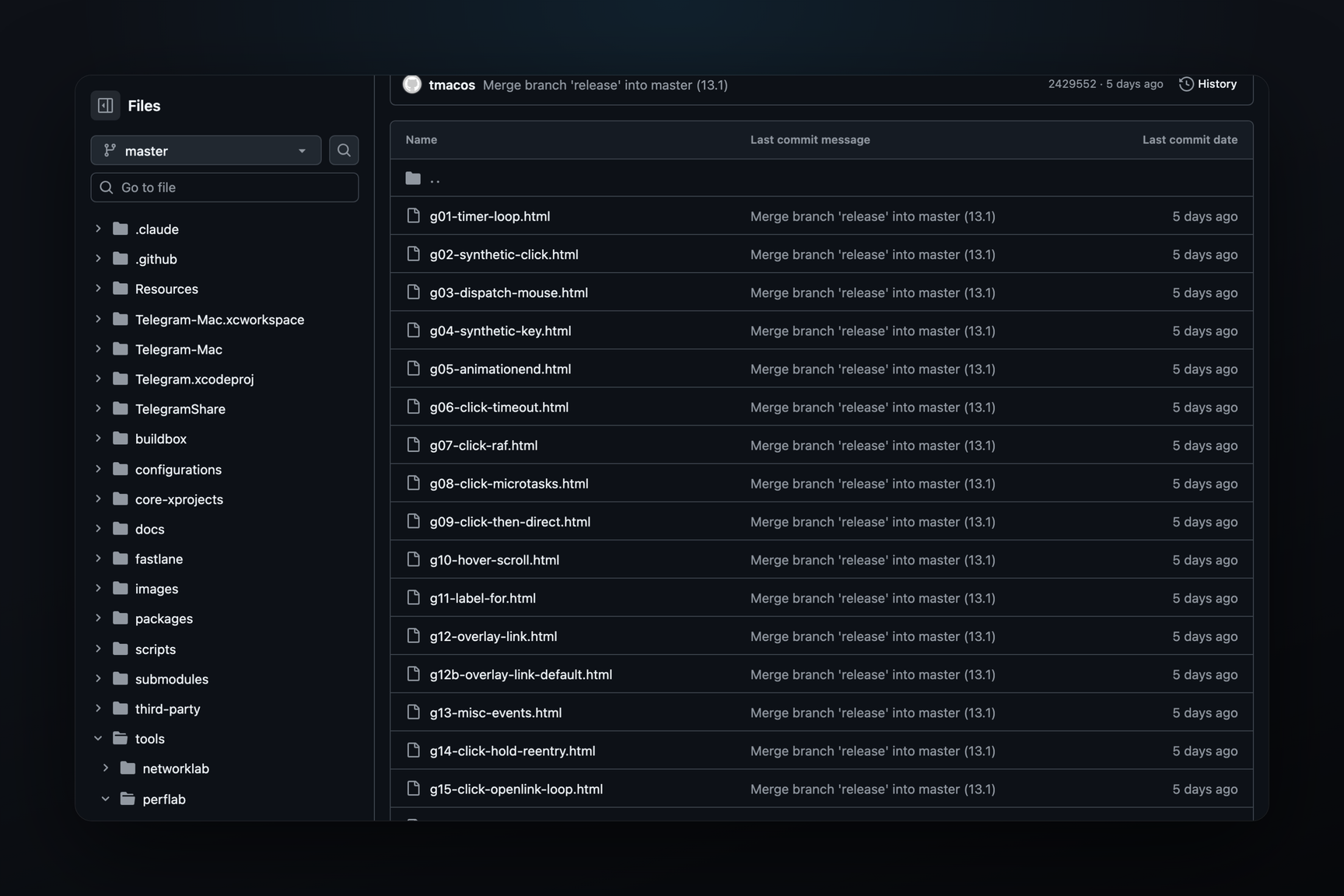
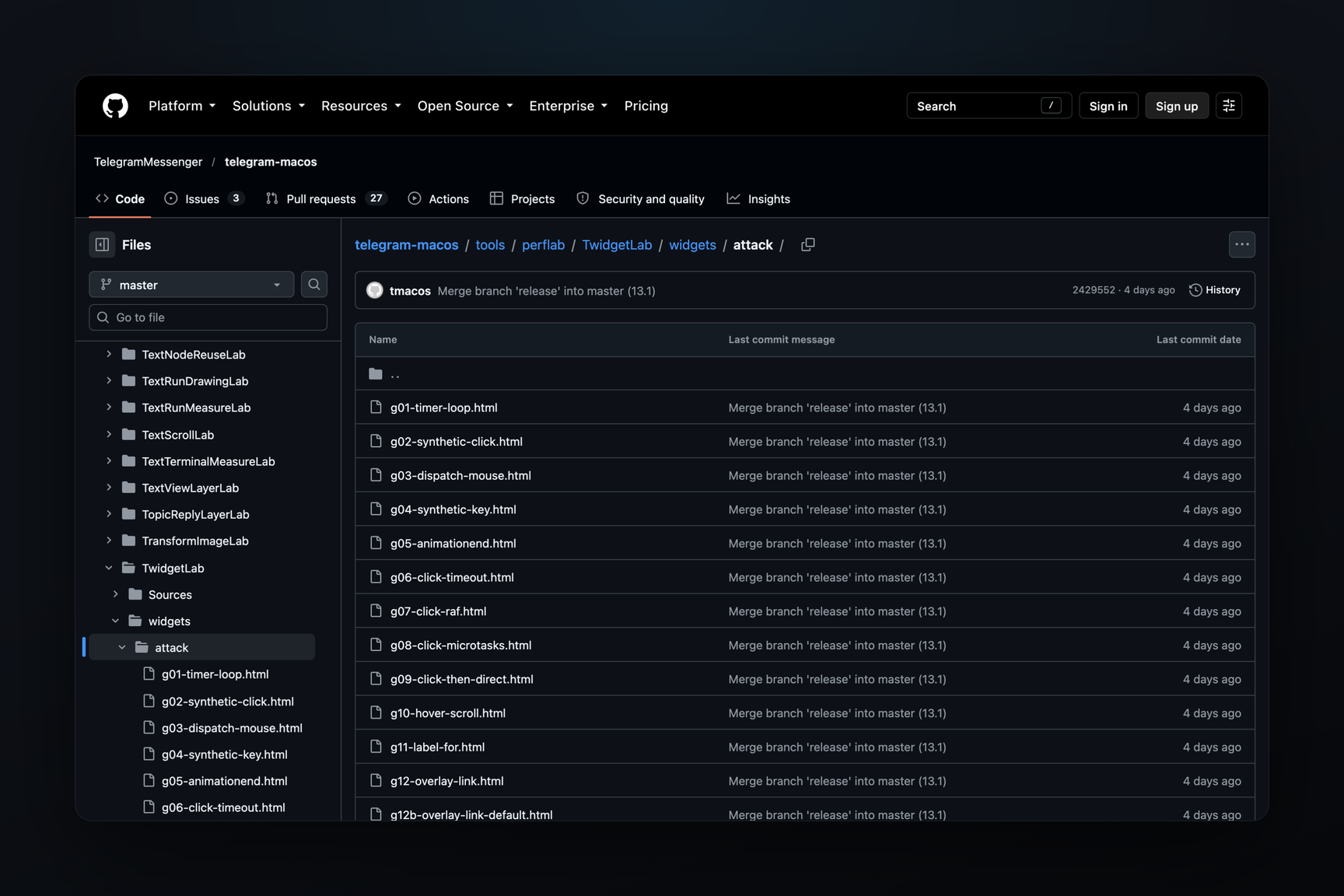
As of October 27, the agent feature is not present in the public API scheme — neither in Telegram Desktop's api.tl (layer 232) nor in TDLib's td_api.tl — nor in the open-source client code. In the Info.plist of the telegram-macos repository, opened on October 23, the build is 283357, five numbers earlier than the one where the agent appeared; agent files are not in the repository. The code shared with iOS in Telegram-iOS also does not contain it, although in the macOS beta, the AGENT_* errors are located precisely in the shared part, TelegramCore.
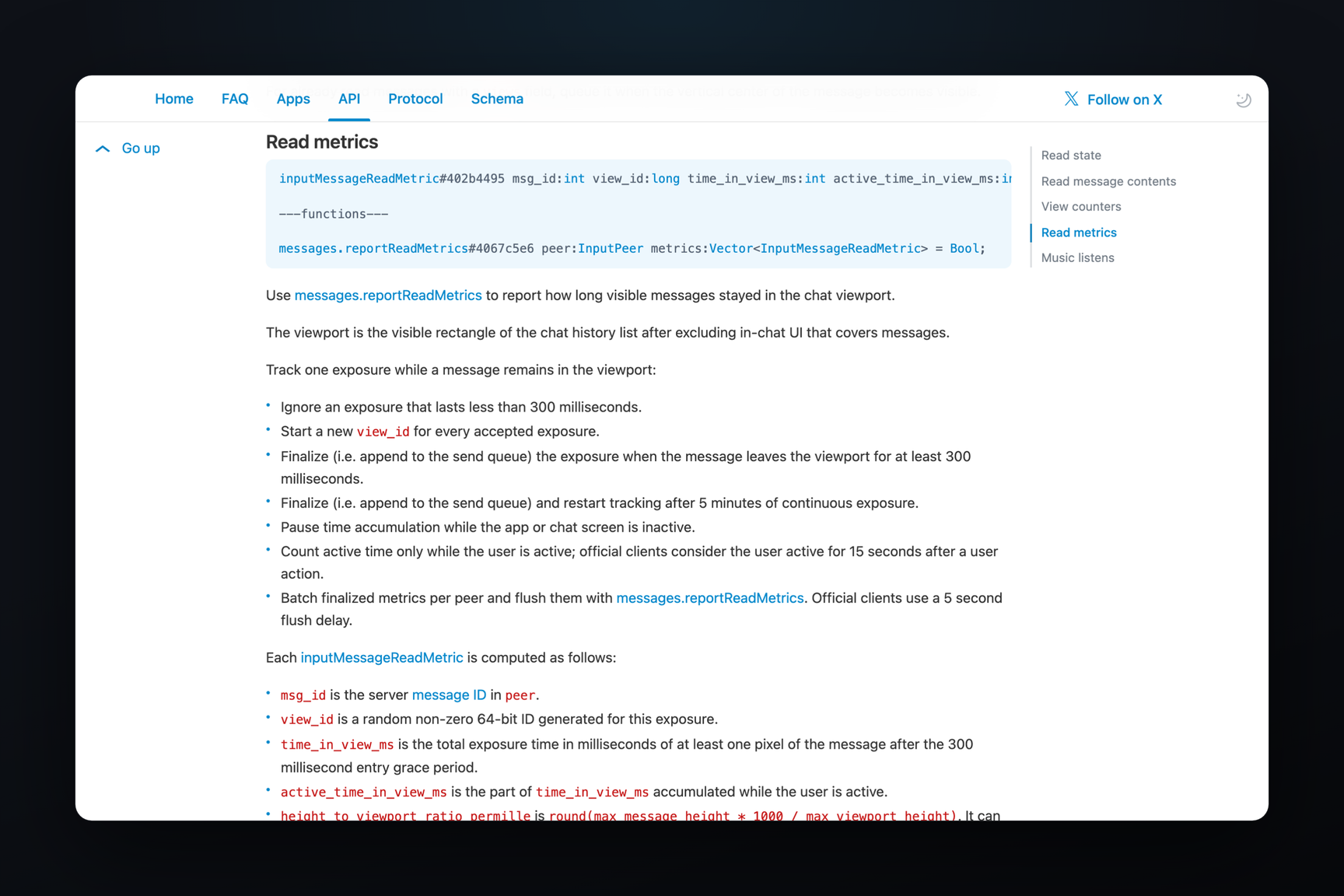
In the same macOS betas, work is ongoing on message widgets that write to a bot; like the agent, these are not yet in the public scheme or the Bot API.
How This Differs from Current AI in Telegram
Telegram already has its own AI functions for text: the production server configuration contains aicompose_tone_* parameters — the number of tone examples, the length of its name and prompt, and the limit of saved tones.