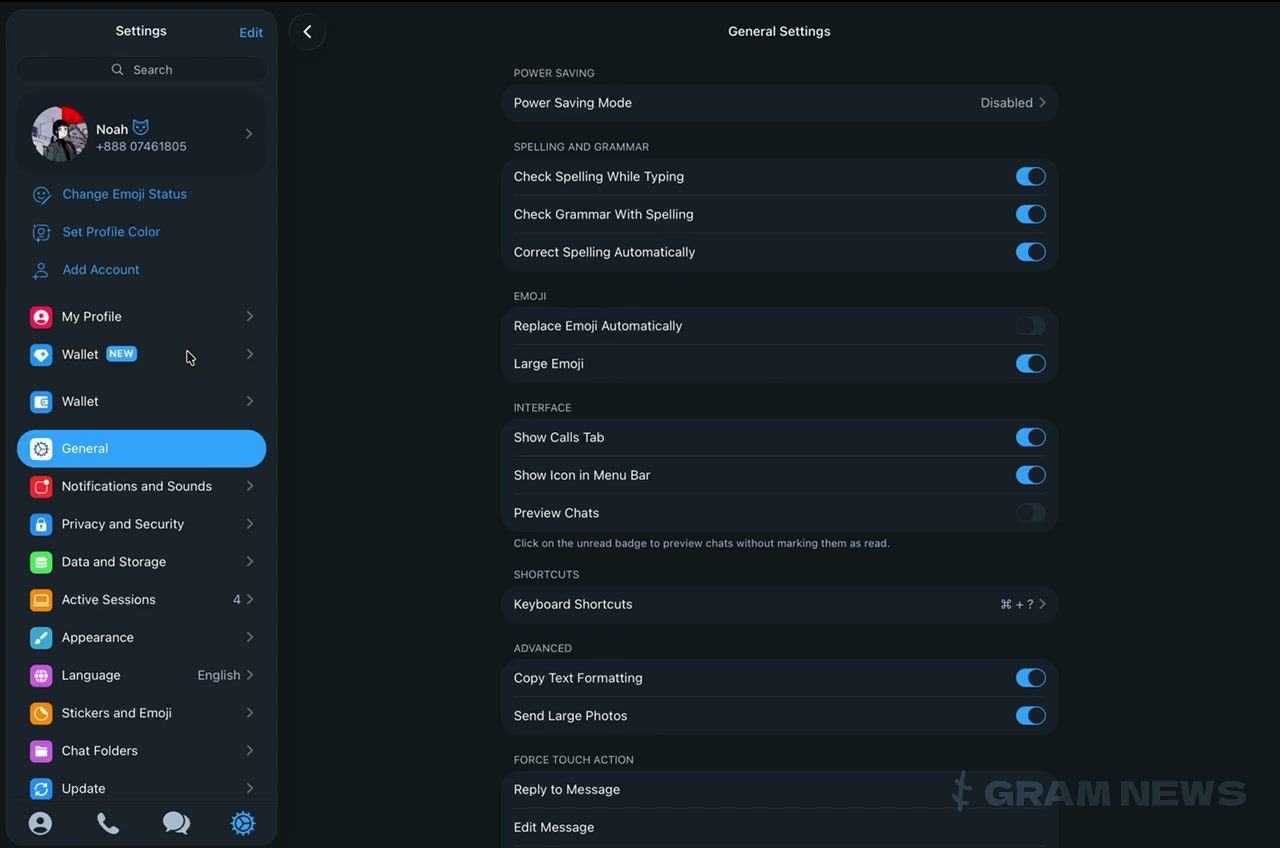
The built-in Gram Wallet became visible in beta build 12.10.283233 of Telegram for macOS. Transactions are not yet being sent — it's an interface without functionality, but the wallet can be seen live for the first time, not just in promotional images.
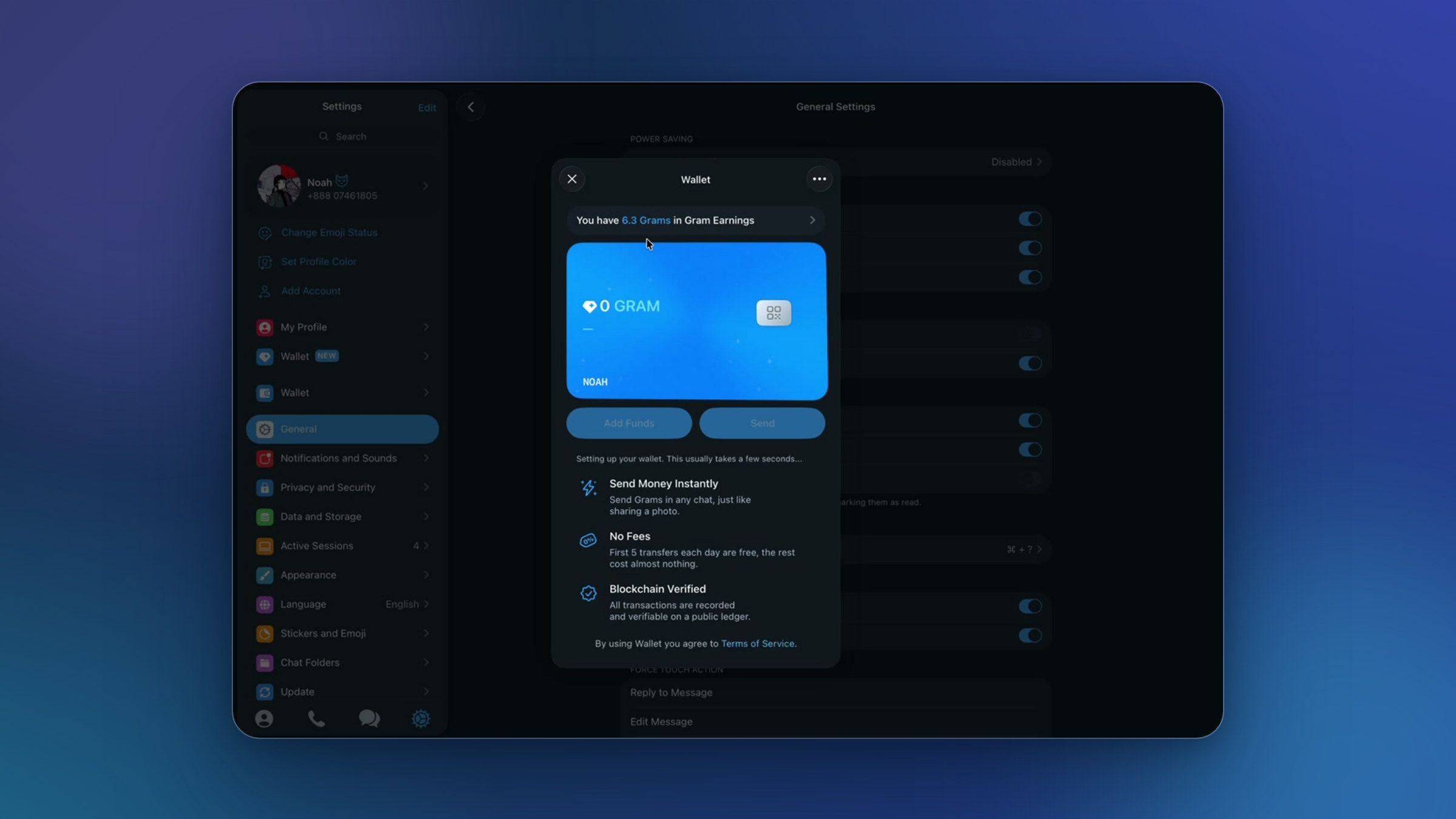
The client's settings now feature two Wallet entries: a new one, marked NEW and with a Gram icon, — next to the old Wallet section.
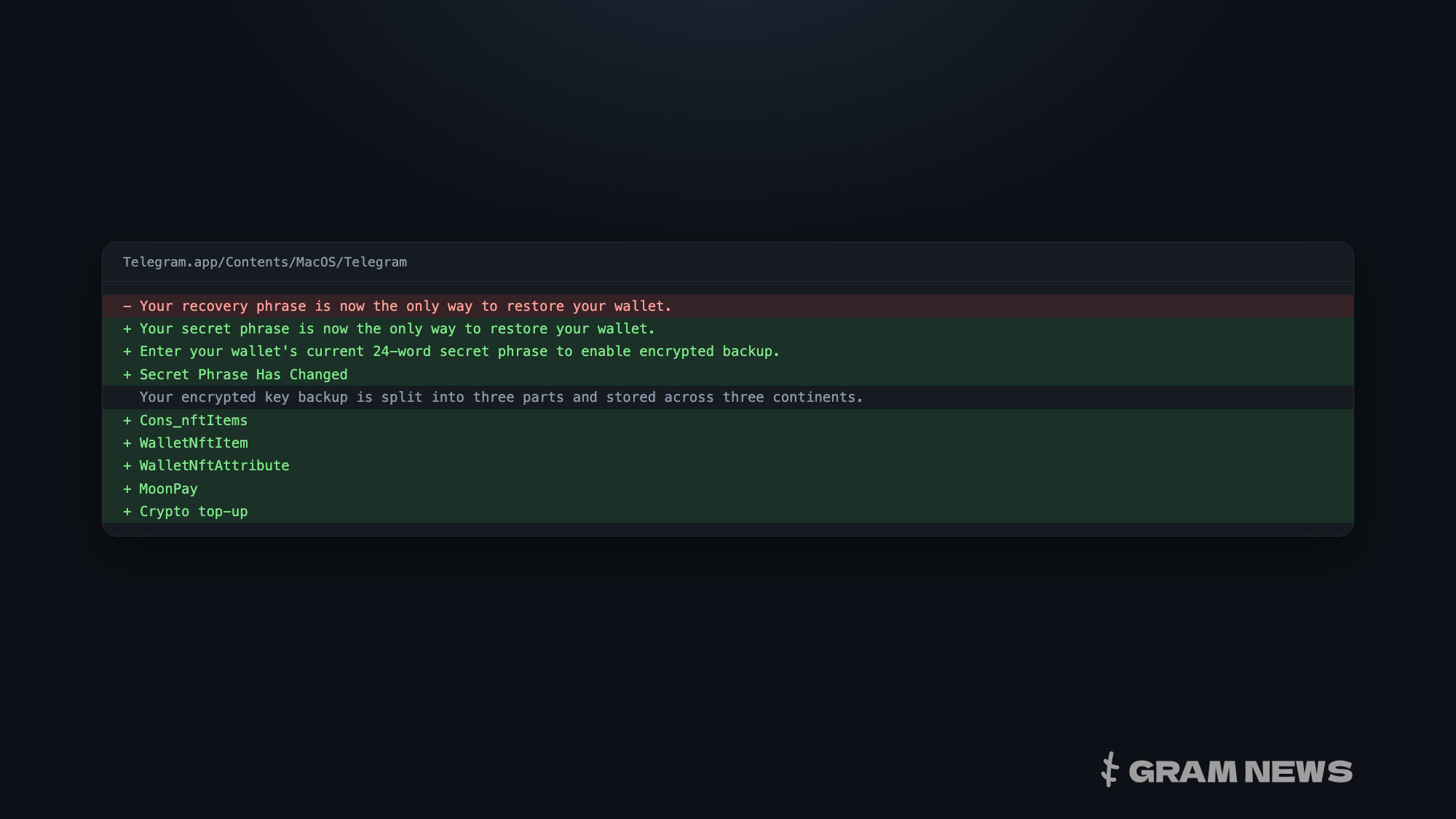
The wallet window displays a card with the GRAM balance and owner's name, and a QR code button; above the card, there's a separate line for the Gram Earnings balance. The Add Funds and Send buttons are inactive, and below them reads «Setting up your wallet. This usually takes a few seconds…» — this is where the setup currently ends. The window's menu already lists Passcode & Touch ID, How It Works, and Keys & Backup — keys and backup on the user's side, as befits a non-custodial wallet.
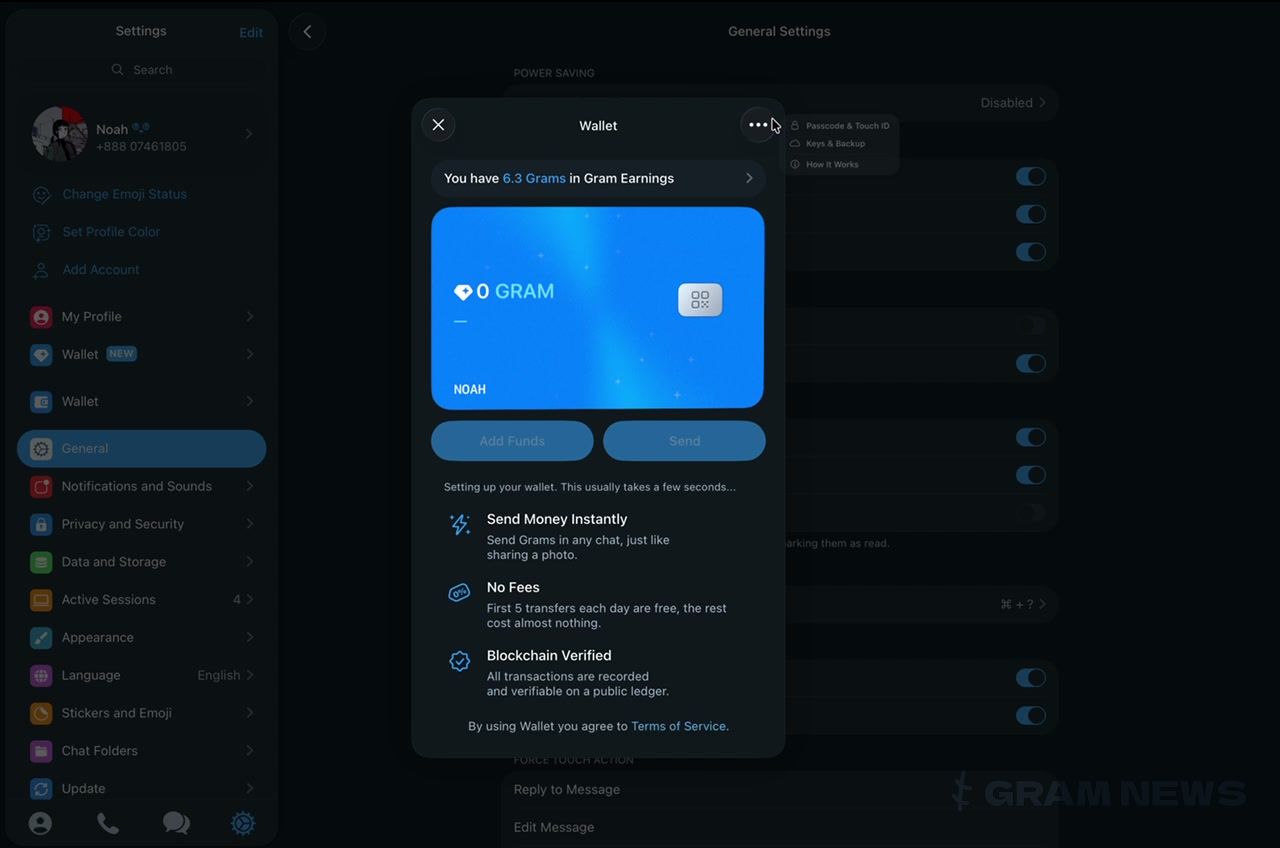
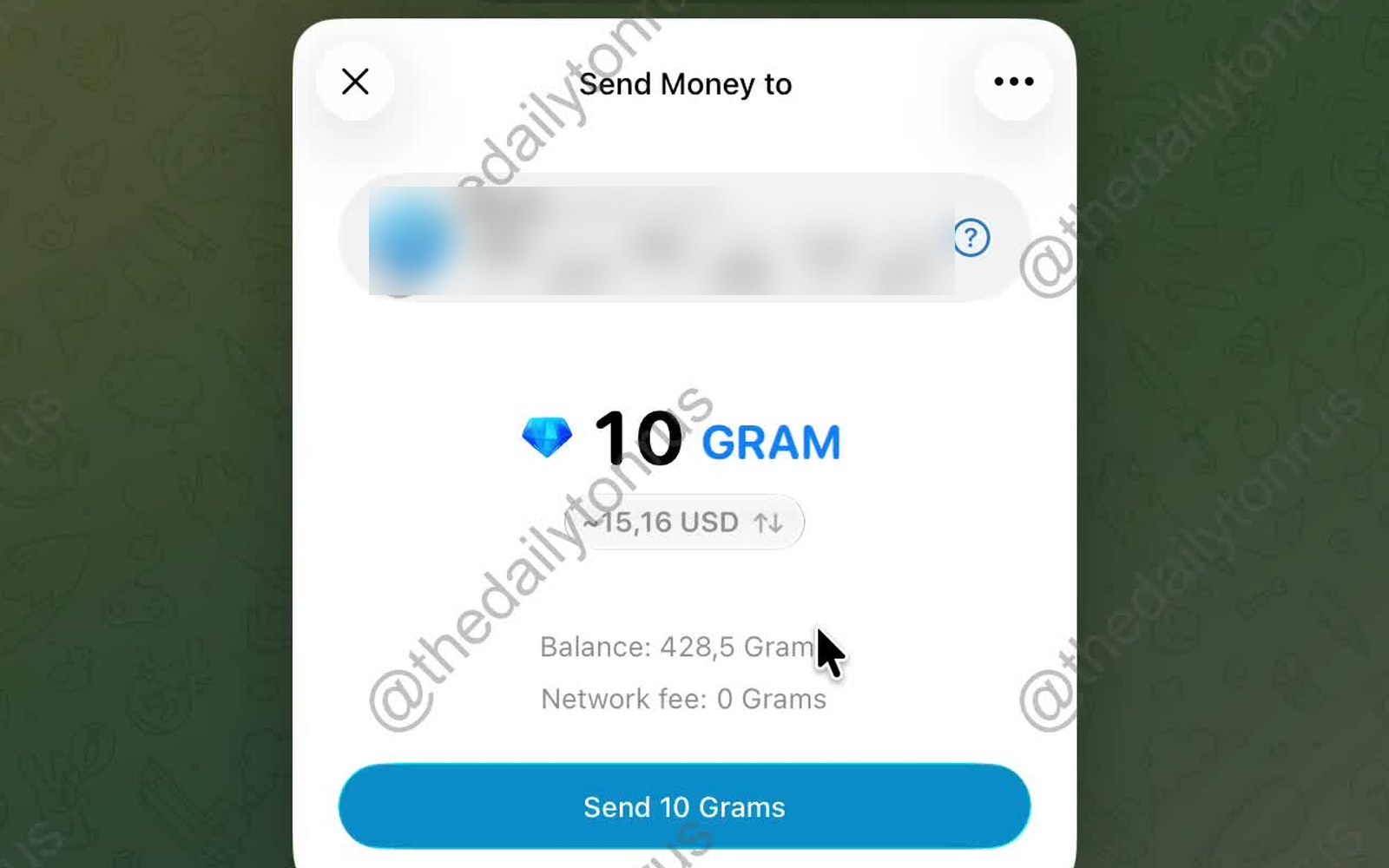
The setup screen lists three promises: sending GRAM in any chat "like sending a photo," the first five transfers per day are free, "the rest cost almost nothing," and transactions are recorded in a public registry. In the same build, the first numerical restriction was noticed — a minimum sending amount of 0.1 GRAM.
The wallet itself was announced on August 31 as non-custodial and built into the messenger's interface, and last week its separate entry reached the TON Connect registry — with stated desktop support. The macOS beta is the first place where all of this is publicly visible.