Starting with version 13.35.0, released on June 12, 2026, the MetaMask browser extension allows you to create a wallet using your Telegram account — just like with Google or Apple. You don't need to write down a Secret Recovery Phrase for this: the wallet is accessed by logging into Telegram and providing a password. In the release changelog, the feature is described in a single line: "Add Telegram provider to Social Login options".
How It Works
Social login in MetaMask doesn't eliminate the Secret Recovery Phrase; it hides it. According to MetaMask's own description, the phrase is generated on your device and stored encrypted on MetaMask's servers. The encryption key is derived from two parts: a secret, which is split into key shares among several servers using Shamir's secret sharing, and your password. Both are required: logging in via Google, Apple, or Telegram grants the right to access the servers holding the key shares, and your password completes the key. Neither MetaMask nor Telegram can decrypt the phrase individually. Servers limit the number of password attempts to prevent brute-force guessing.
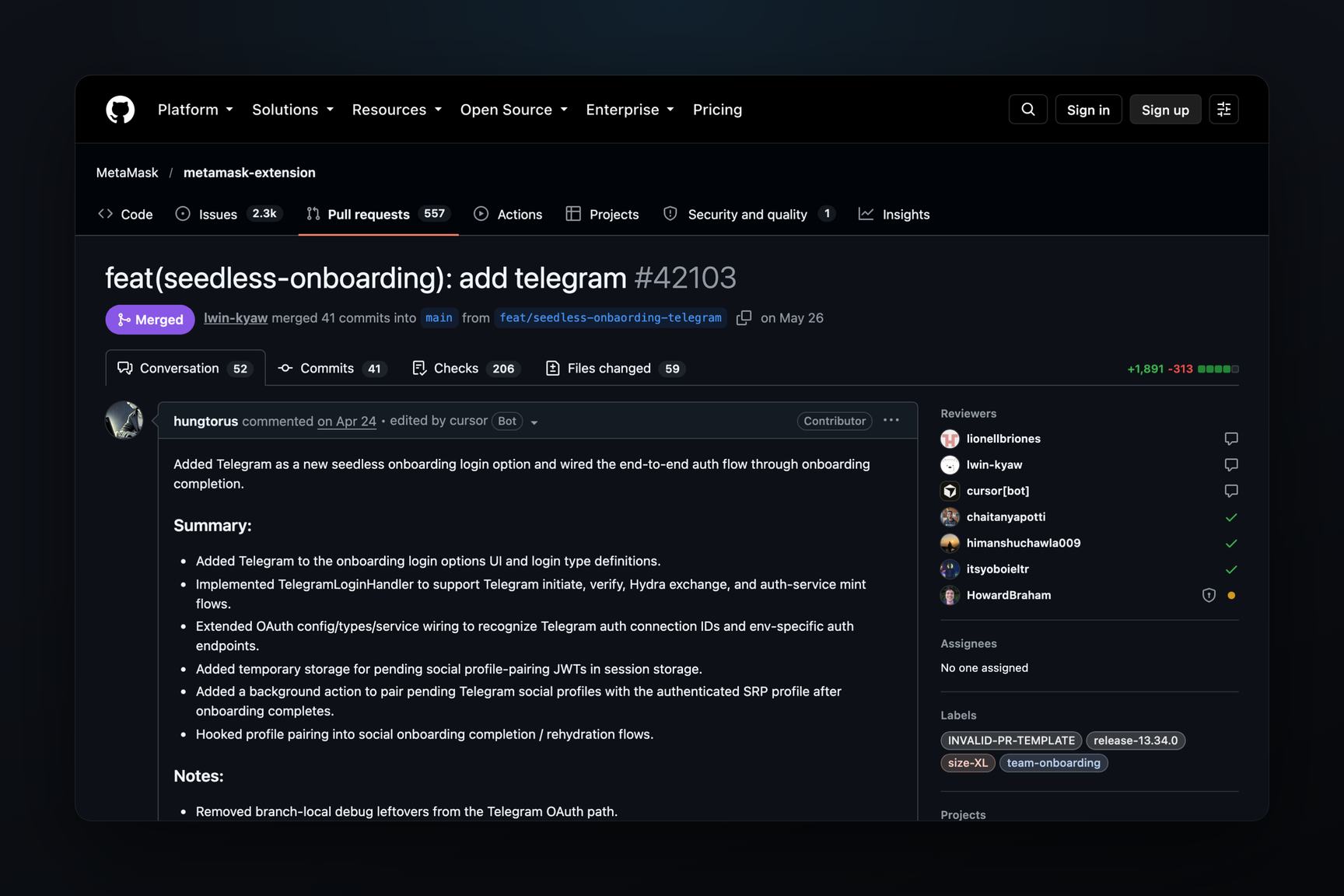
Telegram confirms the login not to the wallet itself, but to a MetaMask server. In the extension's code, this is a four-step process: a login request with PKCE protection, verification of Telegram's response, exchange of the received token on the authorization server, and issuance of a token that allows the wallet to retrieve the key shares.
What to Know Before Logging In
- The Telegram account used to create the wallet cannot be changed.
- Wallets that you later import into this MetaMask instance will also be linked to your Telegram account, and you cannot unlink them. To keep them separate, you should import them into a different MetaMask instance.
- MetaMask stores the link between your Telegram account and the addresses of all wallets in that instance.
- You cannot log in via Telegram without a password. If the password is lost but the Secret Recovery Phrase is saved, the wallet can be restored using the phrase, but the Telegram login and password reset options will no longer be available.
- According to MetaMask's support documentation, Telegram is only available in the browser extension. Google and Apple also work in the mobile app.
How the Feature Appeared
| Date | Event |
|---|---|
| 24 April | PR for Telegram login opened |
| 26 May | PR merged, button disabled by a feature flag |
| 29 May | Login enabled in test (UAT) builds |
| 3 June | Login enabled in all builds |
| 12 June | Version 13.35.0 released |
MetaMask itself launched social login with Google and Apple in August 2025. Telegram became the third method ten months later.
Mobile App
In the MetaMask mobile repository, Telegram login was merged on May 21, and on June 17, a fix for Android 16 login was added, marked for version 7.82.0. As of October 16, MetaMask's support documentation still lists Telegram as a login method only for the extension.