Telegram message widgets are small programs made of HTML, CSS and JavaScript that live right inside a chat bubble: a game, a calculator, a poll or a bot's answer opens without a separate window and without a Mini App. Telegram's clients call them different names — message widgets, HTML bubbles (the HTMLBubbles module in the macOS beta), a tgwidget block in a rich message — but it is one mechanism. It already runs in the Telegram betas for Android, iOS and macOS, and the waitlist for a no-code widget builder is open in @catalogue_app.
What a message widget is
A regular message shows text and media. A widget is a media type of its own, messageMediaWidget: it carries a compressed HTML document with its own styles and scripts, its size and two sets of data. The client draws the document in the bubble and runs its JavaScript in a sandbox, and the widget responds to taps, animates, keeps its state and follows the chat theme.
| Message widget | Mini App | |
|---|---|---|
| Where it opens | right in the chat feed | in a separate window over the chat |
| What it's made of | HTML, CSS and JavaScript inside the message | a web page on the developer's server |
| Network | none: everything it needs is in the message | yes, like a website |
| Forwarding | forwards as a message, with its state | a link is forwarded |
| Talking to a bot | a request per tap, answer up to 1,024 bytes | any requests to its own server |
Where widgets already work
| Client | Build | Status |
|---|---|---|
| Android, beta | 13.2.0 | widgets render and run JavaScript |
| iOS, beta | 13.2 | widgets in messages and tools to test them |
| macOS, beta | 13.1.0 | sandbox, bot requests, 3D scenes on three.js |
| Telegram Desktop | 7.3 | not yet |
The Android beta ships through the beta testers' channel and a direct link on Telegram's site. Its client protocol is layer 233, one ahead of the public one: it already has types for server delivery of widgets, for bots' inline answers and for updating data after sending.
How a widget works on Android
There is no browser under the widget. A native renderer built on litehtml lays out and draws the markup, and a separate QuickJS interpreter runs the JavaScript on its own thread. The DOM the script sees is emulated: changes reach the renderer in batches, and a validator checks every batch before it is drawn. Whether a tap is real is decided by a native touch arbiter, not by the script — so a synthetic click cannot pass for the user's finger.
A detailed teardown of the build is in the piece on the Android and iOS betas.
How a widget works on iOS and macOS
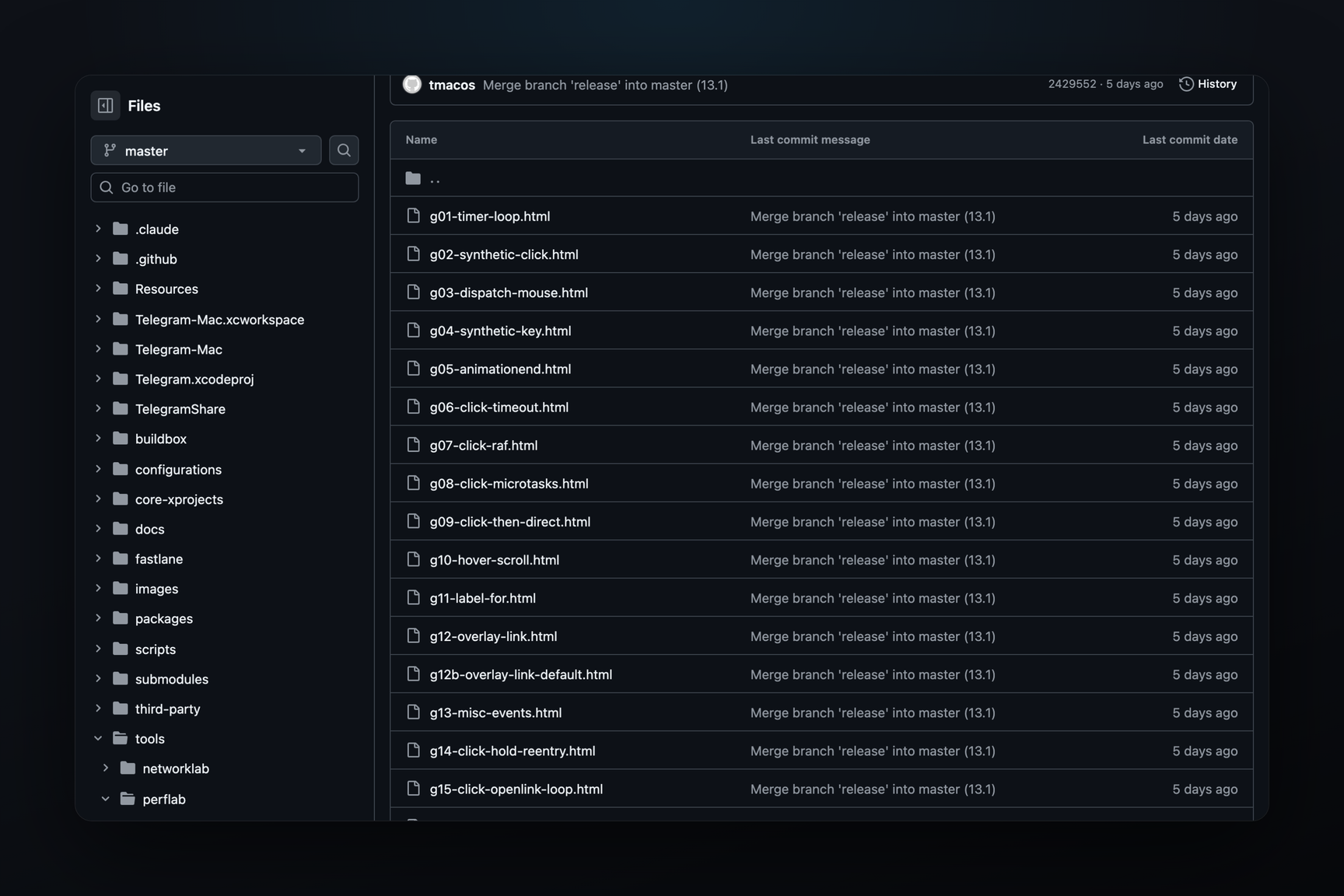
On Apple platforms WebKit draws the document in a separate WidgetSandbox module, cut off from the network by three layers at once: a content security policy, a rule list that blocks http, https and ws, and removal of network classes from the window before the code starts. The macOS beta ships the three.js library next to the HTMLBubbles module, and a message loads it through the internal link app:three: the app's Metal renderer draws the 3D scenes. How it looked in the first builds is in the piece on the macOS beta.
What a widget can do
- Layout and animation — flex, gradients, rounded corners,
transform, CSS animations and transitions. - Graphics — SVG and canvas 2D: paths, gradients, patterns, pixel work.
- Forms — text fields, selects, sliders, buttons, collapsible blocks.
- State — every widget has its own
localStorage, stored with the message: a game score and entered data survive a client restart. - Theme — chat colours arrive as
--tg-theme-*CSS variables, and the widget recolours itself for light and dark themes. - Feedback — vibration through
HapticFeedback, links on tap, copying text. - Bot — on a tap the widget sends its bot up to 64 bytes and gets an answer of up to 1,024 bytes; the bot can update the data of a widget it already sent.
- Viewer — the widget knows who opened it (id, name, Premium) and what kind of chat it sits in.
What a widget doesn't have, and why
A widget has no network at all: fetch, XMLHttpRequest, WebSocket and workers are replaced with stubs. This is a property, not a gap: a widget you receive cannot reveal the reader's IP and works offline. Live data comes through the bot — as a request on a tap or as an update to the message's data.
The quota for one JavaScript task is 500 ms of CPU, memory is 64 MB. The bubble height is 50 to 600 dp on Android and 24 to 900 pt on iOS. Off-screen animations pause.
How to fit the quota
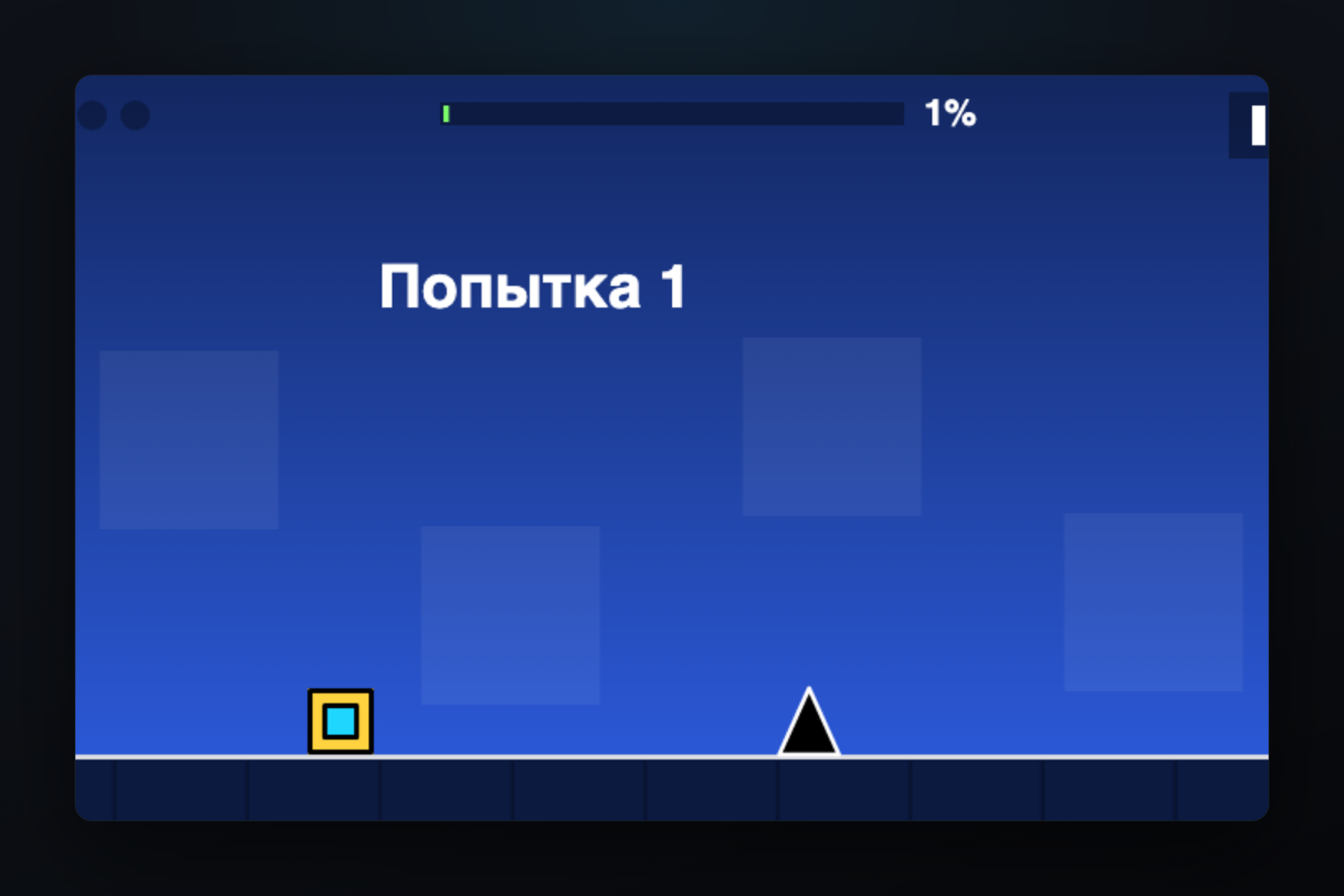
Heavy work is split into chunks under 500 ms with requestAnimationFrame or setTimeout. A game loop with a fixed physics step fits the quota with room to spare: a Geometry Dash-style runner plays a whole 3,289-frame level in 30 ms of CPU, at up to 109 canvas commands per frame.
What you can build with a widget
- Games — canvas arcades, puzzles, clickers, text adventures, score tournaments right in the chat.
- AI widgets — a question on a tap, the model's answer through the bot into the same bubble.
- Calculators and converters — currencies, percentages, units, splitting a bill among friends.
- Polls and quizzes — with their own design, score and result on the spot.
- Cards and charts — a profile, a forecast, statistics drawn from the message's data.
- Intelligent UI — an interface the bot assembles for a specific request: a booking form, a time picker, a cart.
And more: a widget is an HTML document, and anything that fits the sandbox can be sent as a message.
🎮 Games in messages — join the waitlist
🤖 AI widgets — join the waitlist
🧮 Calculators and converters — join the waitlist
Your own widget without code
A widget is a single message with a document inside, so it can be assembled from ready blocks, without programming. @catalogue_app is preparing a no-code widget builder: a game, quiz or calculator template, your own texts and colours — and the finished widget goes to any chat. You can send your copy from your own bot, created in the same @catalogue_app, and share the template so others can fork it.
The waitlist gathers people who want their own widget: when widgets ship in every Telegram app, @catalogue_app will message them first.
🧩 Your own no-code widget — join the waitlist
A widget game that already runs in the Telegram Android beta is sent with the /game command in @catalogue_app.
Questions
What are HTML bubbles in Telegram?
That is the name of the widgets module in the Telegram beta for macOS: a message built with HTML and CSS and embedded JavaScript lives right in the chat bubble. On Android and iOS the same mechanism is called message widgets.
Can I send a widget already?
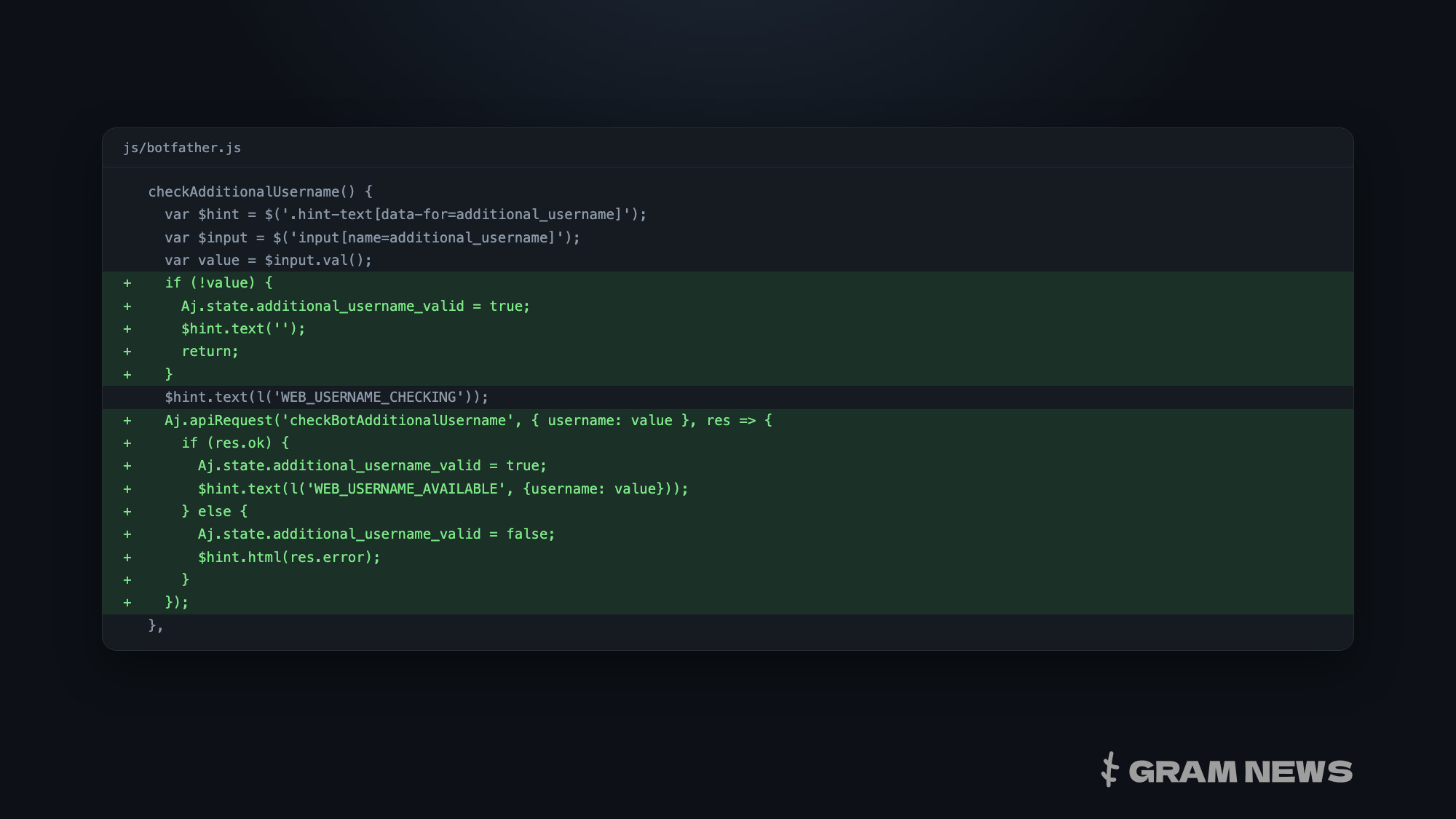
Widgets render in the Android, iOS and macOS betas. The Bot API has no sending method yet; the beta protocol already has types for delivering a widget from the server and as a bot's inline answer.
How is a widget different from a Mini App?
A Mini App opens in a separate window and loads a page from a server; a widget lives in the feed and carries all its code in the message itself. A widget has no network, and it talks to the outside world through the bot.
Do I need to know how to code?
To write a widget from scratch, yes — it is HTML, CSS and JavaScript. To build your own from a template, no: that is what the no-code builder in @catalogue_app is for.
When will widgets reach stable versions?
Telegram hasn't named a date. The mechanism is already in the betas of all three platforms, and the Android beta has server-side protocol types for it.