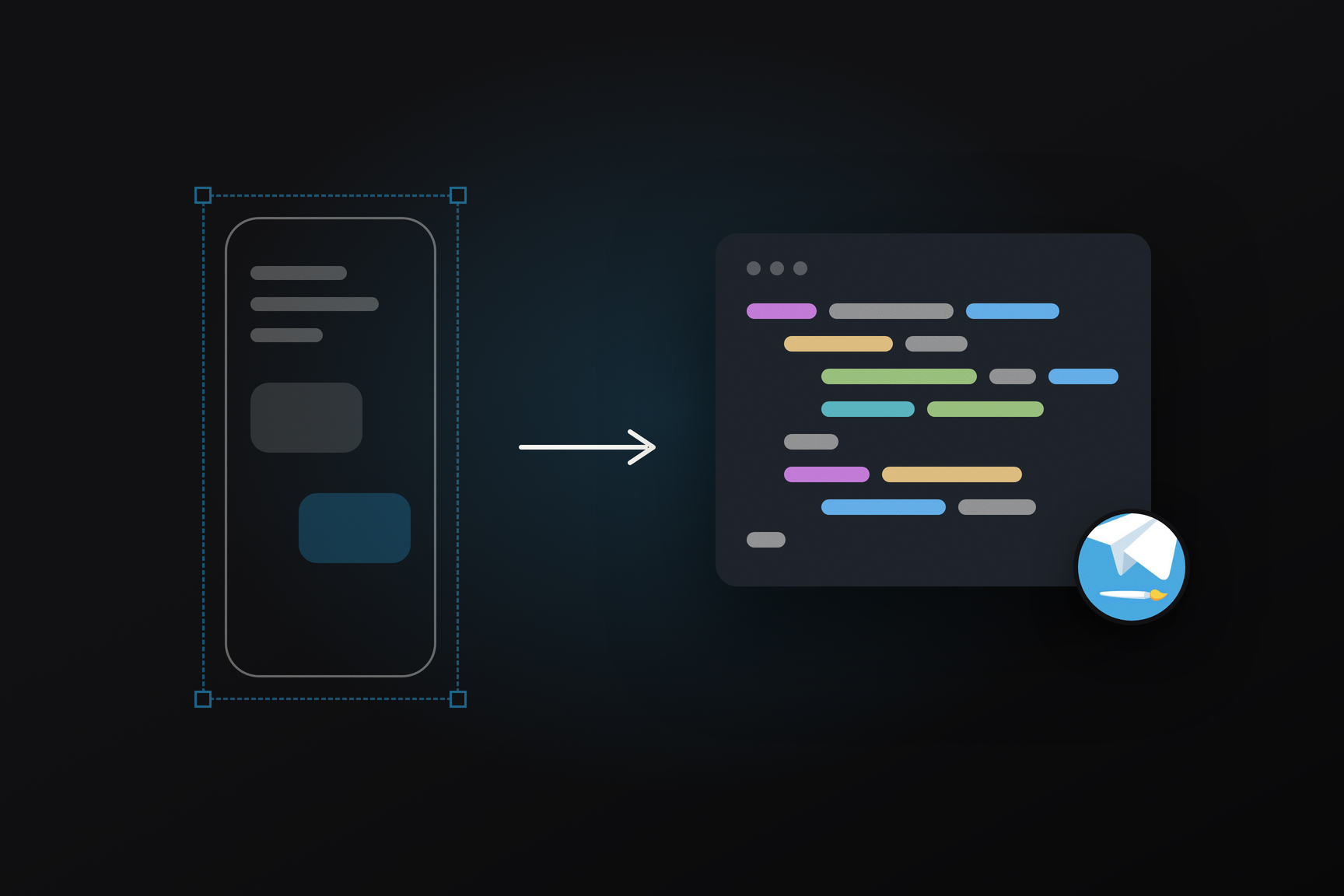
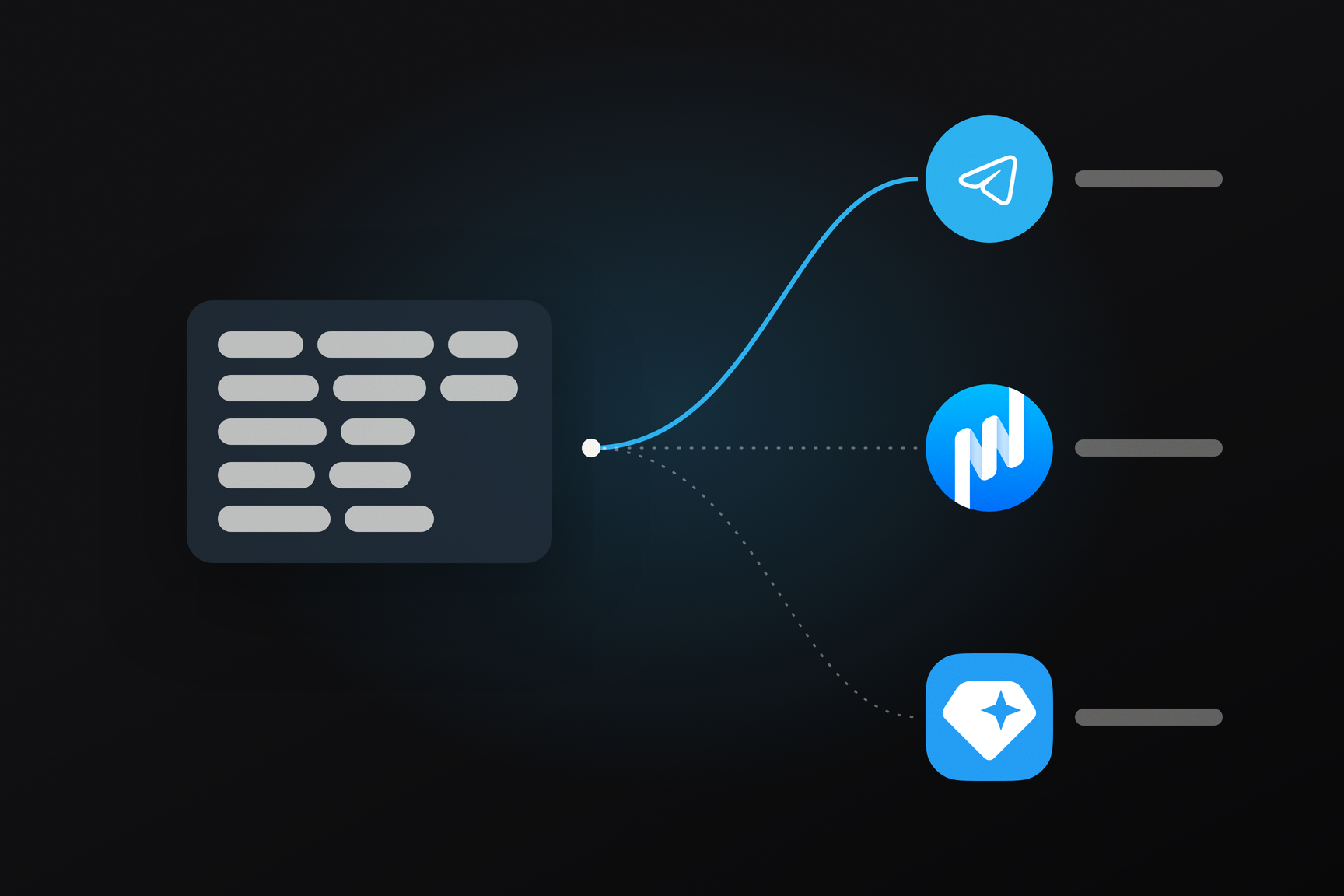
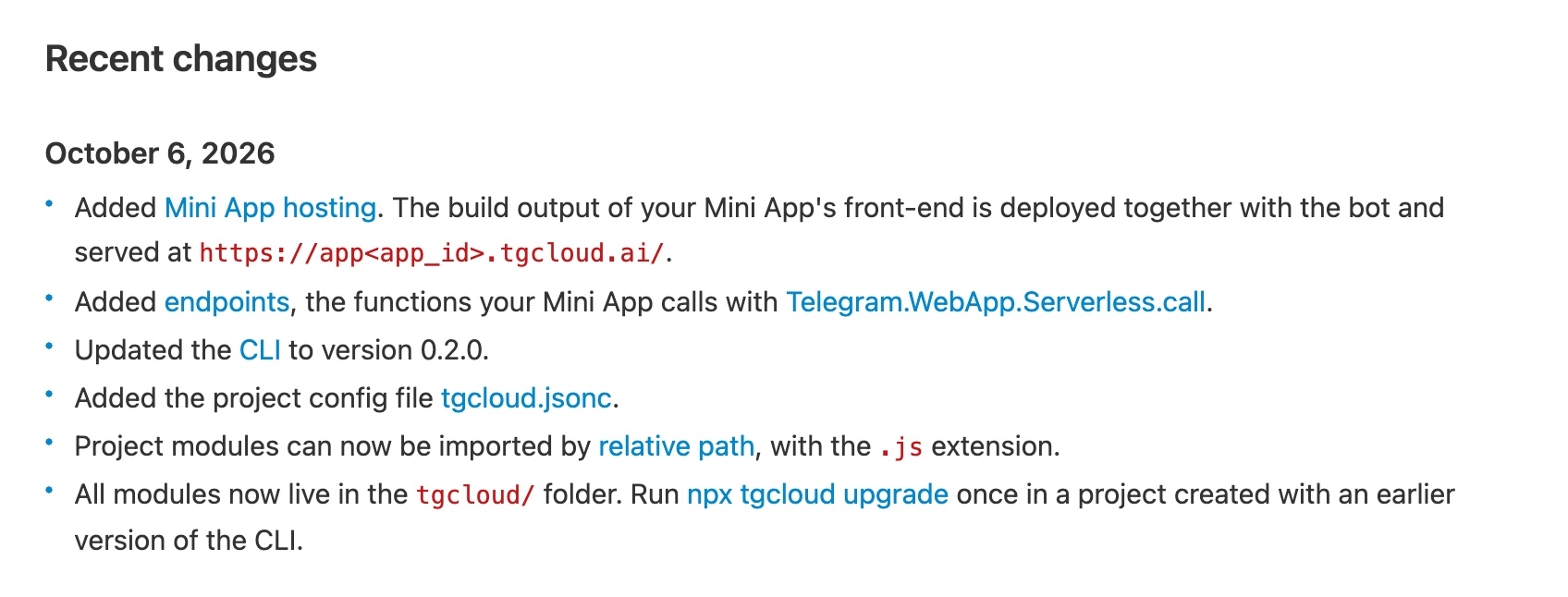
On October 6, Telegram updated Serverless, its platform for bot code. It now also hosts Mini App frontends: the build output is deployed alongside the bot with a single command and becomes accessible at an address like app<id>.tgcloud.ai. The Mini App now has server-side functions (endpoints) that it calls from telegram-web-app.js. This update affects everyone who hosts their bot or Mini App backend on their own server, as well as those who already migrated their bot to Serverless in July: existing projects need a one-time migration to the new project folder layout.
Serverless is a backend for bots, hosted by Telegram itself. Code is written using standard JavaScript modules and executed in V8 isolates—lightweight sandboxes within a single process, alongside the Bot API. The code comes with an SQLite database and outbound HTTP access. No need for your own servers, containers, or webhooks. The first version of the @tgcloud/cli command-line tool was released on npm on July 12, and its documentation page appeared in the web archive on July 13. At that time, the platform could only respond to bot updates: the July version of the documentation contained neither a section on frontends nor the word "endpoint."
What Changed on October 6
| What | How it works |
|---|---|
| Mini App Hosting | The build output folder (dist for Vite) is uploaded with the bot code and served from https://app<app_id>.tgcloud.ai/ |
| Endpoints | A tgcloud/endpoints/<name>.js file becomes a function that the Mini App calls by name |
| CLI 0.2.0 | Published on npm on October 6 at 10:52 UTC |
tgcloud.jsonc | Project config in the root: build output folder, SPA mode, cache, headers, redirects |
| Relative path import | ../schema.js instead of a module name, with a mandatory .js, so the editor understands "go to definition" |
tgcloud/ folder | schema.js, lib/, handlers/, and endpoints/ moved from the root into it, leaving the root free for the frontend |
The Mini App no longer requires separate hosting, a certificate, or a server with an API. The frontend can be built with any bundler; the CLI compares files by hashes and uploads only changed ones. The address printed by push is entered into @BotFather as the Mini App's address.
What to Do with a Project on Version 0.1
CLI 0.2.0 will refuse to work with the old layout until the project is migrated to the new one. Migrate with one command:
npx tgcloud upgrademovesschema.js,lib/, andhandlers/into thetgcloud/folder. Module names (lib/cart,handlers/message) do not change.- Imports by module name continue to work, but the documentation advises switching to relative paths with
.js.
For those integrating a Mini App:
pushuploads the build output folder as is and does not build anything itself. If you run it after editing the frontend without building, the previous version will be deployed to production. Thenpm run deployscript, which is included in the project template, first builds, then uploads.- Telegram Web opens Mini Apps in an iframe, so
X-Frame-Optionsand strictframe-ancestorsheaders cannot be set. - The
/api/path at the same address is reserved for endpoints; you should not place your own files there. immutablein the config is only for files with a hash in their name. Other files will be cached by the browser for a year, and there will be no way to revoke them.- The CLI does not automatically recognize Next.js, Nuxt, SvelteKit, and Angular: you first need to configure static export and manually enter its folder into
"source".
How a Mini App Calls Its Backend
On the same day, at 09:27 UTC, Telegram updated telegram-web-app.js, the script that connects any Mini App. It now includes a Telegram.WebApp.Serverless object with a single call method. This method makes a POST request to the relative address /api/<name>, i.e., to the same host from which the app is opened. Therefore, the call only works for Mini Apps hosted on tgcloud.ai: from a custom domain, the request would go to the custom server.
The script places the string TMA and initData in base64 into the Authorization header. initData is a Telegram-signed set of fields about the user and chat with which the client opens the Mini App. The platform verifies the signature before running the code; without it, the request receives a 401. The endpoint receives the already verified user in ctx.initData.user. Manually verifying the initData signature, as required on your own server, is no longer necessary, and such a backend has no open API that needs protection.
Errors are divided into two types. An EndpointError, intentionally thrown by the code, reaches the client with text and parameters that the frontend can use for branching logic. Any other exception is seen by the client as an internal error, and the actual text remains in the logs to prevent the backend's internal structure from leaking.
What the server reports about itself without a token
The CLI communicates with the API at cloud.telegram.org. One of its methods, /capabilities, responds without authorization: it describes the project layout, AGENTS.md and docs/tgcloud-sdk.md templates, and a list of 27 update types that can have handlers attached. The CLI compares the project schema version with this response and warns if the server already knows about folders that the CLI doesn't yet. The CLI's code also includes a TGCLOUD_BETA=1 switch, which directs requests to /beta. As of October 6, the beta response matches the main one.
Why the Domain is Called .ai
The tgcloud.ai domain was registered on September 11, 2026, through GoDaddy. On the same day, a *.tgcloud.ai certificate was issued for it, covering all subdomains of the form app<id>. The domain's IP address, 149.154.166.100, is within the Telegram_Messenger_Network (AS62041). The root domain returns an empty 404: the platform has no storefront, only application subdomains.
The .ai top-level domain itself doesn't prove anything: it's the national domain of Anguilla, which has long been adopted by tech projects. And tgcloud.com has been occupied since 2011 by an unrelated owner, so the choice could have been a simple matter of an available name.
However, the platform was built from day one around AI agents that write code and bots that generate responses.
- Code written by an agent. The "Building with AI" section has been in the documentation since July. Every new project receives
AGENTS.md, which, according to the template itself, is automatically read by Claude Code, Cursor, and similar tools, and an SDK reference indocs/. The documentation suggests opening the project in an agent and describing the bot in words, calling this the first step. - Environment designed for generated code. No npm packages, a single SDK, strict rules like one file per update type. The fewer options, the less often the agent makes mistakes, and the documentation explicitly lists conventions that "ordinary code generation" misses.
- Bot that generates a response. Among the 27 update types that Serverless accepts are
stopped_message_generationandguest_message. Both appeared in the Bot API in spring and summer, along with other features for large language model bots.
| Date | Bot API Version | What appeared |
|---|---|---|
| December 31, 2025 | 9.3 | sendMessageDraft: response shown to user as it's generated |
| May 8, 2026 | 10.0 | Guest mode: up to three bots not in the chat can be invited in one message |
| August 24, 2026 | 10.3 | User can stop generation, bot receives an update about it |
| October 6, 2026 | Serverless | Mini App and its backend on one platform, AGENTS.md in every project |
What Serverless doesn't yet have is the model itself. The SDK consists of three parts: database (sdk/db), Bot API (sdk/api), and fetch. For a Serverless bot to respond with text from a large language model, it uses fetch to an external API with its own key. The fetch documentation specifically mentions streaming the response as a way to receive AI API output token by token.
Telegram has its own capacities for neural networks. Cocoon, a confidential GPU computing network with TON payments, was presented by Durov at Blockchain Life 2025, and its website is served from the same Telegram network address as telegram.org. Hence the hypothesis: the next part of the SDK could be a built-in model call, without an external key and with payment via Telegram. A second hypothesis concerns @BotFather: an editor for Mini App handlers, databases, and files already exists within it on the phone, and describing a bot using words instead of code seems like the next step for such an editor. Neither hypothesis is currently confirmed by anything other than the domain and the direction of recent updates: as of October 6, there is no neural network module in the documentation, the CLI, or the /capabilities response.