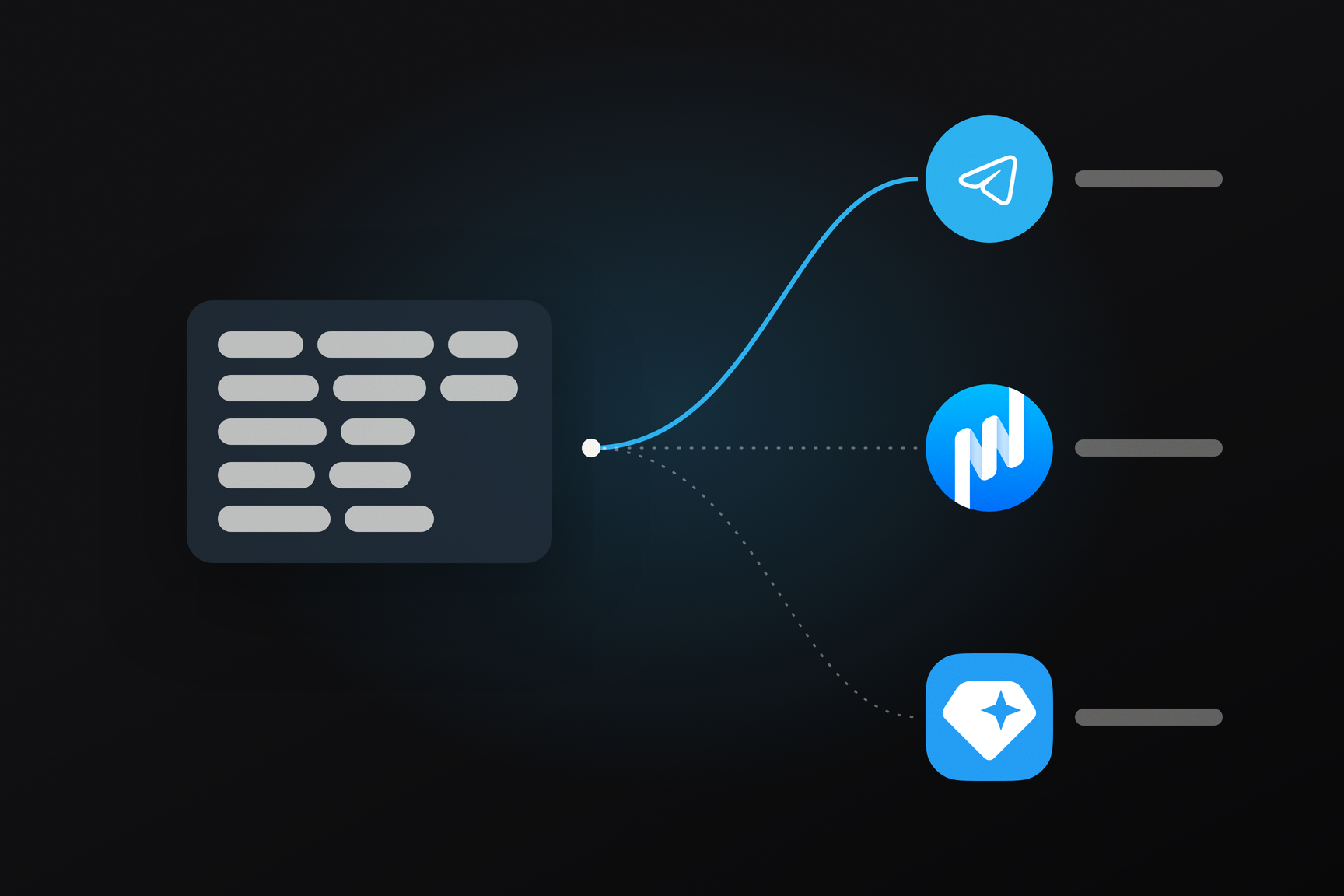
On October 13, the TON Core team published recommendations for the ecosystem regarding the Telegram wallet. Standalone wallet applications are advised to continue creating new wallets using the W5 (wallet-v5r1) contract, because the Telegram wallet contract, WalletTg, is designed specifically for Telegram. However, they should also learn to open existing Telegram wallets using their secret phrase. This applies to anyone who wants to manage their Telegram wallet in a separate application as well: My Wallet and Gram Wallet already support such imports, with the necessary code appearing in version 26.10.0 on October 6.
How to Open a Telegram Wallet in Another Application
- Note down the wallet address from Telegram. You will use it later to verify that the correct wallet has been opened.
- Retrieve your current phrase. According to the documentation, in Telegram Desktop, it's located in the wallet menu: Keys & Backup → Show Recovery Phrase. If the key hasn't been changed, it's 12 words. After a key rotation, the phrase becomes 24 words, and you must enter all 24. How to store your phrase is discussed separately.
- Import the phrase into My Wallet or Gram Wallet: Import Existing Wallet → Secret Words. Both applications are built from the same open-source code, and the version currently available on the App Store and wallet.ton.org is 26.10.4, which already includes this support.
- Verify the address. If it matches the address from Telegram, the wallet is fully opened, with its balance and history. If it doesn't match, the application has opened a different wallet using the same key, and the reason is usually one of the three below.
Nothing has been sent from the wallet yet. A contract in TON appears at an address with the first outgoing transaction; before that, coins can be held at the address, but there is no code. The application recognizes an address as a Telegram wallet only if a contract with Telegram's code and the correct key is already active there. For an uninitialized wallet, 12 words will open an empty W5 wallet, while 24 words will result in an error: the application will report that there is no Telegram wallet contract at this address. According to the code's logic, the solution is to first send at least one transfer from Telegram and then repeat the import.
The key was rotated, but only the first 12 words were entered. After a key rotation, the first half of the phrase still defines the address, but it can no longer sign transactions. The application sees that the key in the contract is different and shows you an empty W5 wallet instead of yours. All 24 words of the current phrase are needed.
The phrase is outdated. If the key has been rotated more than once, and you have a previous version of the phrase, the application will respond that the public key does not match the phrase and the wallet may have rotated its key. Only a fresh phrase from Telegram will help.
An application that does not support the Telegram wallet will most often accept 12 words as a regular BIP-39 phrase and show a wallet with a different address and zero balance. A 24-word phrase, composed of two halves, might not be accepted at all. The coins remain at the Telegram address; the application simply cannot derive that address from the phrase or sign transactions in the WalletTg format.
After import, the key lives in two places. Telegram by default keeps an encrypted copy of the key, split into three parts across data centers on three continents. Now, the key also resides in the application. If the goal is to migrate to self-custody, the documentation describes the solution: Keys & Backup → Disable Backup with the Update Secret Phrase option checked. Telegram will rotate the signing key, show a new 24-word phrase, and disable the cloud copy only after the rotation has completed on the network. A fee in Gram is charged for key rotation. The address remains the same, the old phrase ceases to sign transactions, and you will then need to re-enter the new 24 words into the application.
One Phrase, Three Addresses
A wallet address in TON is calculated not from the key, but from the hash of the contract's initial state: its code and initial data. The key is part of this data, but each wallet type has its own code. Therefore, the same key yields as many addresses as there are contract types, and each can hold different assets.
The key from the Telegram wallet phrase is derived according to the general BIP-39 standard with the path m/44'/607'/0', the same path My Wallet uses to derive the key from its 12-word phrase. Beyond this, the paths diverge. The initial state of the Telegram wallet contains trampoline code and four fields: storage revision number, seqno counter, subwallet ID 0x7FFF7F11, and public key. W5 has different code and its own wallet identifier.
How this looks in practice was verified with a one-time 12-word phrase generated for this article: following the algorithm from the documentation, one key was obtained, and from it, three addresses.
| Contract | Address from one phrase |
|---|---|
| WalletTg, Telegram wallet | UQAgG-WT…P_gXad |
| W5 (wallet-v5r1) | UQA7s7tH…boDdkIc |
| v4R2 | UQBVSR_U…djLee01 |
Which address an application displays is determined by its code. For a 12-word phrase, My Wallet and Gram Wallet iterate through all known contract versions, from the oldest to W5 and telegram, at the first two path indices. The Telegram wallet is included in this list only if a contract with a trampoline is active at the address, the subwallet ID is 0x7FFF7F11, and the key from the get_public_key get method matches the key from the phrase. From the found candidates, W5 is chosen if it has a history; otherwise, the address with the largest balance; otherwise, the address with the latest transaction; if all are empty, W5. This explains the empty W5 in the "traps" above: when the Telegram wallet fails validation, it's simply not among the candidates.
A 24-word phrase follows a separate branch. If each 12-word half passes BIP-39 validation, the first half provides the anchor key and from it the address, while the second half provides the signing key, which is then compared with the key in the contract. This branch is necessary because 24-word phrases also exist for older TON wallets, derived according to the network's own rules. The documentation advises showing both candidates to the user in ambiguous cases and not making a silent choice; My Wallet first tries the Telegram branch and, if no Telegram contract exists at the address but the phrase is valid as a regular one, it imports it as such.
How the Telegram wallet rotates its key without changing its address
In the WalletTg contract's storage, the signing key is a mutable field, while the address is permanently calculated from the initial state, where the first key, the anchor key, was located. Key rotation is a request, signed by the current key, with proof signed by the new key. The contract overwrites the field, and the get_public_key get method now returns the new key. The anchor key is still needed to recalculate the address, but it can no longer sign transactions. To ensure that encrypted comments received before the key rotation remain readable, the contract publishes the previous private key, encrypted by the new one, with each rotation: by following a chain of such events, the application can restore all previous keys, possessing only the current one.
Why New Wallets Remain on W5
The justification in the TON Core recommendation is singular: WalletTg is designed specifically for Telegram. The contract's architecture reveals the reasons behind this.
The wallet code is shared and changed by voting. Each Telegram wallet address contains an immutable trampoline that delegates control to the code specified by network configuration parameter −123. A new version of this code is approved by validators—according to the documentation, it requires more than 75% of their total stake—and is immediately applied to all Telegram wallets. The wallet owner cannot fix a version or opt out of updates. The W5 code resides within each account individually and does not change.
No Extensions. W5 supports extensions: separate contracts that a wallet authorizes to act on its behalf, upon which subscriptions and additional checks are built. Two-factor authentication in My Wallet itself is sought specifically as a W5 wallet extension. WalletTg has no extensions; according to the authors' design, two-factor authentication and subscriptions will appear as built-in features.
Unique Request Format. In WalletTg, the signature precedes the request body; sending a single message has a separate short format, and to pay the fee on behalf of the user, the request is passed through an intermediary who attaches Gram for execution. An application that wants not only to display the Telegram wallet balance but also to send from it must implement this format separately from W5.
The main reason WalletTg is designed differently is key rotation without changing the address. The contract description explicitly states: Telegram creates the wallet but allows users to transition to self-custody. Importing into third-party applications is the second half of this transition.
Recommendations for Others
For applications with wallet-based login, TON Core advises updating TON Connect and verifying the ton_proof signature as the specification requires: the Telegram wallet key is retrieved from the network, not from the initial state. This part is covered in the article about TON Connect 5.0.
Blockchain explorers are encouraged to recognize Telegram wallets, show key rotation, and mark transfers for which the fee was not paid by the owner. The Toncenter API has learned to distinguish the Telegram wallet contract and provides key rotation as a separate action with the new key and the encrypted old one, while tonscan.org already labels Telegram wallets and transfers with "Fee paid by Telegram" based on this data.