On October 11, TON Connect 5.0.0 was released, a set of libraries that websites and mini-apps use to connect TON wallets. In the wallet selection window, the built-in Telegram wallet now appears first, with a separate "Connect Telegram" button, and the former @wallet is labeled as Walt. For developers whose login relies on ton_proof signatures, the team recommends checking their server against the documentation: many mini-apps cannot verify the Telegram wallet's signature, preventing users from logging in with it.
What Developers Need to Do
Update Packages. @tonconnect/sdk, @tonconnect/ui, and @tonconnect/ui-react were published in version 5.0.0; by the evening of the same day, the UI packages received 5.0.1. The change in the major version number does not mean rewritten code: according to the changelog, 5.0.0 is the same code as sdk 4.1.0 and ui 3.1.0; the numbers were simply aligned so that the three packages installed together share a single version. If you are using ui 3.0.x, upgrading to 5.0 is equivalent to upgrading to 3.1 with all its changes (detailed below).
Check the ton_proof Backend. This is a signature by which the wallet, upon connection, proves to the application server that an address belongs to it: the server issues a one-time string, the wallet signs it with its key, and the server finds the wallet's public key and verifies the signature. A typical implementation searches for the key in walletStateInit, the initial contract state that the wallet sends along with the address: it recognizes standard wallets (v3, v4, v5) by the code hash and reads the key from their data. For the Telegram wallet, this key parsing fails, and the verification is rejected.
According to the updated documentation, a separate branch is needed for the Telegram wallet:
- Compare the code hash in
walletStateInitwith the hash of the WalletTg trampoline contract. - Request the account state from the network and ensure it is active and the same trampoline is deployed there.
- Only then call the
get_public_keyget method on the contract and verify the signature with the returned key.
The documentation instructs to reject an inactive account, a mismatching code, or a failed call. It is specifically emphasized that the mere presence of a get_public_key method in a contract proves nothing: it can only be called on code that has been verified against a list of trusted implementations. If the SDK passed a key in account.publicKey, it must match the one found; if not, this is not a reason to reject a signature verified with a key from the network.
Anticipate an Inactive Wallet. An account in TON becomes active with its first outgoing transaction: before that, a balance might be on the address, but no contract exists there. A Telegram wallet that received a transfer from someone else and has not yet sent anything will not be able to log in via ton_proof according to the documentation rules. The error message in this case should be human-readable, not a generic "signature rejected."
Rebuild Error Handling. In sdk 4.1.0, all library errors now have error.name as the class name (UserRejectsError, etc.) instead of the previous "Error", and it is not mangled by minification. Error trackers that group by name and text will create new groups after the update. A wallet response with code 400 now arrives as a new MethodNotSupportedError, not UnknownError; an unclear response from the built-in wallet arrives as WalletTransportError with the original value in cause.
Consider the New Loading Address. In ui 5.0.1, a voluminous crystal appeared above the Telegram button on mobile. The model weighs about 540 KB and is loaded not from the package, but from s.ton-connect.io; on a weak device, if the animation drops below 20 frames per second, a static image remains instead. Applications with a strict Content Security Policy (CSP) must allow this address or accept the static image.
What Changed in the Wallet Selection Window
The library does not store the list of wallets internally; instead, it loads it from the public registry config.ton.org/wallets-v2.json each time it opens. The package only contains a fallback copy in case the registry is unavailable. Therefore, the order of wallets changed for all applications simultaneously on October 11, via a registry update, without any code updates. The new packages added to this layout: the Telegram wallet and Gram Wallet are moved to separate buttons above the main row of wallets, rather than appearing as tiles among others.
| Position in Registry | Name in List | What it is | Where it leads |
|---|---|---|---|
| 1 | Telegram | wallet built into the messenger itself | t.me/sendgrams, tonbridge.telegram.org bridge |
| 2 | Gram Wallet | separate app for iOS and Android from gramwallet.io | connect.gramwallet.io |
| 3 | Walt (ex. Wallet) | bot of the former @wallet | t.me/walt |
| 4 | Keeper | former Tonkeeper | app.tonkeeper.com |
Before October 11, the @wallet bot was first in the registry, and the "Telegram" entry was added on September 15 at the very end of the list. Older ui versions rendered a hardcoded "Wallet in Telegram" button first, which led to the bot. In new versions, only the positions of two buttons are fixed, while the name, icon, bridge, and link are taken from the registry, just like any other wallet.
The names should be distinguished. In articles and discussions, the built-in Telegram wallet is sometimes called Gram Wallet, and the TON Connect announcement also mentions "Gram Wallet in Telegram." However, in the TON Connect registry, the built-in wallet is listed as Telegram, while Gram Wallet refers to a separate mobile application with its own bridge. The "Connect Telegram" button leads to the built-in wallet, and the transparent button below it leads to the application.
The label "Walt (ex. Wallet)" is not a new renaming. The TOP wallet bot became Walt back on September 28, and the registry changed its name on September 29. On October 11, the "ex. Wallet" annotation was added to the name, and the link was changed to t.me/walt: the same bot also opens via @wallet. The new interface moves the parenthetical annotation to the second line of the tile, so the user sees "Walt" and "ex. Wallet" below it.
Concurrently, the link by which the interface opens the Telegram wallet was corrected: for an address without a mini-app name, like t.me/sendgrams, old versions inserted the literal string appname=undefined into the link. This fix was included in ui 3.1.0, and thus in 5.0.
Why the Telegram Wallet Fails Old Verification
The Telegram wallet operates on the WalletTg contract, which is structured differently from standard wallets. Each address does not hold the wallet itself, but a tiny, immutable trampoline: it forwards execution to the WalletTg code, which is stored in the network configuration at index −123 and can only be changed by validator voting. This way, a new version of the wallet becomes available to all users simultaneously, without updating each individual contract.
This is the source of the verification failure. The walletStateInit of the Telegram wallet contains the trampoline code, not the code of a known v4 or v5 wallet that the parser expects, so the version table does not find the key. Furthermore, WalletTg allows the signing key to be changed: the key is overwritten in the contract's storage, and the only source of the current key is the get_public_key get method on a live account. TON Connect documentation described this branch on October 12, the day after the packages were released.
The reference server from the SDK repository in the demo application is already structured this way: it first attempts to parse walletStateInit, and if the version is not recognized, it queries the network for the key. Applications whose server was written using old examples with only the first half will reject the Telegram wallet's signature. This violation of the specification is what the announcement refers to as the cause of failed logins.
How the built-in wallet receives application requests
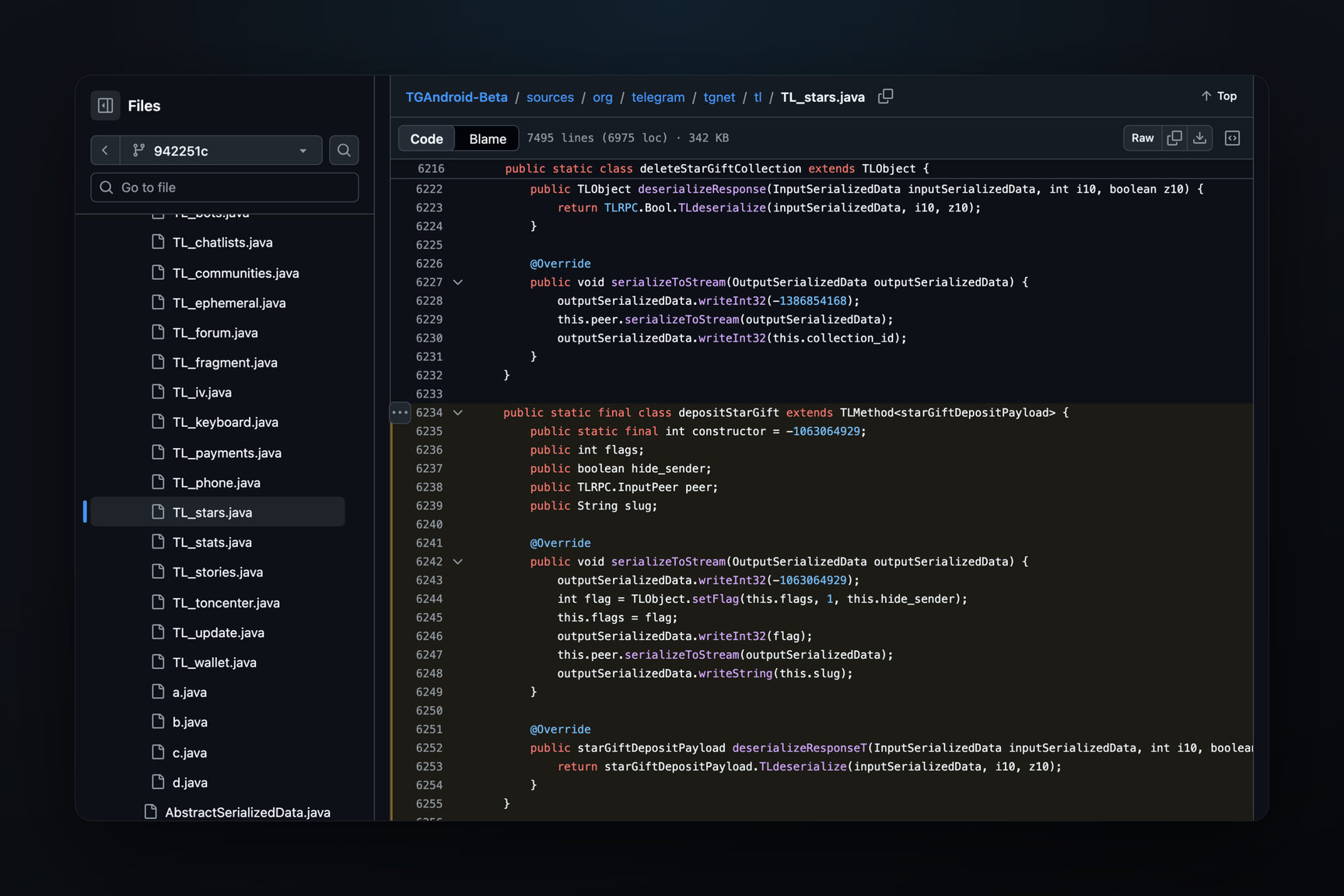
TON Connect transmits requests between an application and a wallet via a bridge — a server through which encrypted messages travel. The Telegram wallet has its own bridge, tonbridge.telegram.org, and requests reach the client via Telegram's own protocol. In the MTProto layer 230 scheme, the wallet has a whole set of methods wallet.tonConnect*: to create a session, get pending requests, retrieve a request for a single device, and send a response. An application request arrives at the client as a message with the application name and topic, and TDLib describes it as messageTonConnectRequest. The same scheme also includes wallet.getExistingWaltBalance: TDLib clarifies that this checks if the user has a balance in the t.me/walt bot.
Where Connection Already Works
By October 10, attempts to connect the Telegram wallet had been made in Getgems, DeDust, STON.fi, Tonstakers, Tonnel, and TON DNS. The entry "Telegram" appears in the selection window from the registry, which is why it shows up in the list even for applications using older library versions. A separate button above the row of wallets and the corrected link are only available with UI 3.1.0 and newer; whether login with a signature succeeds is determined by the application's server.