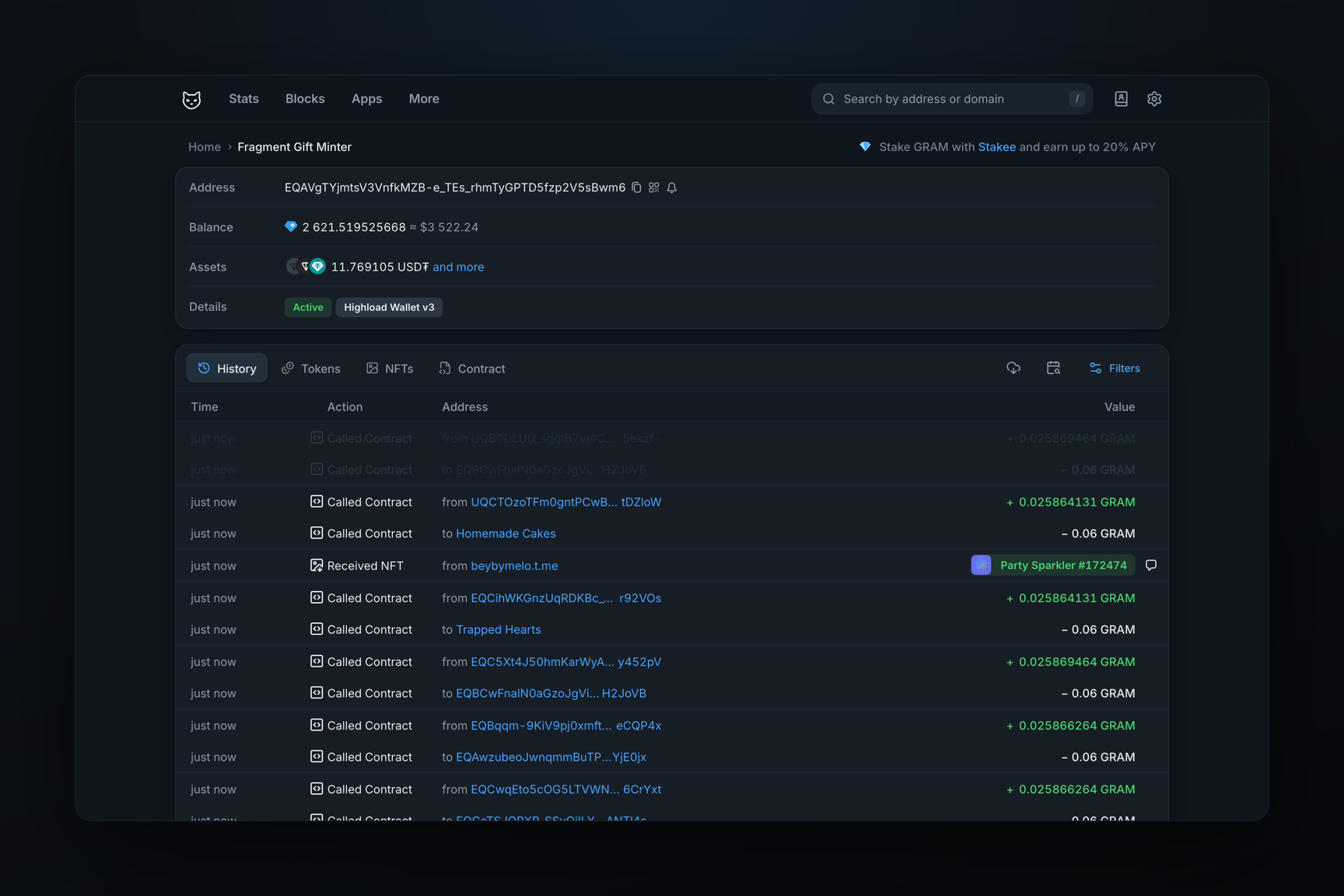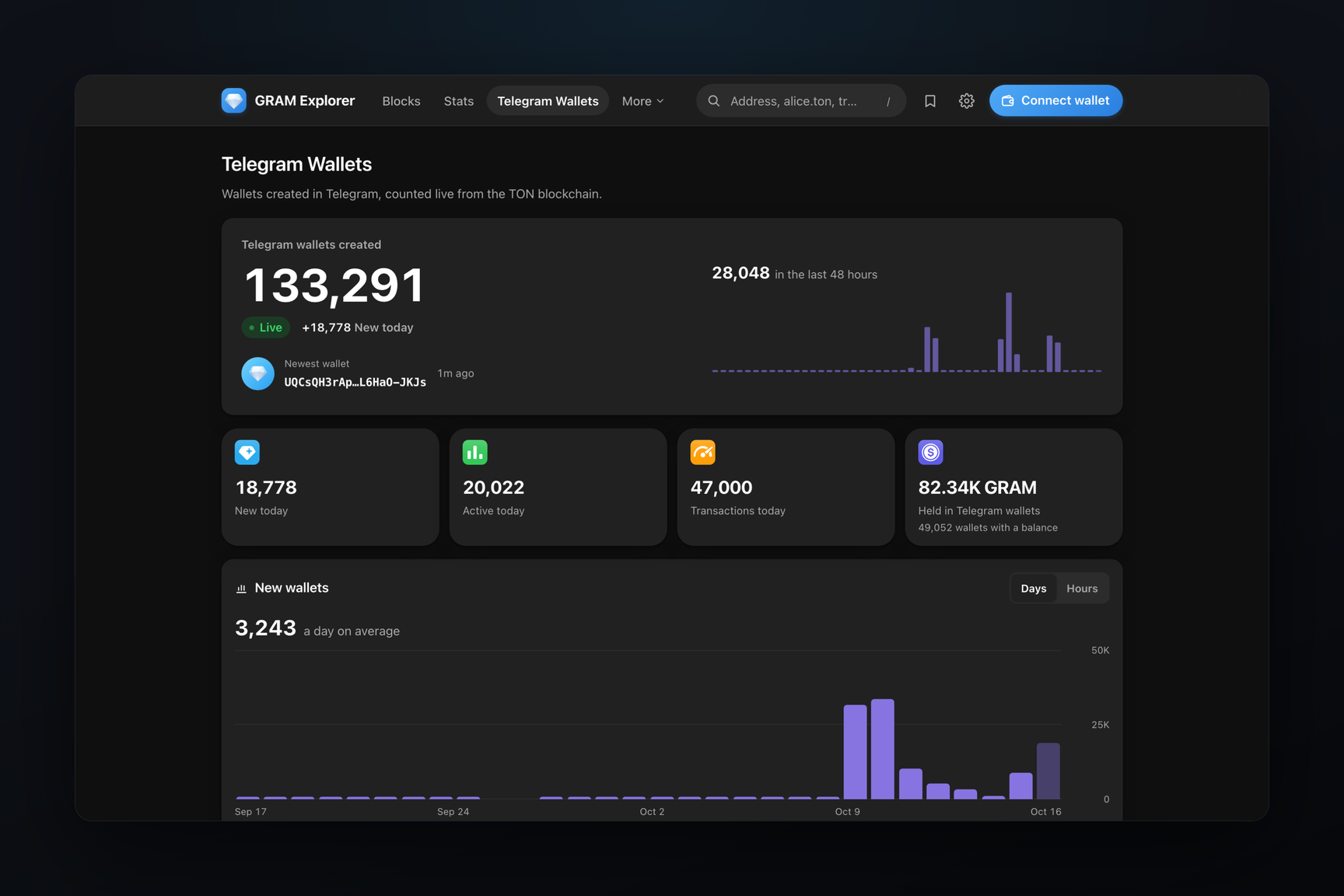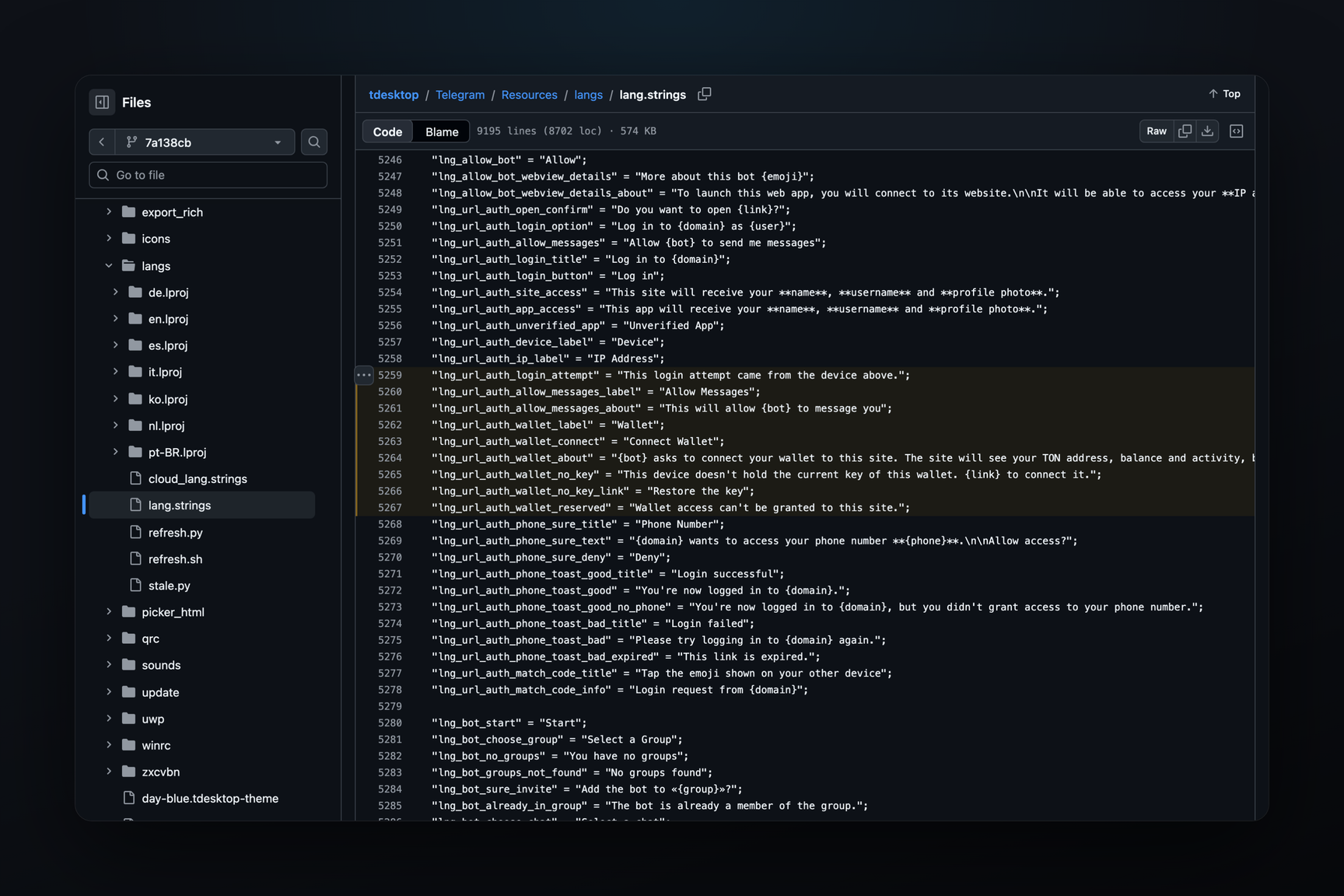
The code for Telegram Desktop is ready for connecting a wallet to a website directly in the Telegram Login window. A website you log into with your Telegram account will be able to request the address of your built-in wallet in the same request. A single confirmation will both log you into the site and connect your wallet via TON Connect. The code has been in the client's development branch since October 12–13, and the same data type is present in the Telegram for macOS beta from October 20. The feature is not yet available in released versions or in the API documentation.
What It Will Look Like
The login confirmation window currently shows which site is requesting access, from which device the request originated, and an "Allow Messages" toggle switch to permit the site's bot to send you messages. According to the client code, if the site requests a wallet, the following appear below:
- a "Wallet" line with your Telegram wallet address, split into two halves (tapping copies the address);
- a "Connect Wallet" toggle switch, enabled by default;
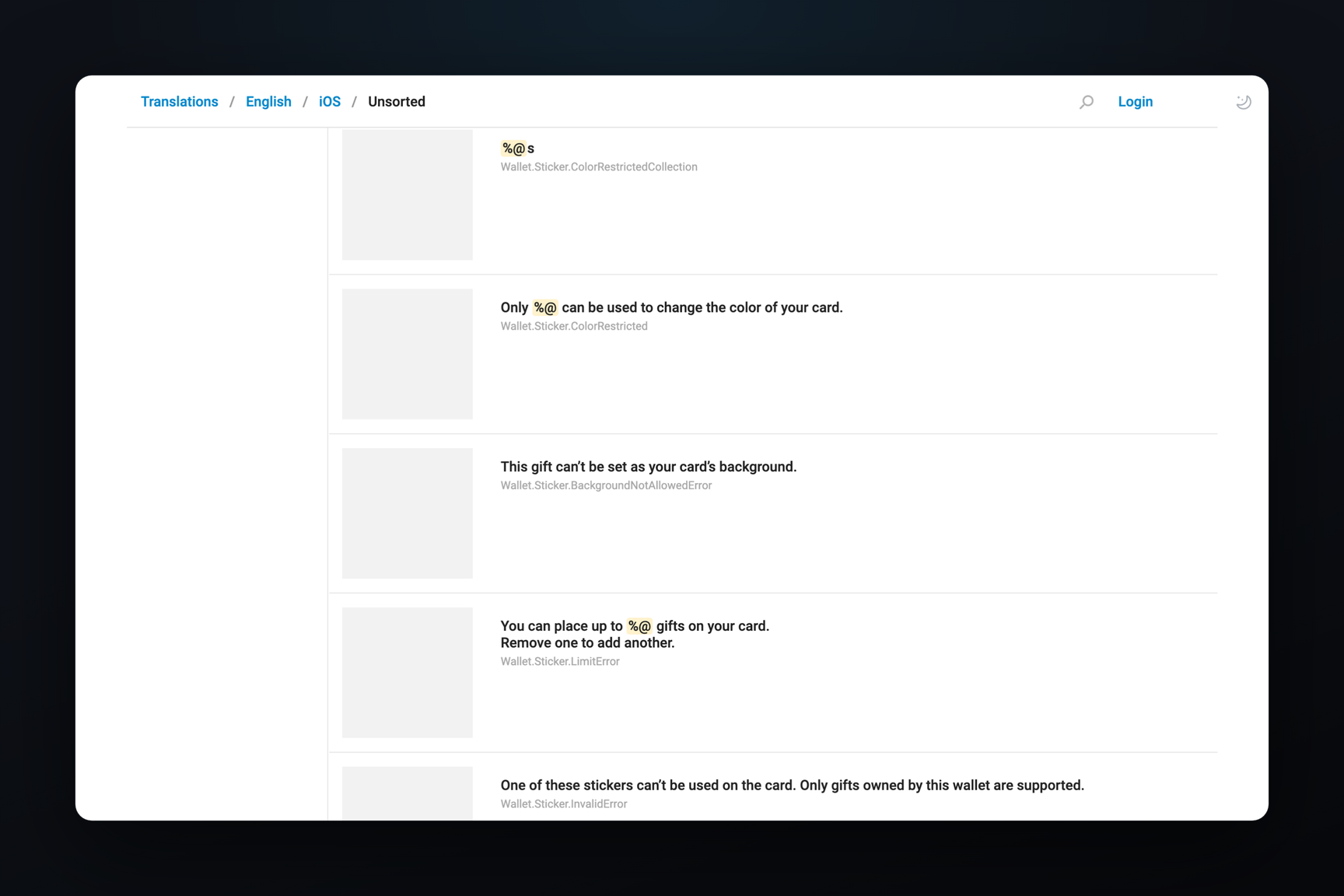
- an explanation: "{bot} asks to connect your wallet to this site. The site will see your TON address, balance, and transactions, but will not be able to transfer funds without your permission. The connection signs a login proof, not a transfer."
All six new interface strings were added in a single commit on October 12, with the description "Grant site wallet access from the login confirmation". If the toggle switch is left enabled, after confirming the login, the client will ask to unlock the wallet and only then send the consent to the server.
The wallet is requested only during link-based logins, when a site redirects you to Telegram for confirmation. Login buttons below bot messages in chats do not carry this request; in their code branch, the wallet field is sent empty.
What the Site Gets
The connection uses TON Connect — a protocol by which websites and mini apps connect TON wallets. In a typical scenario, the site displays a list of wallets, the user selects theirs, and confirms the connection within the wallet itself. Here, this step is integrated into the login window: along with the login request, the Telegram server passes the TON Connect session number and the site's identifier within it to the client.
By confirming the login, the client creates a session on the wallet side, signs a ton_proof with it, and sends the signature along with the login consent. ton_proof is a signature by which the wallet proves to the site that the address belongs to it; it does not authorize transfers. The signature text is composed of three values: the site's bot identifier, the site's TON Connect identifier, and the session number, prefixed with tc-login. This way, the signature is tied to one specific login and cannot be used for another.
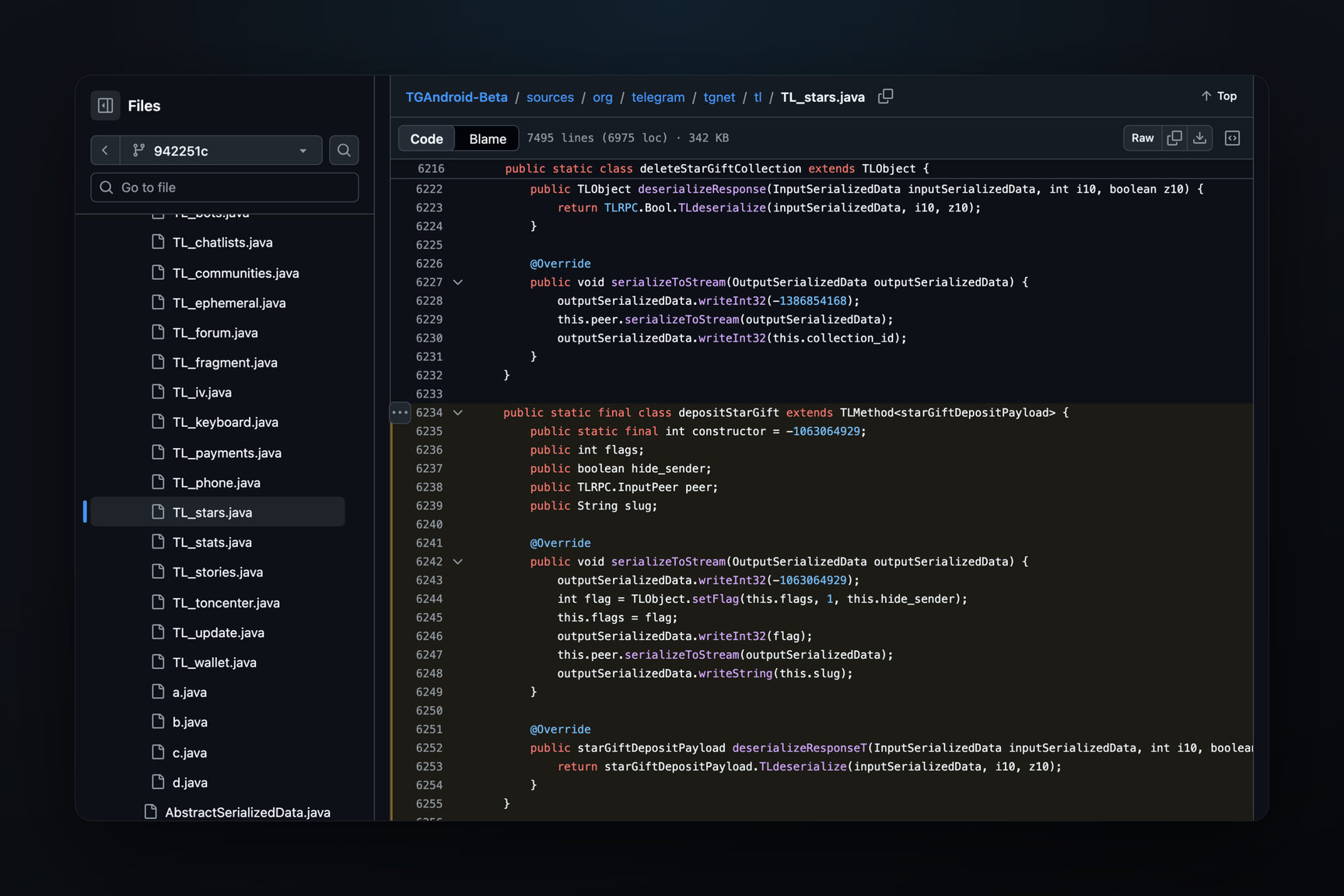
In the API schema, three fields have been added for this in response to a login request (a "wallet needed" flag, session number, site identifier) and one field in the login confirmation — tonconnect_session with the wallet ownership proof. According to the schema log, this is layer 231 from October 12. core.telegram.org describes layer 225, and wallet fields are not present there.
Call chain in client code
- The server responds to the login request
urlAuthResultRequestwith therequest_walletflag andtc_session_id,tc_client_idfields. - After clicking "Log In", the client calls
wallet.tonConnectCreateSessionwith the site identifier and manifest address. - It waits for the server to read the manifest: polling
wallet.tonConnectGetPendingevery 5 seconds, no more than 12 times, i.e., up to one minute. - It registers the session key (
wallet.tonConnectRegisterKey), receives a challenge, and signs the response along with theton_proof. - It sends
messages.acceptUrlAuthwith thetonconnect_sessionfield — the session number, challenge response, body, and wallet ownership proof.
Which Sites Won't Get Wallet Access
The client does not take the manifest address from the site but constructs it itself: https://<login domain>/tonconnect-manifest.json. The manifest is a small file containing the site's name and icon, which TON Connect displays in the wallet. If the server returns a manifest from a different host, the client rejects it with an invalid manifest error. The site you are logging into and the site receiving wallet access thus always match.
Wallet access is not granted at all to two domains, and the window displays "Wallet access can't be granted to this site". The first is telegram.org. The client learns the second from the server: it's a domain that Telegram itself uses to verify wallet ownership in the wallet.getProofChallenge response. Judging by the code, this prevents the signature by which the wallet confirms ownership to Telegram itself from being obtained through a third-party site.
If the Wallet Was Created on Another Device
The built-in Telegram wallet keeps the key on the device. If the current key is not on this computer, the login window will show "This device doesn't hold the current key of this wallet" and a "Restore the key" link: you can restore the key without closing the login window. Without the key, the toggle switch is inactive, and logging into the site proceeds as usual, without wallet access.
Where This Is Already Available
| Where | What | Date |
|---|---|---|
| tdesktop, dev branch | login window with wallet, six interface strings | October 12 |
| tdesktop, dev branch | window race conditions fixed, wallet preloaded | October 13 |
| Telegram for macOS Beta 13.0.283345 | inputTonConnectOauthSession type in code, no interface strings | October 20 |
| Latest Telegram Desktop Release 7.3.1 | none | October 10 |
| TDLib | none | — |
Whether the wallet request is enabled on the server is not visible from the clients: the window will only appear when a site requests it, and Telegram has not published instructions for sites. Until now, many sites could not verify the ton_proof signature when connecting via TON Connect with the built-in Telegram wallet — this requires a separate verification branch starting from TON Connect 5.0.